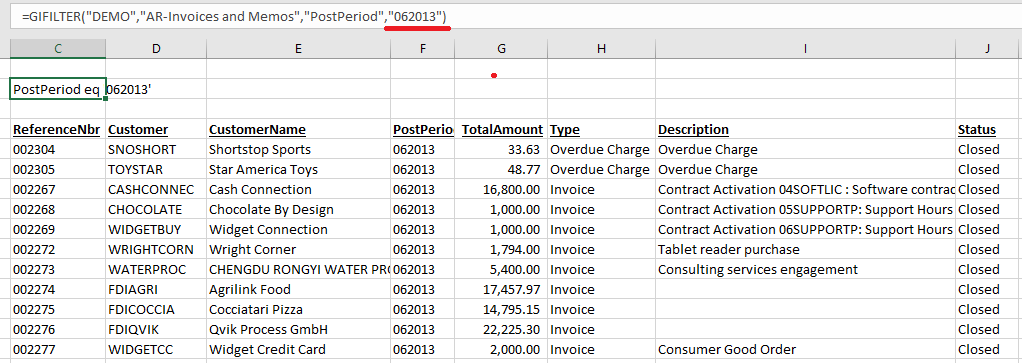
Symptom
When using the Velixo GIFILTER() function with a financial period, the GI function returns #VALUE! (but the GI function works when not filtered)
Cause
This can occur when using Velixo 6 (or higher) with Acumatica 2020 R2 (or newer) and a financial period formatted as YYYYMM.
e.g.,
=GIFILTER("Demo","AR-Invoices and Memos","PostPeriod","201306")
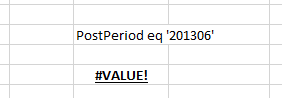
Earlier versions of Acumatica expected the financial period in YYYYMM format and older versions of Velixo automatically corrected any issues because GI filtering was performed on the client computer by Velixo.
In order to speed processing, newer versions of Velixo now have the ERP server handle the filtering whenever possible.
With the release of version 2020 R2, Acumatica changed the format it uses for filtering and requires that it match the MMYYYY format used in the user interface.
Resolution
When using Acumatica 2020 R2 or newer, use the MMYYYY financial period format with the Velixo GIFILTER function: