Overview
Velixo NX supports the following languages:
-
English

-
French

-
German

-
Russian

Changing Excel's language
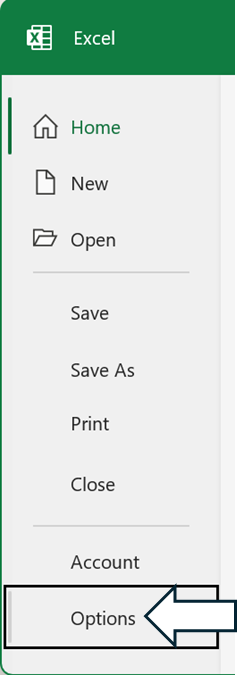
Within Excel, navigate to File...

... and then select Options:
On the Excel Options screen, select Language from the left-hand panel and, in the Office Display Language section, select the language you would like Excel to use for display:
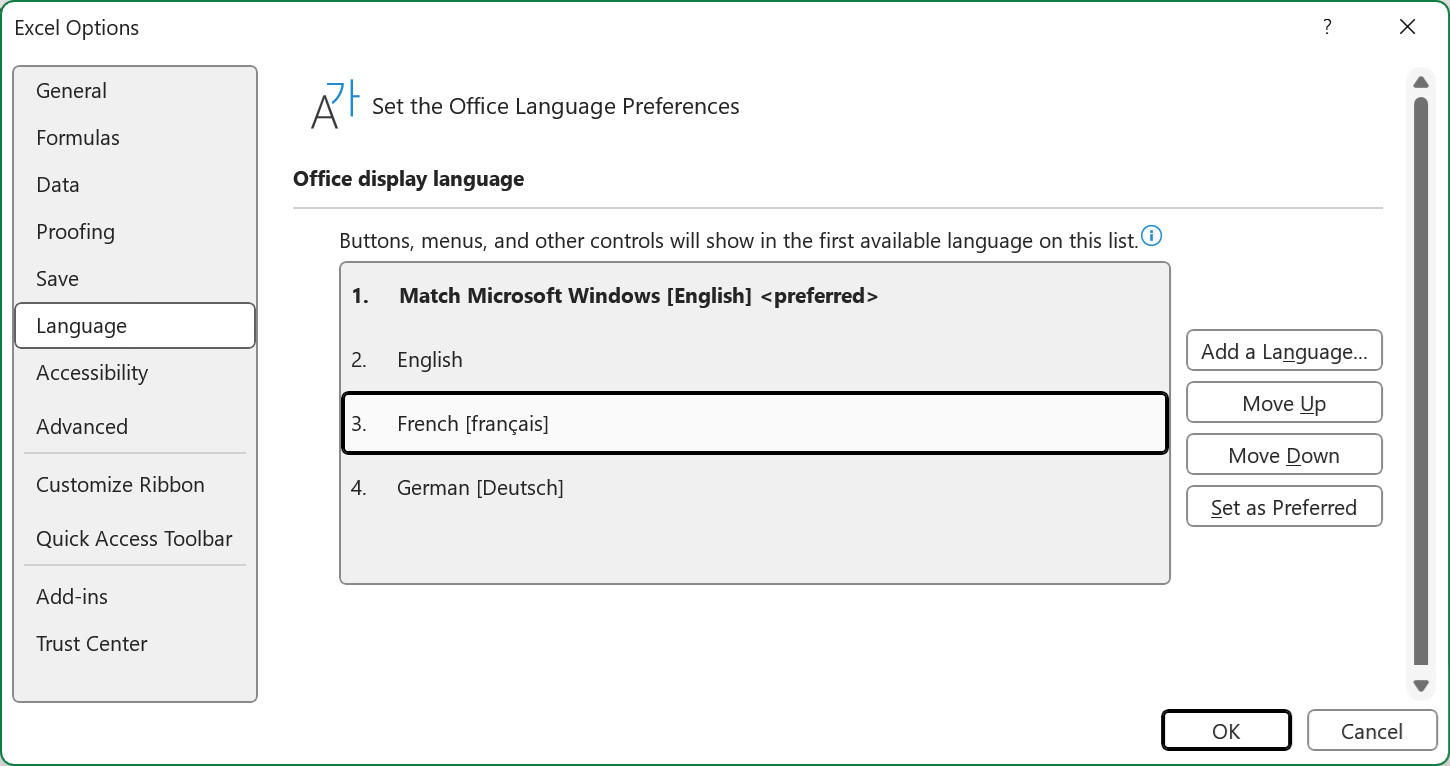
and then press OK.
If the language you want does not appear in the list, click the Add a Language... button: