Overview
The EXPANDSEGMENTVALUERANGE function returns all segment values matching the specified key ID, segment number, and range expression.
Syntax
=EXPANDSEGMENTVALUERANGE(
    ConnectionName,
    SegmentedKeyId,
    SegmentId,
    Range,
    IncludeDescription
)
Arguments
The EXPANDSEGMENTVALUERANGE function uses the following arguments:
|
Argument |
Required/Optional |
Description |
|
|
Optional |
Provide one of the following values:
OR Omit the argument to return results for all compatible connections with default aggregation settings. |
|
|
Required |
The segmented key Id for which to filter segments. |
|
|
Required |
The segment number for which to filter segments. |
|
|
Optional |
The Velixo range* specifying which matching segments to include in the results.
|
|
|
Optional |
|
Example
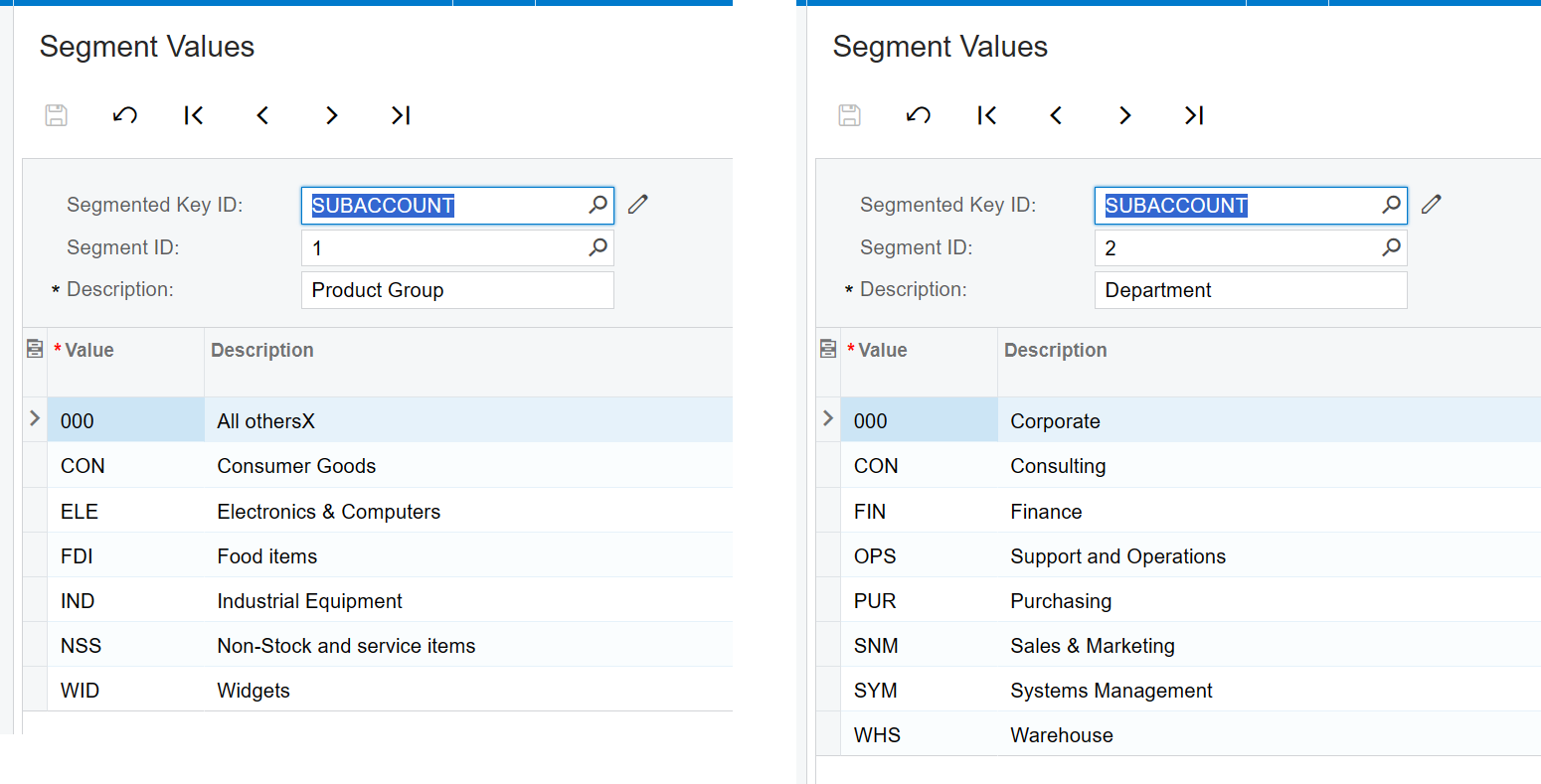
Given the following configuration within the ERP:
Example 1 - show segment values
=EXPANDSEGMENTVALUERANGE(
    "Demo",
    "SUBACCOUNT",
    1
)
Description
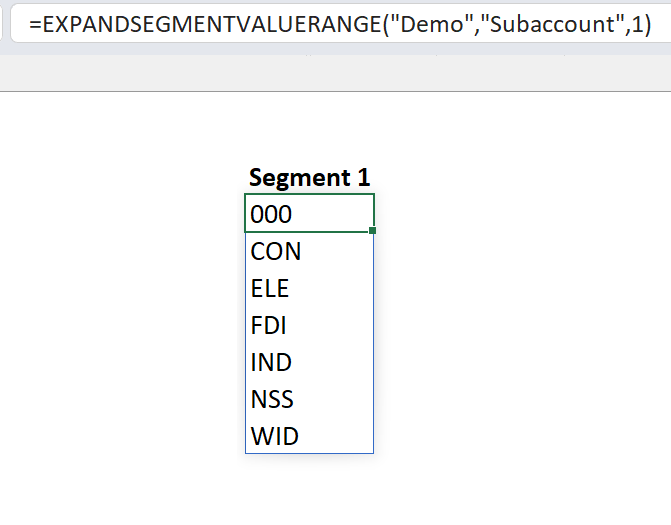
Returns an Excel array of all possible values for the first segment of the SUBACCOUNT key ID
Result
Example 2 - show segment values and descriptions
=EXPANDSEGMENTVALUERANGE(
    "Demo",
    "SUBACCOUNT",
    2,
    ,
    TRUE
)
Description
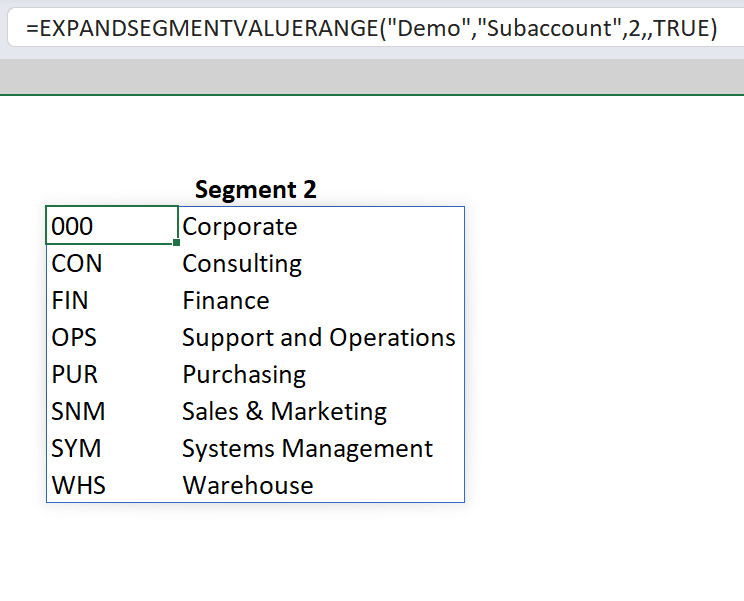
Returns an Excel array of all possible values for the second segment of the SUBACCOUNT key ID and include the description of each segment.
Result