
Overview
While using your Acumatica-based ERP, you are logged out and see the following message:
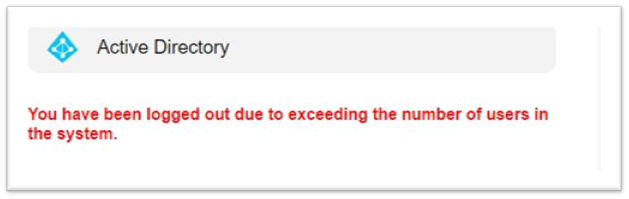
Text from message
You have been logged out due to exceeding the number of users in the system.
Cause
As stated in the message, the number of allowed users logged into the ERP has exceeded what is allowed.
How is this related to Velixo?
The OData connection used by Velixo to communicate with the ERP does not take up a license for the ERP.
Sessions vs License
The number of allowed sessions per user per tenant can be defined on the ERP's Users screen (SM201010):
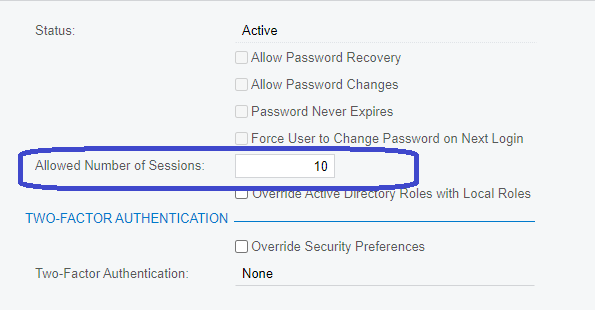
According to Acumatica Support
Certain connections take up a session but not necessarily a license.
For example, there are different user sessions which are limited by the User Session configuration on each individual user:
-
new browser window
-
mobile device
-
report designer
-
Devicehub
-
OData (including from Velixo)
-
Outlook add-in