
Overview
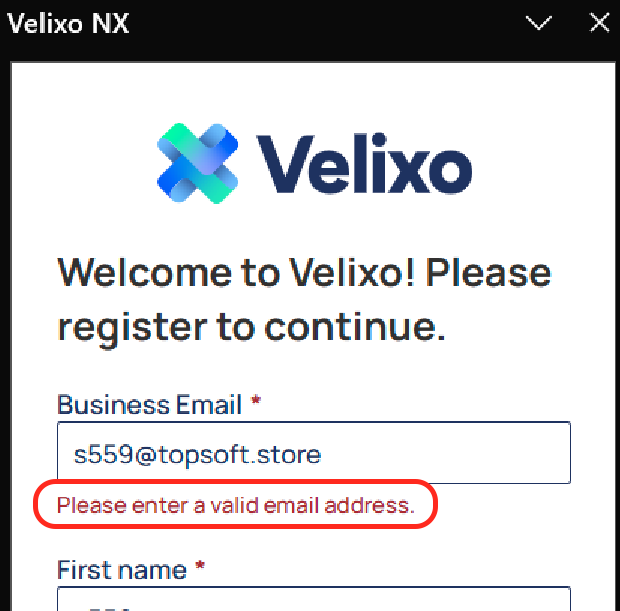
When you sign in with a Microsoft account for the first time, you see the following error message: “Please enter a valid email address.”
The Business Email field is automatically filled from your Microsoft account, and you cannot continue with the sign-in process.
Cause
Velixo uses a third-party service (HubSpot) to verify your Microsoft account. If your handle does not match your actual email inbox, it cannot validate your account. For example, your handle might be [email protected], while your email inbox is [email protected]. This mismatch triggers an error when you sign in for the first time with a Microsoft account.
Solution
Provide the email address tied to your Velixo license in the Business Email field. Registering with this address will then connect your Velixo license to your Microsoft 365 account.