
Overview
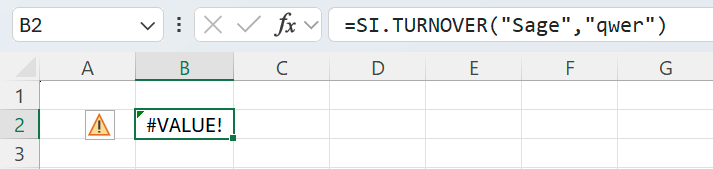
One or more cells with Velixo formulas in your worksheet display #VALUE! or #N/A instead of the expected results.
Cause
The Excel #VALUE! error typically points to a problem with a formula in a given cell. The #N/A error usually indicates that a formula cannot find a value for which it is looking.
To narrow down the cause of the error, use one of the methods described below.
Method 1 - Status side panel (recommended)
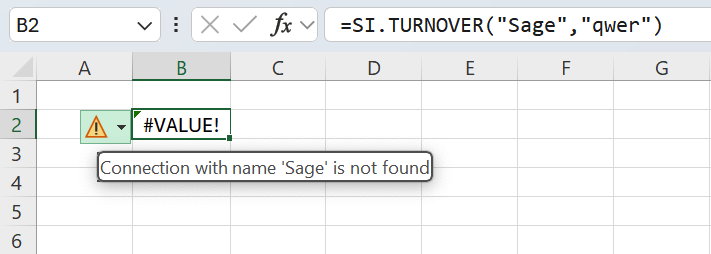
Method 2 - single error message
-
Select the cell displaying the
#VALUE!error. -
Hover (do not click) over the warning symbol displayed next to the cell.
-
Note the error message.
Other causes
In rare cases, the Formulas to review section in the side panel may be empty, and Method 2 gives you a generic message: A value is not available to the formula or function.
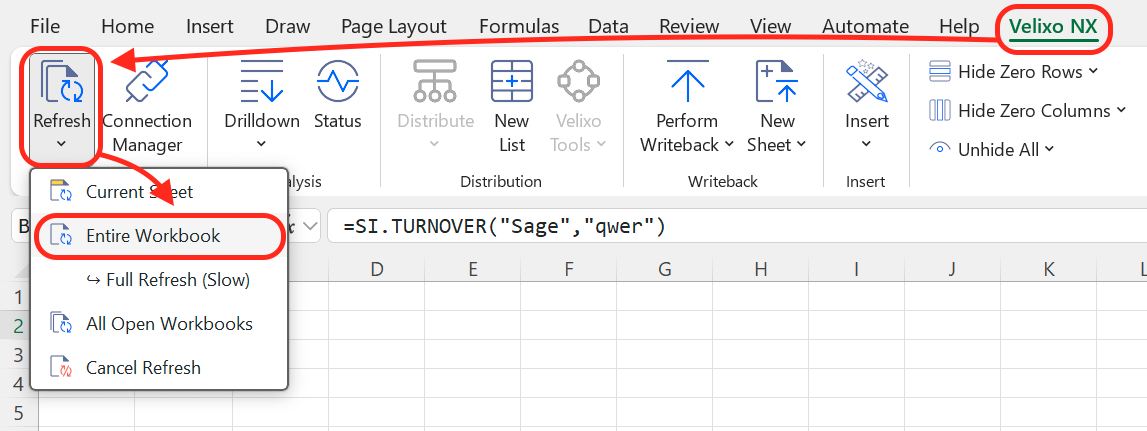
Most frequently, it reflects the fact that Excel needs to recalculate the workbook to display the figures.
In such a scenario, navigate to the Velixo NX ribbon and issue a Refresh command to update your workbook.
Other popular user guides
General recovery guide for sporadic issues with Velixo NX
Message: Looks like this connection is not licensed