
Overview
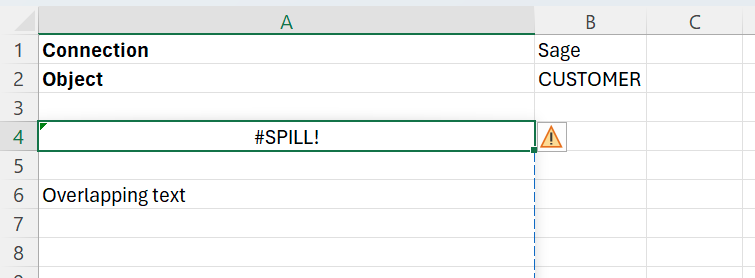
When running a formula that should return results as a spill range, #SPILL! appears in the cell containing the formula instead.
Cause
There is already data in the range where the formula results would normally spill (Overlapping text in cell A6 in the image above).
Resolution
Move the formula to a cell, where its spill range will not be obstructed.
OR
Move the obstructing data elsewhere in your worksheet, so that it doesn’t obstruct the formulas spill range.