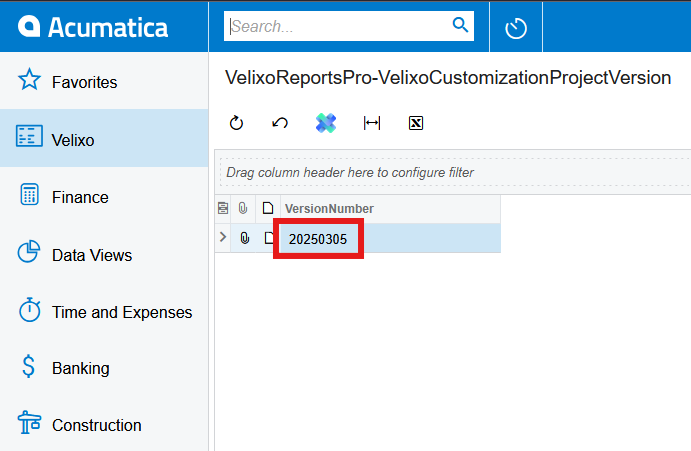
You may want to know the version of the customization package provided by Velixo to decide if it is time to update it or find out whether the Velixo feature you want to use is compatible with the customization package.
If you are already logged in to Velixo, opened the workbook, and set up a connection named CentralEurope in this example, you can use the following formula:
=GI("CentralEurope","VelixoReportsPro-VelixoCustomizationProjectVersion",,"VersionNumber")
It will return you the result like the follows:
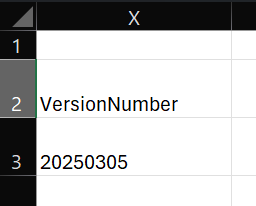
where 20250303 is the customization package version for the specified connection.
You can also find the customization package version in your ERP by viewing the Velixo inquiry VelixoReportsPro-VelixoCustomizationProjectVersion.
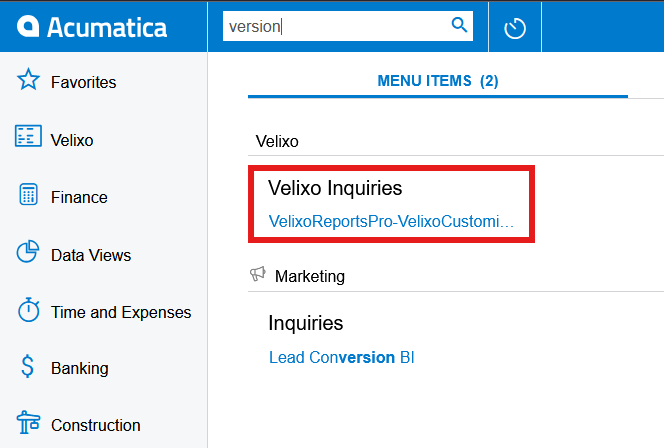
and getting its result