
Overview
The article below describes the how Excel users can try Velixo NX reporting without having to contact Velixo for a trial license.
Install
Once Velixo NX has been installed, you can access Velixo NX by clicking the button on Excel's Home ribbon:

Login
This will open the Velixo NX side panel, where you can then log in to your business Microsoft Account:
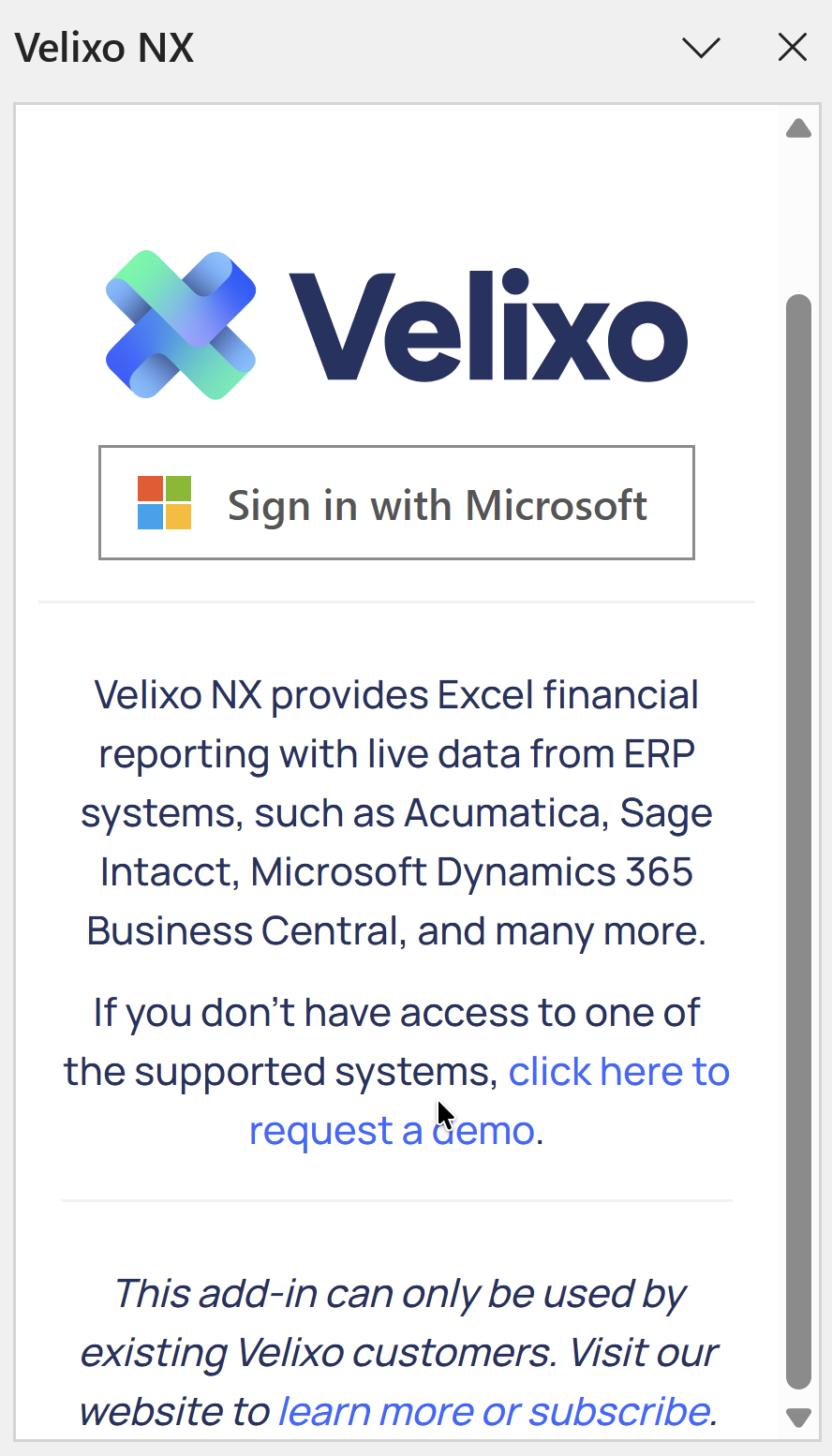
The Microsoft account must be based on a business email; email addresses from free providers (such as Gmail or Outlook.com) are not supported
Register
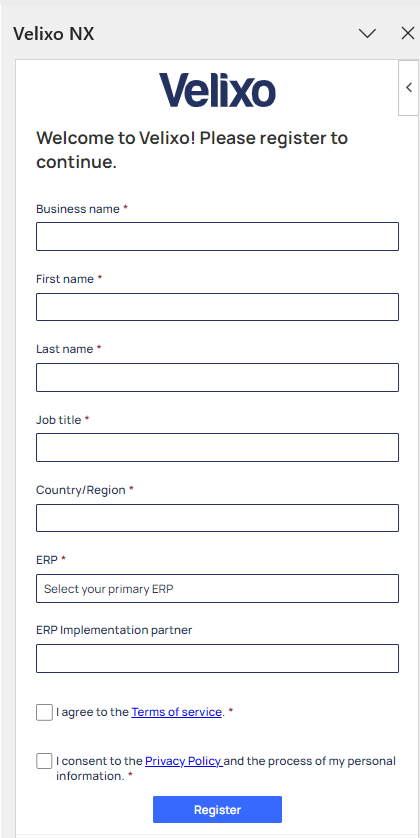
You can then fill in the registration information for starting your Velixo NX trial:
That's It
You are now ready to start using Velixo NX by defining a connection to your ERP and creating reports.
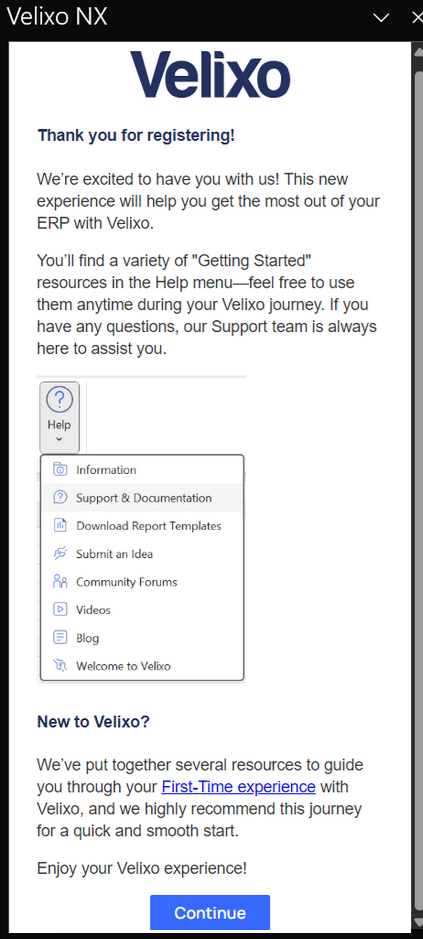
You can access the Velixo Online Help Center through the specified link under the Help button on the Velixo NX ribbon.