Overview
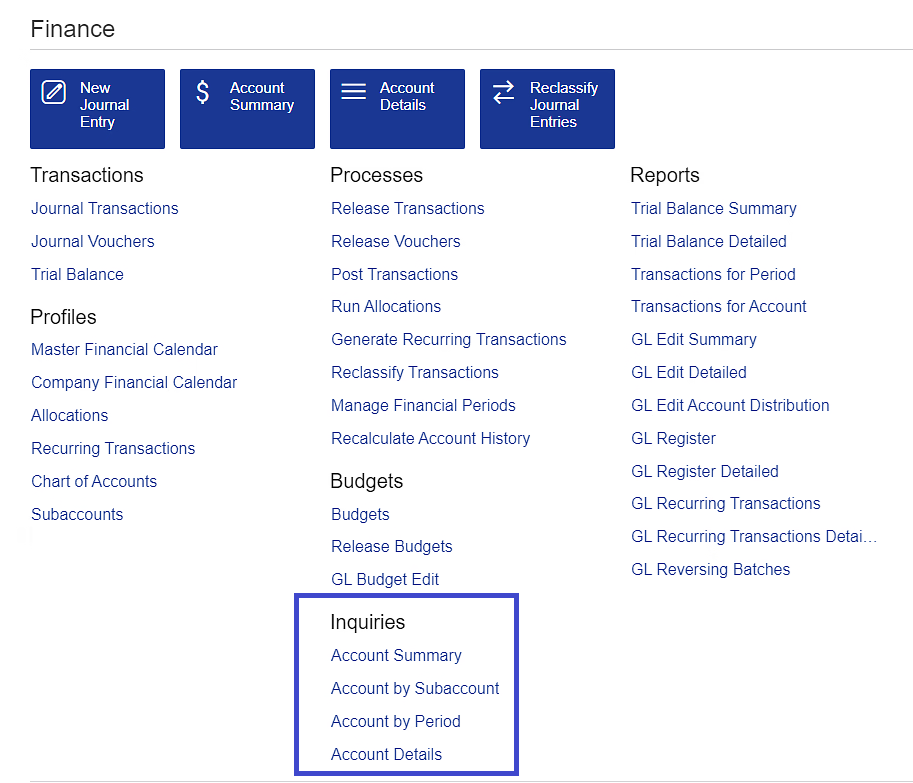
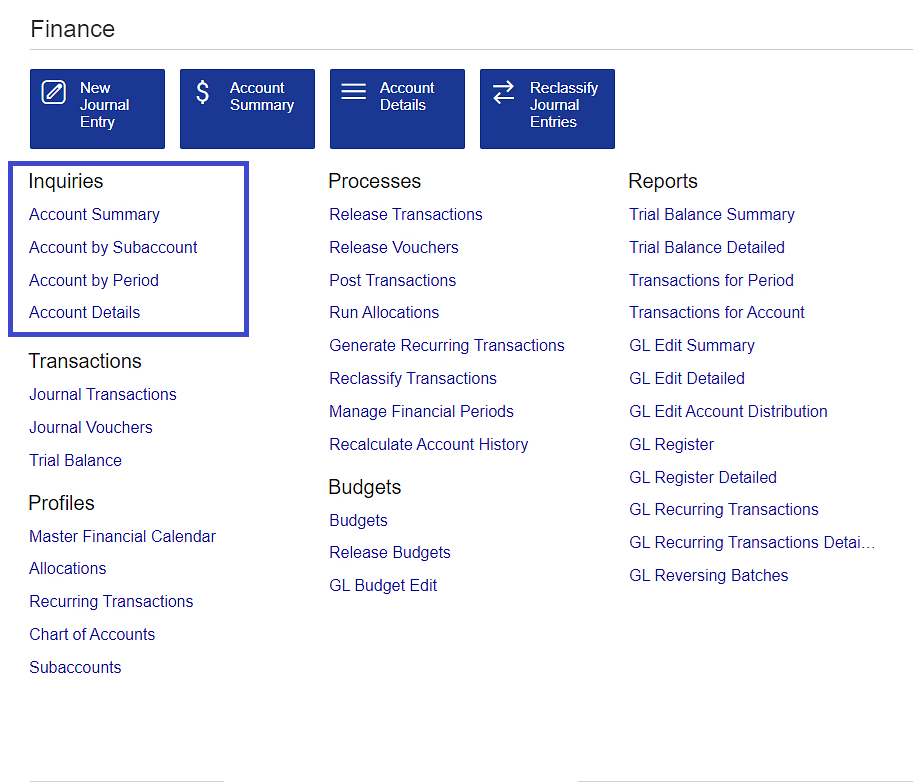
After installing the Velixo Customization project, the Acumatica's navigation menu has changed:
|
|
The location of the Inquiries section has moved
Cause
In some configurations of Acumatica (version 2024R1 and older), the publishing of certain customization projects could result in the Inquiries category being moved from its default location under the Budgets category.
Resolution
As of September 2024, the Velixo Customization project has been updated to avoid this issue.
Workaround
If this is something that has already occurred, an Acumatica administrator can easily adjust the location of the Inquiries category.
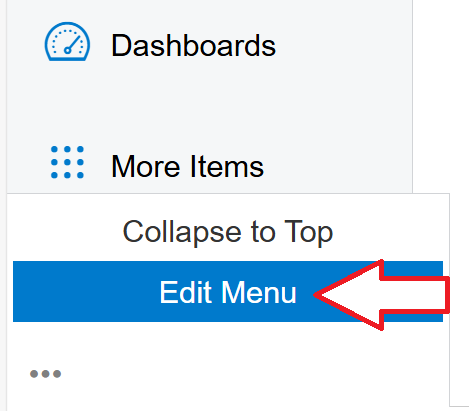
At the bottom of Acumatica's left-side menu, click on the three-dot menu option:
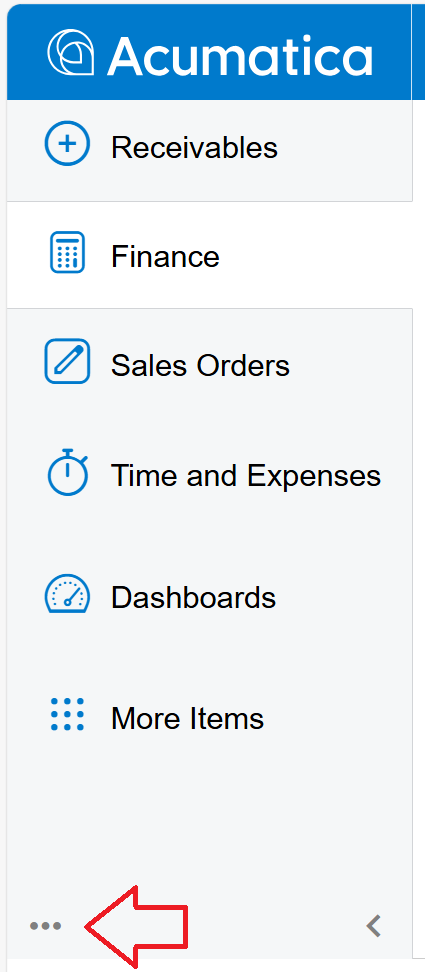
and select Edit Menu:
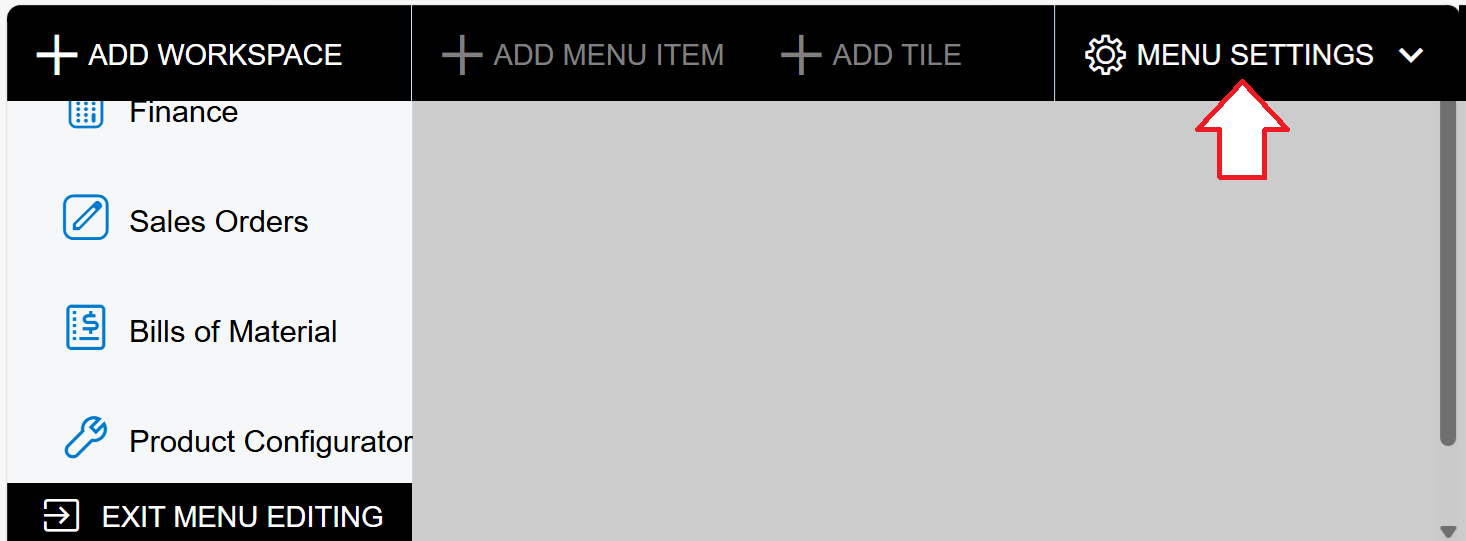
In the upper right corner, click on MENU SETTINGS:
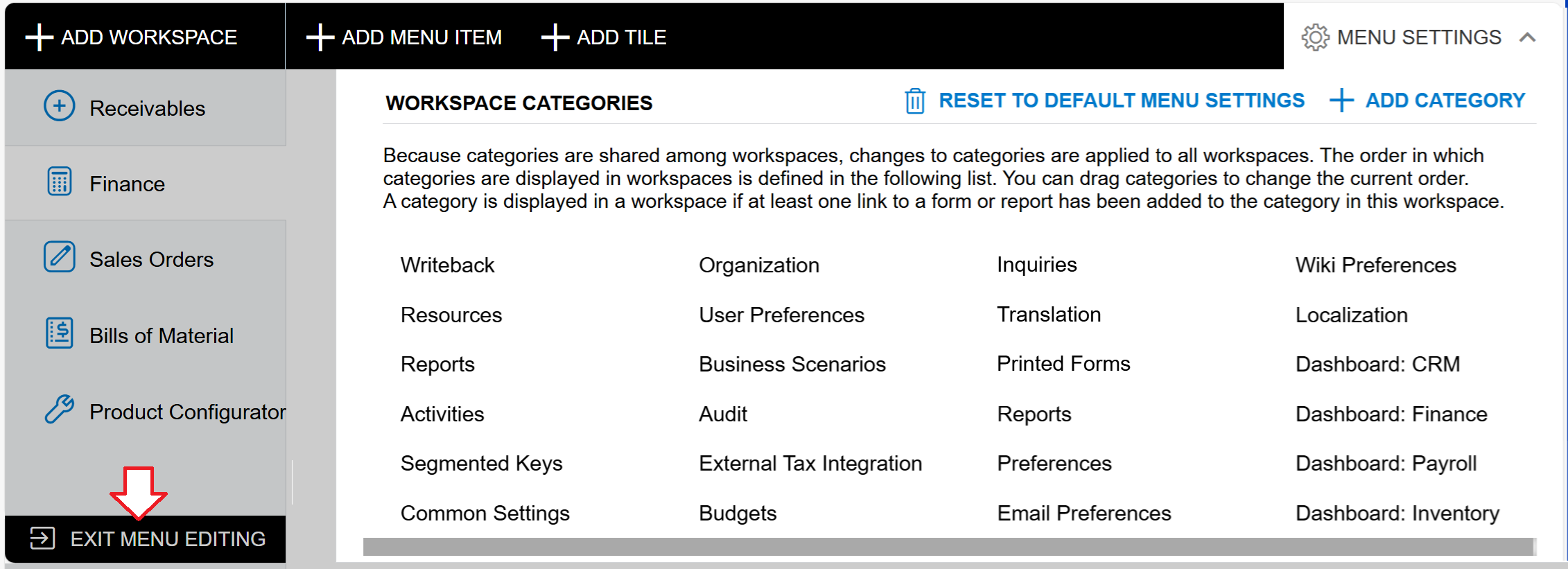
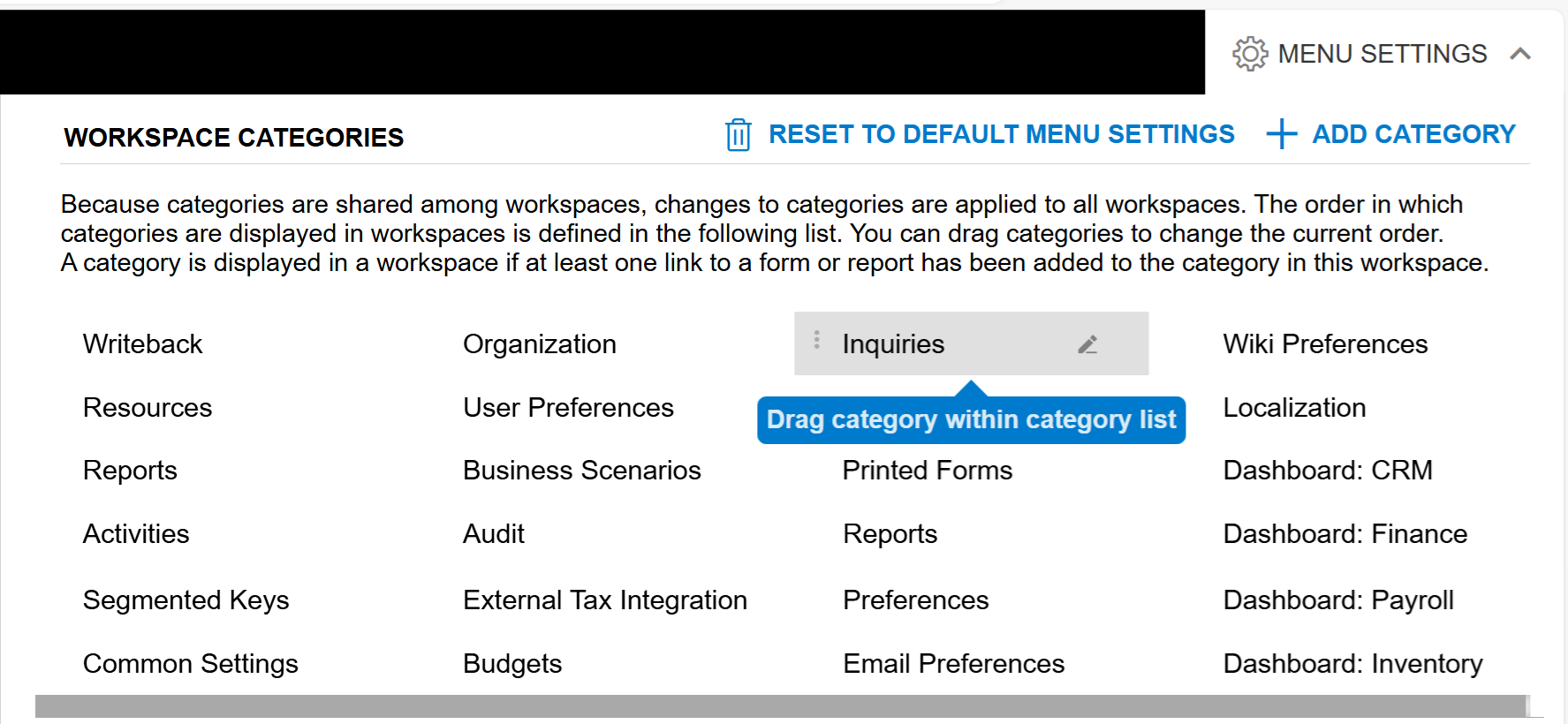
Within the WORKSPACE CATEGORIES screen, click and drag the Inquiries category to wherever is desired:
Once complete, click on EXIT MENU EDITING (in the bottom left corner of the screen):