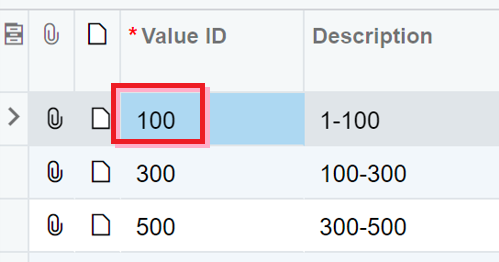
Overview
In your ERP, it is possible to define dynamic attributes that one can link to records such as business accounts, customers, vendors, stock items etc.
(Explaining them is out of scope of this article - see Acumatica help for details)
Example
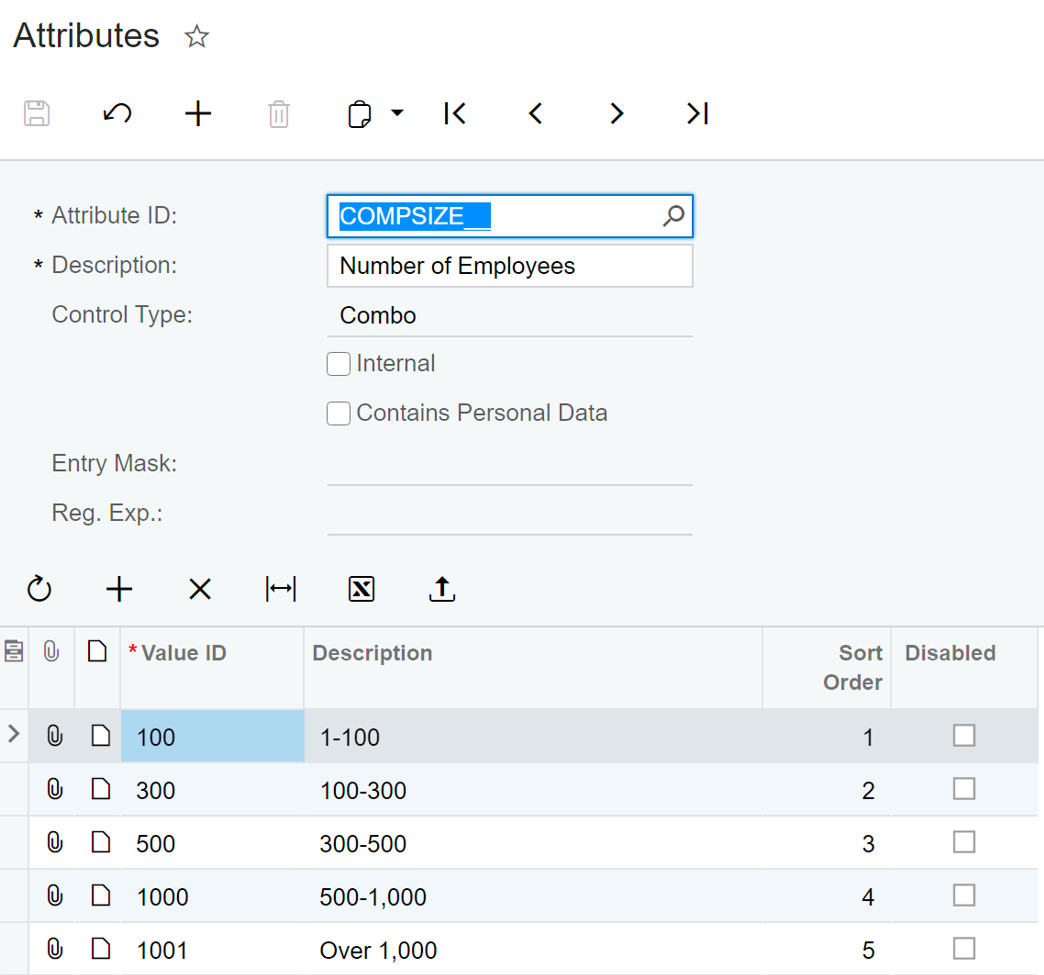
The screens below show an example attribute of "Company size" (assume it is linked to the "Business Account" records in the system):
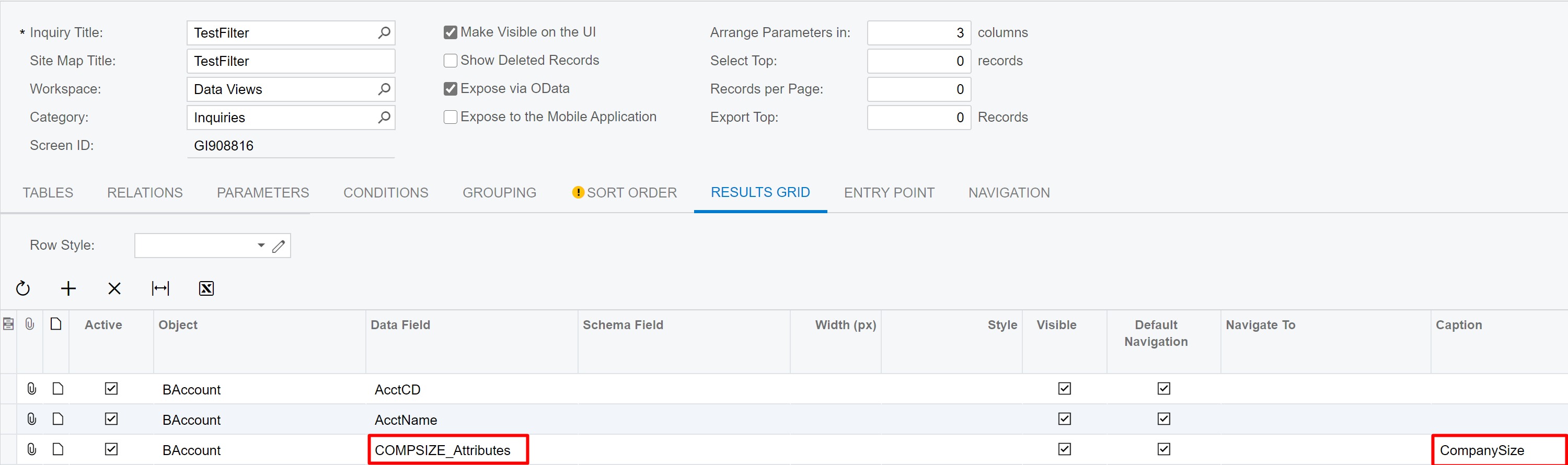
Once properly configured, you can include the respective attribute value in a Generic Inquiry result set in your ERP:
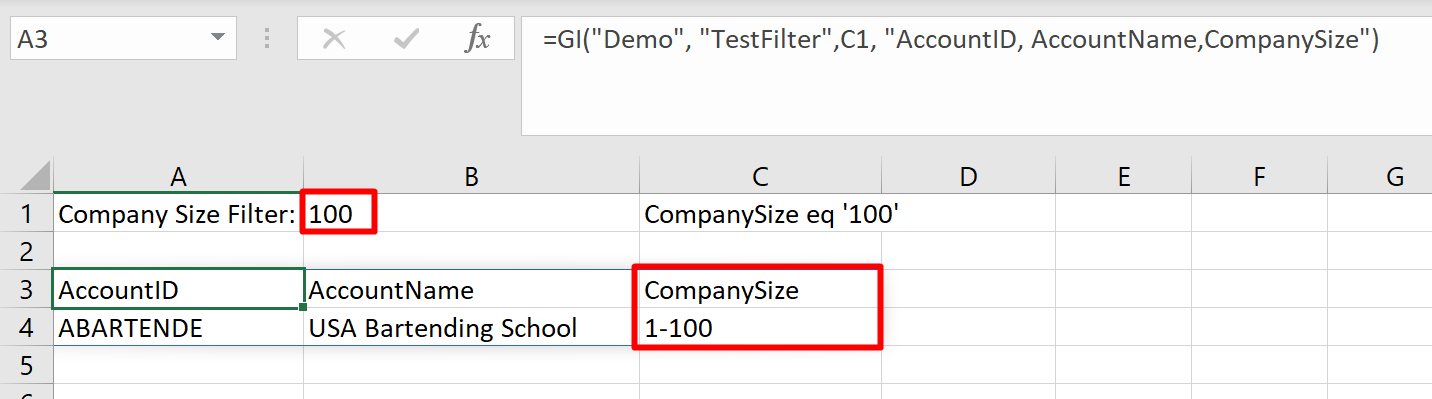
These will now be included in your GI() calls to that inquiry in Velixo:
Filtering Pitfalls
There is a peculiarity of Acumatica that you need to be aware of to properly filter by attribute values.
On the screenshot above, note that the GI() call returns a Description value of the attribute ("1-100").
However, for the purposes of OData filtering, you need to specify the values from the Value ID column instead! ("100").