
Overview
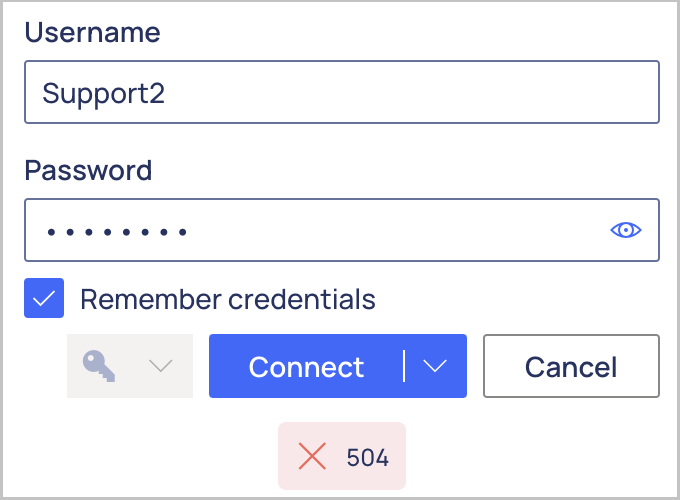
While configuring a connection to your ERP, the Velixo NX Connection Manager displays either a 504 message:
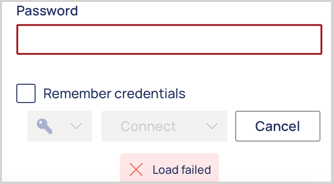
or a Load Failed message:
Important site accessibility & firewall considerations
Modern Excel add-ins cannot make a direct connection to your ERP system due to the browser engine restrictions for cross-origin requests. In Excel for Mac and Excel Desktop for Windows, MS Office utilizes a Safari or Edge-based browser engine behind the scenes.
Therefore, Velixo NX uses a secure proxy server to facilitate the connection to your ERP system. The proxy never caches or stores your ERP data, it is used solely for authentication and request pass-through.
However, the fact that such a proxy server exists has two important implications:
-
Any ERP site that you connect to must be accessible over the public internet, with no VPN requirement
-
If your ERP host uses a firewall, it is important to allow-list not just your end users' IP addresses, but also those of Velixo NX's proxy servers. More information can be found in Connecting Velixo NX to a firewalled or on-premises ERP server (IP allow-list).
If Velixo NX instead shows the message That doesn't look like a valid Acumatica website, see Error: That doesn't look like a valid Acumatica website.