Overview
When using dates (instead of financial periods) within your Velixo financial functions, ensure that the format used for your dates matches a date format that Excel recognizes.
Correct Example
Here we have a Velixo ACCOUNTTURNOVER function which references dates:
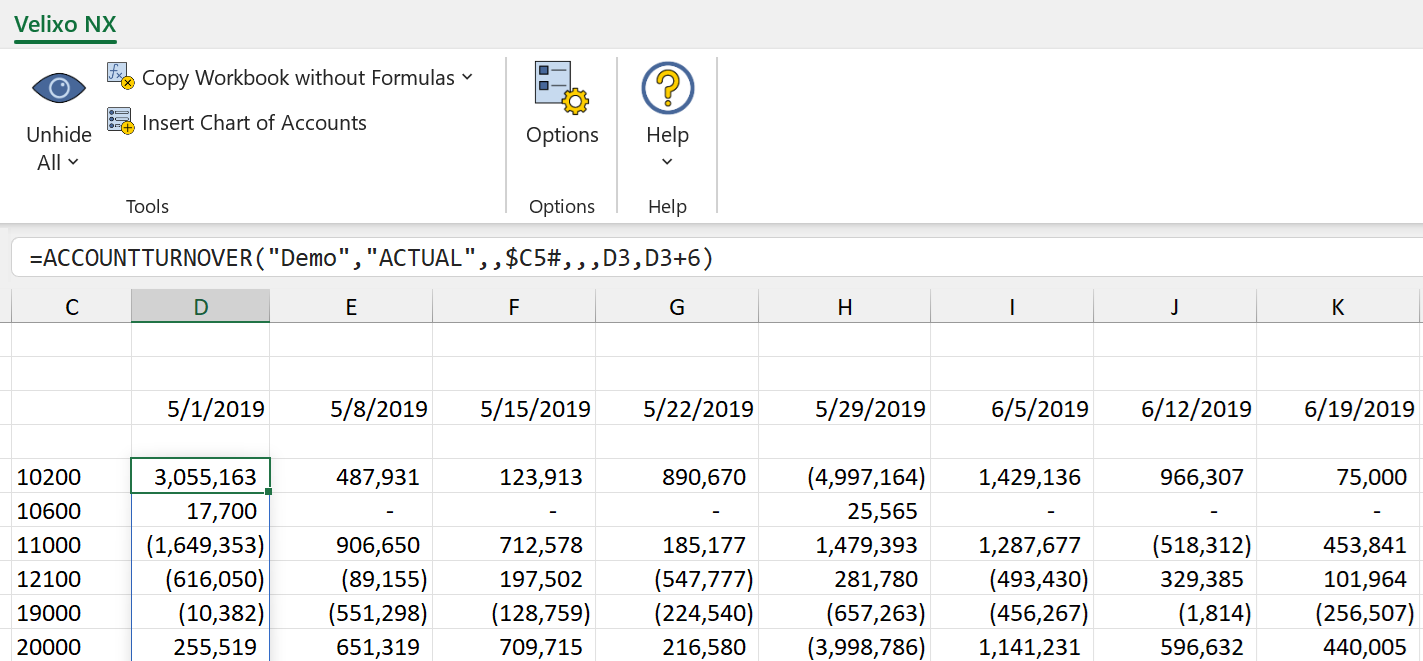
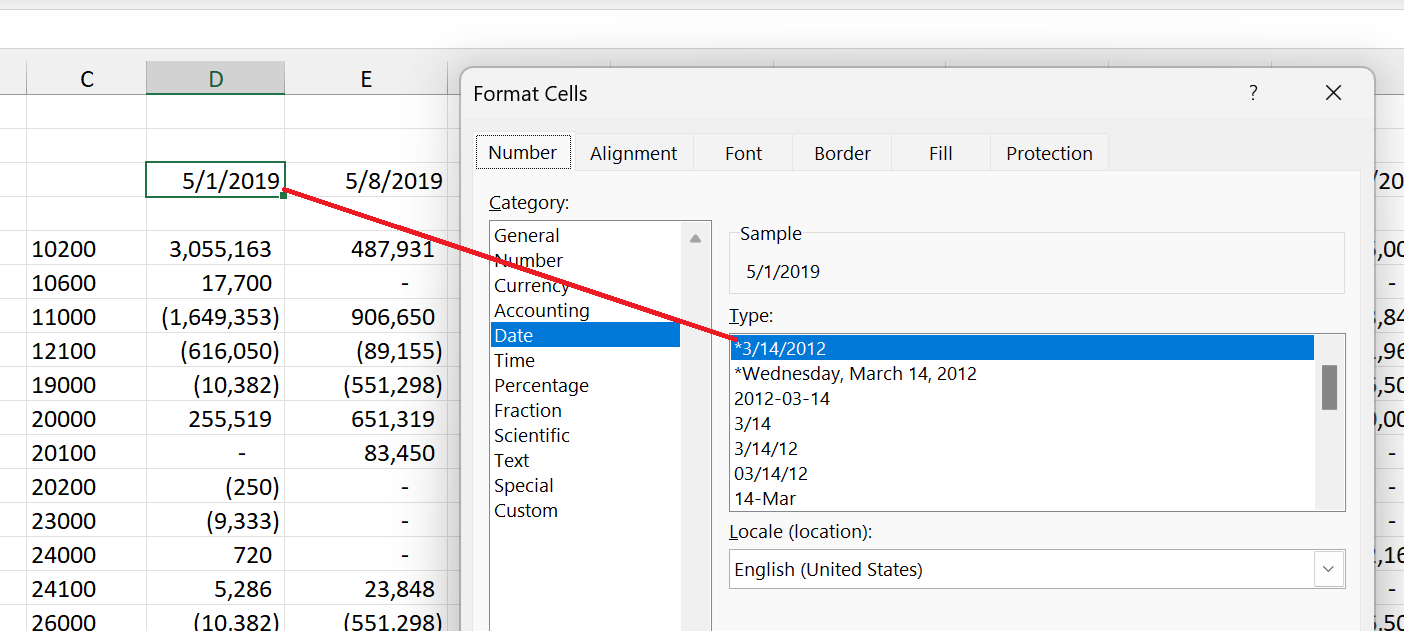
Our functions return the correct values because the dates shown are in a format which is recognized by Excel:
Incorrect Example
If our date format (in this case M/D/YYYY) was not recognized...
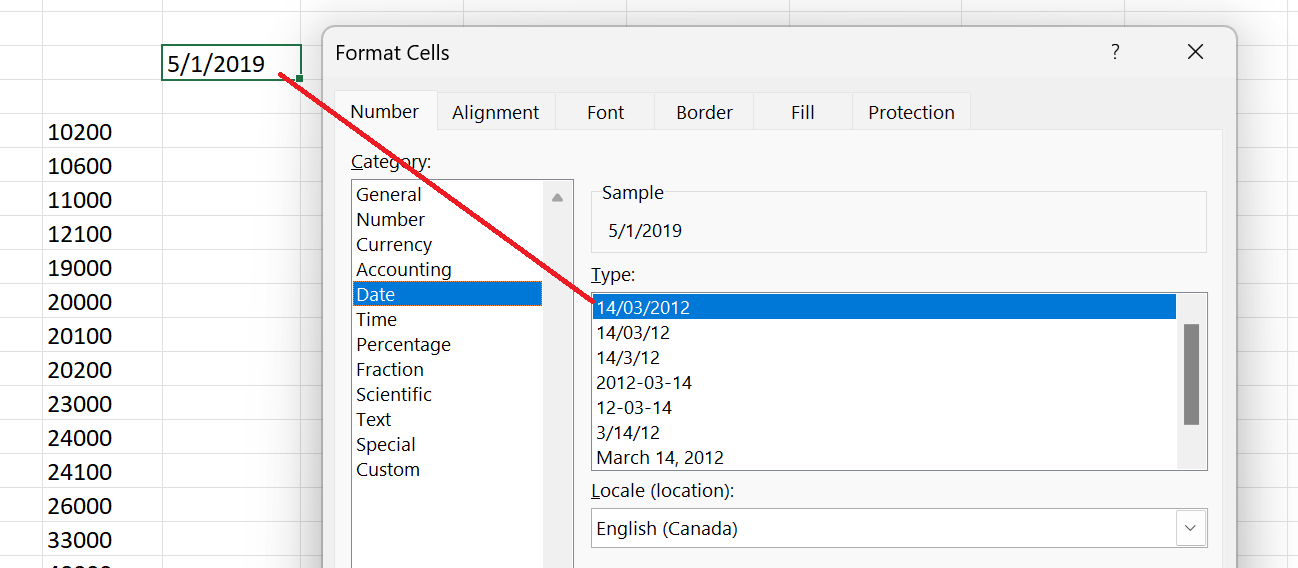
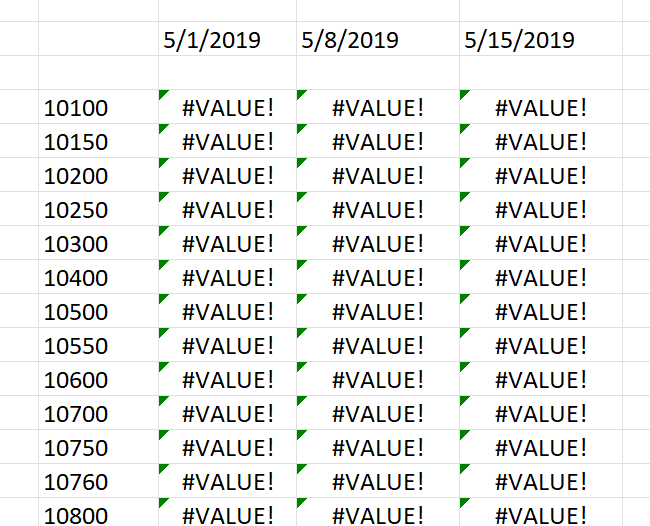
... our functions would result in an error: