
This article describes an active Microsoft issue that affects a small number of users.
The issue is present on Microsoft's side, not Velixo’s.
Verified as of Aug 5, 2026. Confirm the current status with Velixo support, as Microsoft may resolve the issue at any time.
Symptoms
The Velixo NX add-in cannot be installed or loaded from the Microsoft Office Store (also called AppSource). This is a problem with the add-in store itself, not with Velixo. Two symptoms are currently reported:
-
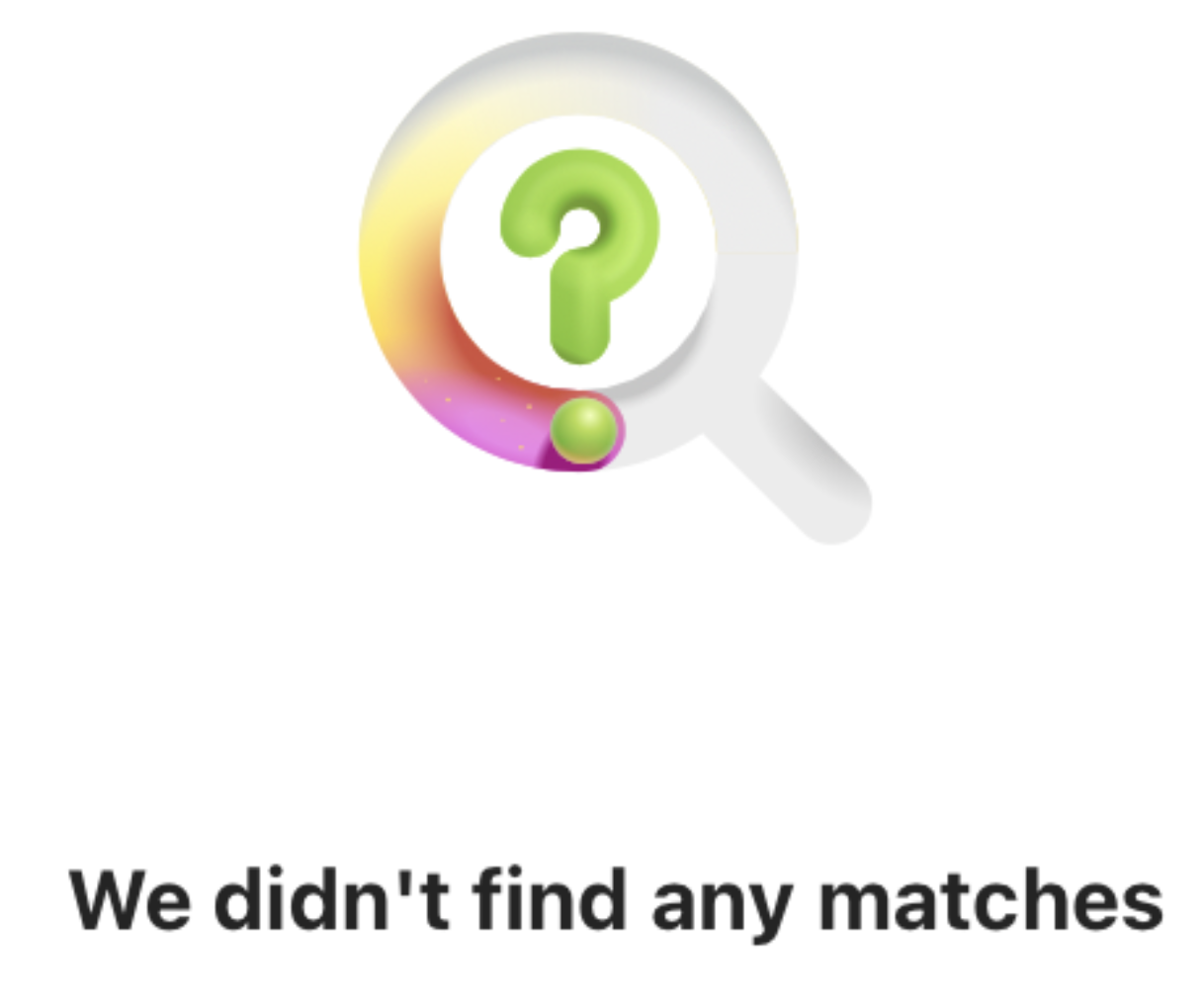
The add-in store does not load: it shows a long loading spinner, and searching for Velixo NX returns "We didn't find any matches." Other add-ins, not only Velixo NX, can be affected in the same way, as the issue lies with the add-in store.
-
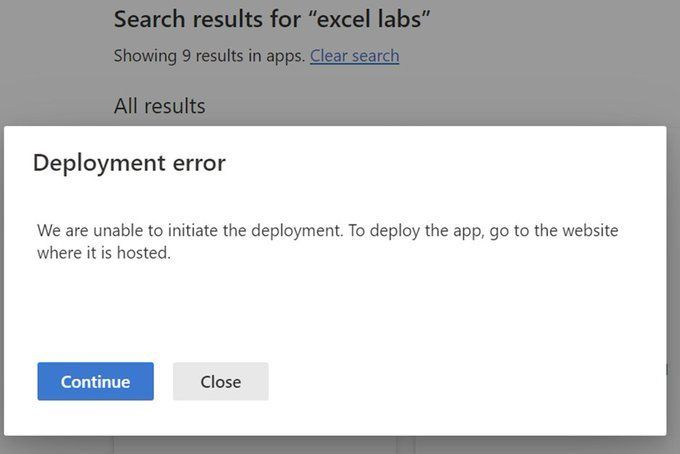
For add-ins deployed centrally by an administrator through the Microsoft 365 admin center, Excel reports a deployment error: "We are unable to initiate the deployment. To deploy the app, go to the website where it is hosted."
The behavior occurs in both Excel for Windows (desktop) and Excel on the web.
Other errors, such as an add-in that fails to load, are not specific to this issue and may have a completely different cause. Only the two symptoms above reliably indicate this problem.
Cause
The issue stems from a change to the add-in store architecture on Microsoft's side. It is not caused by Velixo or by a Velixo update. The same failures affect add-ins from Microsoft and other vendors, and both centrally deployed add-ins and add-ins installed from the add-in store are impacted. Microsoft has not yet confirmed a full and final fix. Velixo is tracking the issue and will update this article when Microsoft resolves it.
Resolutions
In the rare affected cases, either of the following can resolve the issue.
Be sure to restart Excel, then open the add-in store again after performing either of the steps mentioned below. Velixo NX should then appear and be available to install.
Ensure Microsoft Teams Services is enabled in your Office Admin Center
Microsoft Teams Services functions as a backend enterprise application ID in Microsoft 365 and Azure. It handles authentication and integration layers for features like Office add-ins. When this service is disabled or blocked in enterprise app settings, Office add-ins such as Velixo can fail or freeze. Even if your organization doesn't use Microsoft Teams, this service is required for add-ins to function properly.
Follow these steps to fix it:
-
-
Go to https://admin.microsoft.com/#/homepage as an organization admin.
-
Click Show all on the left-hand side navigation bar.
-
Click Azure under Admin centers.
-
In the Azure portal, search for Enterprise applications and navigate to it.
-
Clear the filters, search for Microsoft Teams Services, and select it.
-
Under Manage on the left, go to Properties.
-
Toggle Enabled for users to sign-in to Yes.
-
Click Save.
-
Acquire and remove a Microsoft 365 license
You may also manually acquire and then remove any Microsoft 365 license within your tenant (for instance, a Business Standard trial license) - this will automatically re-enable and reconfigure missing services preventing the add-in store from loading.
Send a support request to Microsoft
Alternatively, reach out to Microsoft support and run a script they provide. When sending a support request, reference the following GitHub issue ticket: https://github.com/OfficeDev/office-js/issues/6597
While you arrange the steps above, you can continue working with Velixo Classic, which installs outside the Microsoft Office Store and is unaffected by this issue.