
Excel add-in
Velixo is happy to announce a powerful new feature available in private preview: Velixo Intelligence. It brings in-context AI inside Excel to help you get answers fast, and help you with tasks such as:
-
composing formulas (including complex queries),
-
analyzing report figures, including advanced inspection with drilldown,
-
troubleshooting formula errors,
-
reporting a support case,
-
designing an entire report (functionality coming soon).
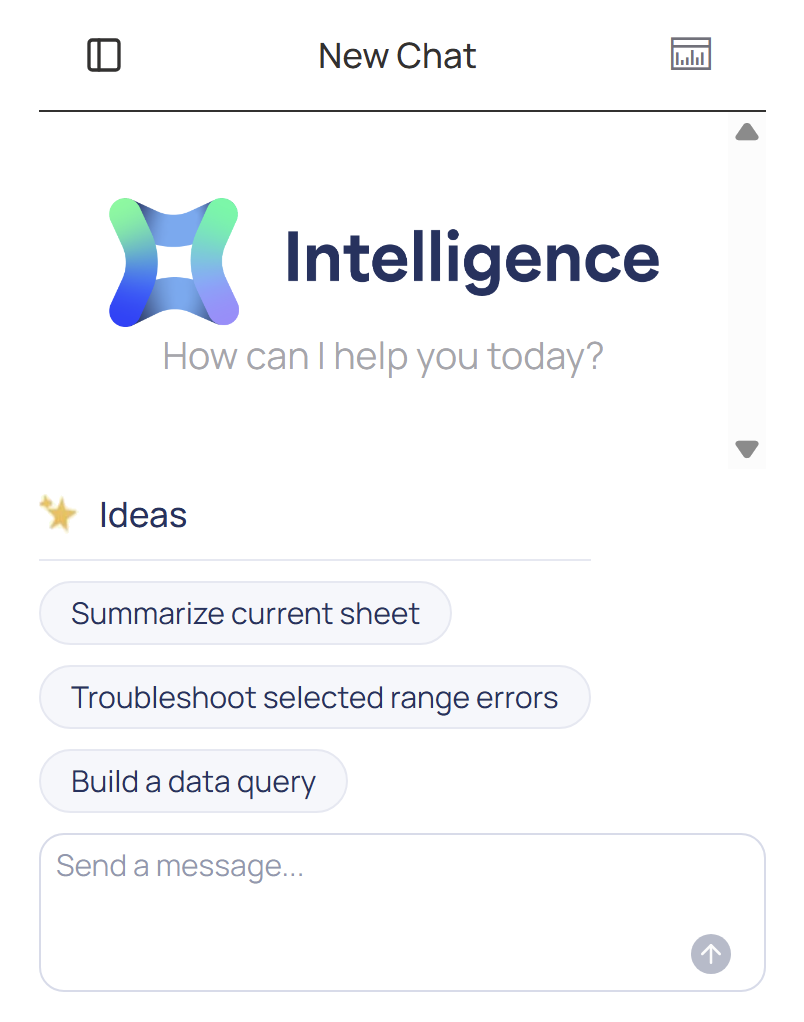
If you’re interested in participating in the private preview of Velixo Intelligence, reach out to your Customer Success Manager. We are only accepting a limited number of pilot customers at this stage.
✨ Improved
-
Query Builder can now split query expressions to work around Excel cell character limits, making it easier to build complex queries without hitting technical barriers. (RD-8589)
-
Worksheets are now automatically unprotected before table mirroring and re-protected after, streamlining the mirroring process for protected sheets. (RD-8396)
-
The WRITEBACKPROJECTFORECAST function now supports writeback of selected cells, even within dynamic arrays. (RD-4534)
-
Query Builder now returns user-friendly object and property names instead of technical DAC values returned so far. For example,
TermsByTermsID.CreatedByIDis now displayed asTerms → Created By. (RD-9062) -
FromPeriodOrDateandToPeriodOrDatearguments in the EXPANDPROJECTHISTORY function are now optional for budget balances. (RD-8351)
🔨 Fixed
-
We fixed a bug causing the PROJECTBUDGETAMOUNT function to return zero as values when the
Taskargument was omitted. (RD-9332)
🐛 Known Issues
-
A new troubleshooting article is now available for scenarios where the GI function cannot access Generic Inquiries that are available in Acumatica (applies to Acumatica 2025R2 and older). (RD-9149)