Overview
The SI.TAXRATE function returns the Percent field values of one or more corresponding Detail IDs defined in the Tax details form in Sage Intacct.
Syntax
=SI.TAXRATE(
    ConnectionName,
    TaxDetailID
)
Arguments
The SI. TAXRATE function uses the following arguments:
|
Argument |
Required/Optional |
Description |
|
|
Optional |
Provide one of the following values:
OR Omit the argument to return results for all compatible connections with default aggregation settings. |
|
|
Required |
One or more Tax Detail IDs for which the Tax Rate is to be returned. |
Examples
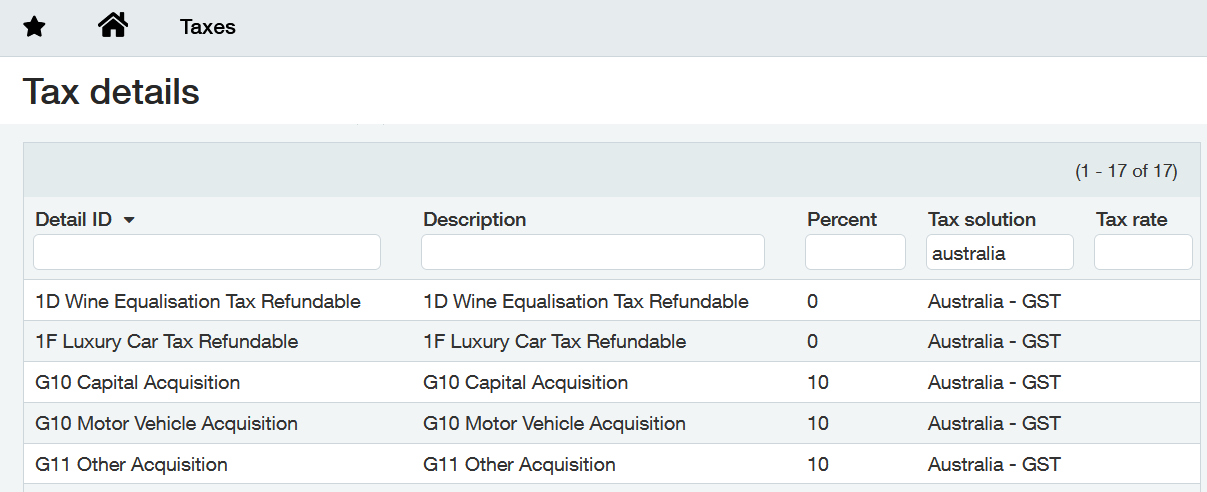
Assuming the following configuration within Sage Intacct:
Example 1
=SI.TAXRATE(
    "Sage",
    A3
)
Description
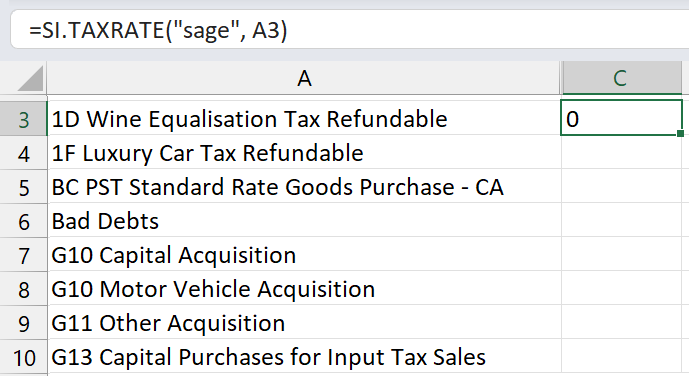
Returns the Percent field defined for the Tax Detail ID defined in cell A2.
Result
Example 2
=SI.TAXRATE(
    "Sage",
    "Bad Debts"
)
Description
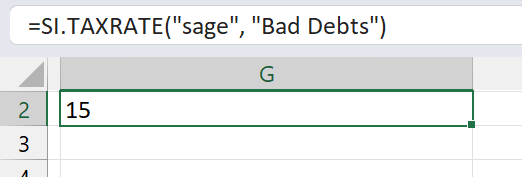
Returns the Percent field defined for the Bad Debts Tax Detail ID.
Result
Example 3
=SI.TAXRATE(
    "Sage",
    A3#
)
Description
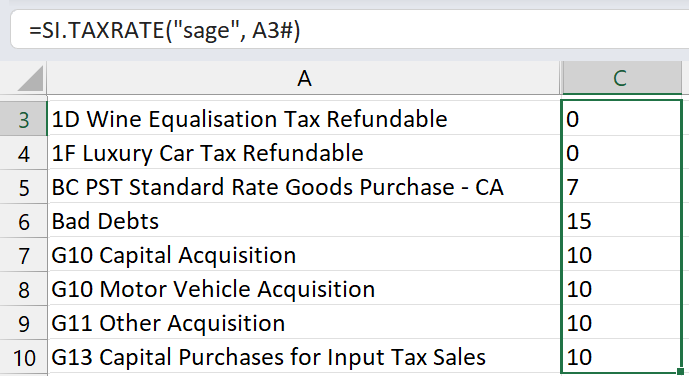
Returns the Percent field defined for the Tax Detail IDs displayed by the array function in cell A3.
Result