
Overview
While entering or updating connection information, an error stating that you are using invalid Velixo credentials appears at the bottom of the Velixo NX Connection Manager:
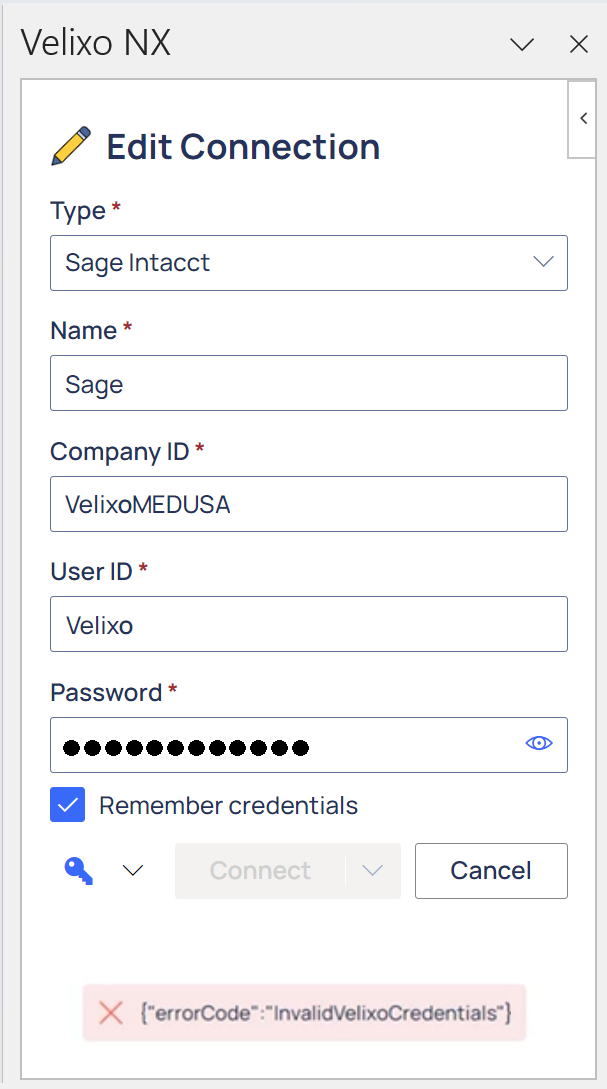
Text of Message
{"errorCode":"InvalidVelixoCredentials"}
Cause
For some reason, Excel has lost its ability to connect to the Microsoft Store (where Velixo NX is accessed and authenticated).
Workaround
Logging out of Velixo NX and then reloading the add-in should allow Excel to re-establish its connection to the Microsoft Store.
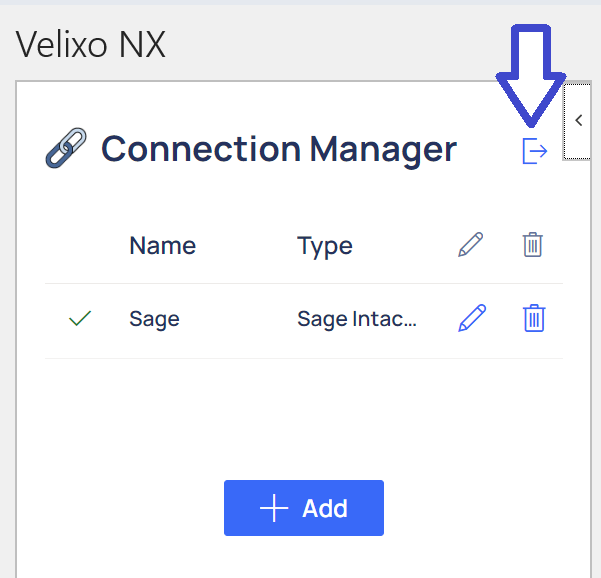
Logging out of Velixo NX
At the top of the Connection Manager, click the Logout button:
Reloading Velixo NX
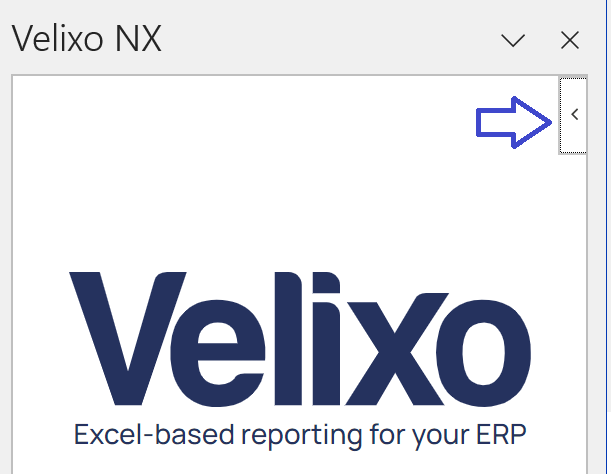
Once logged out of Velixo NX, click the left-pointing arrow at the top of the side panel...
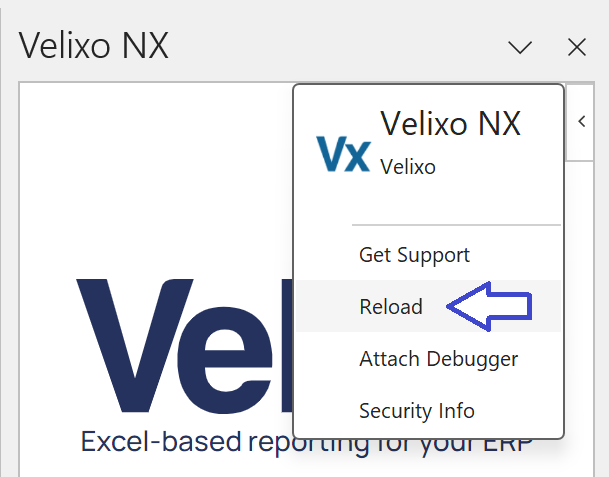
... and then select Reload from the menu:
You should now be able to create/update you connection information.