
Overview
When creating a connection between Velixo NX and Sage Intacct, one of the following error messages is displayed:
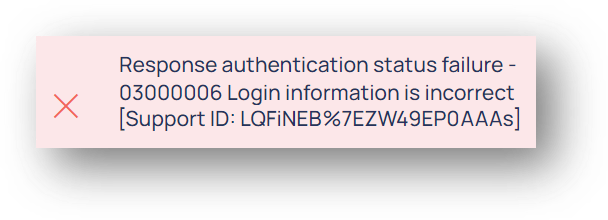
or
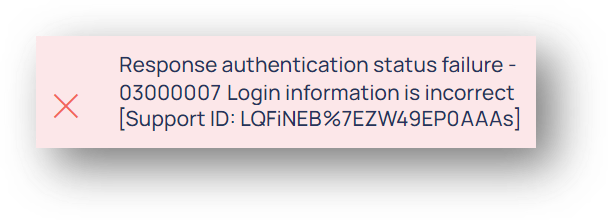
Text of Message
Response authentication status failure-
03000006 Login information is incorrect.
or
Response authentication status failure-
03000007 Login information is incorrect.
The error number may be preceded by a two-character code - e.g., AB03000007)
Cause
Sage Intacct error 03000006 indicates that the specified User ID was found, but that the specified password is not correct.
Sage Intacct error 03000007 indicates that the specified User ID was not found.
Resolution
Check that all credentials are correct. You can click the eyeball icon to display the password to ensure it is what you are expecting:
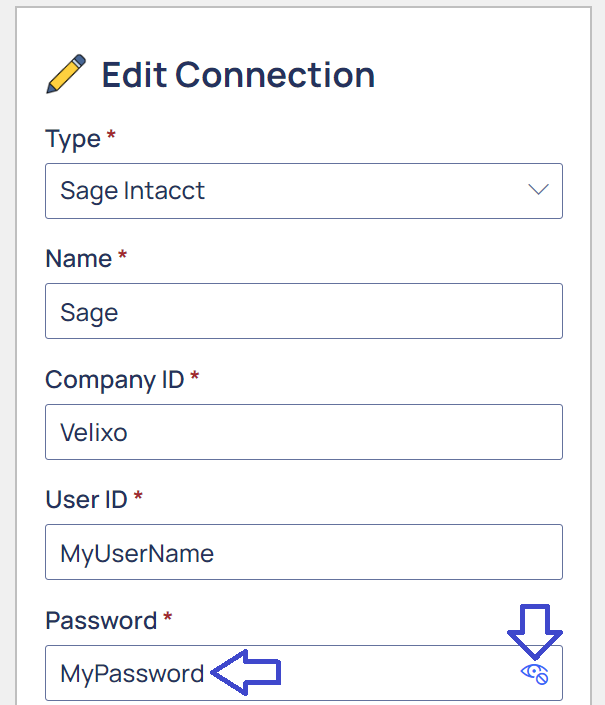
If the information appears correct, ensure that you can use those exact credentials for logging into Sage Intacct.
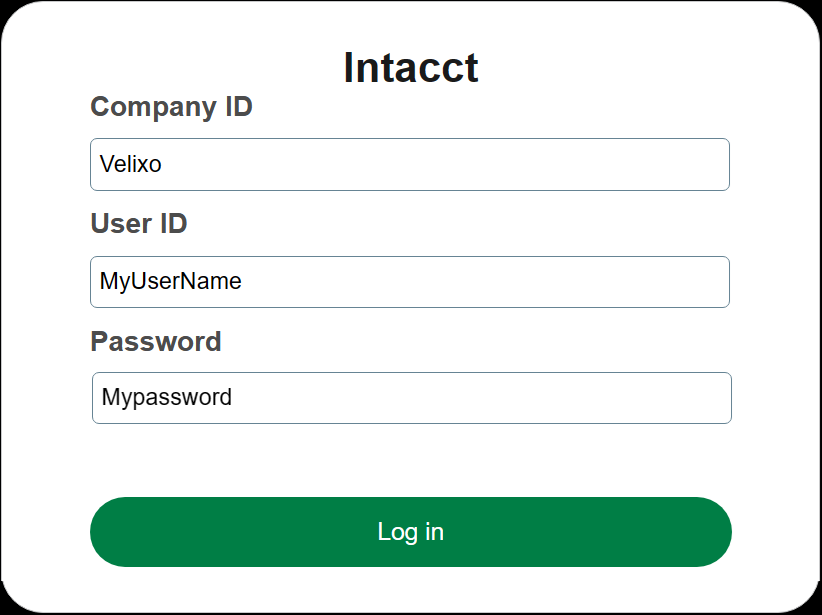
On the Sage Intacct log-in screen, clear any pre-defined values:
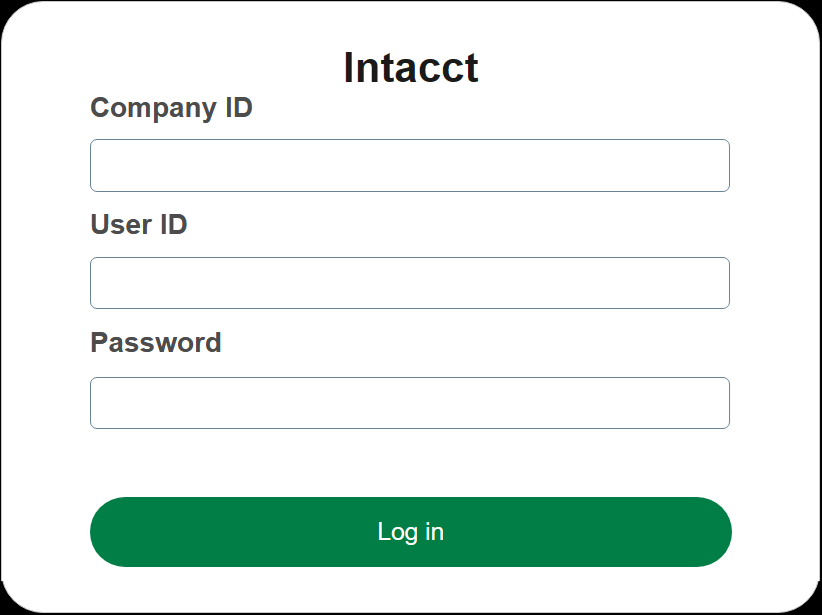
and then hand-enter the same credentials as you are using in Velixo NX:
Check whether Sage Intacct provides additional information about the issue.