Overview
The CONNECTIONINFO function returns information about the connection being used to access the ERP.
Syntax
=CONNECTIONINFO(
    ConnectionName,
    ConnectionProperty
)
Arguments
The CONNECTIONINFO function uses the following arguments:
|
Argument |
Required/Optional |
Description |
||||||||
|
|
Required |
The name of the connection as configured in the Connection Manager |
||||||||
|
|
Optional |
The particular connection information to be returned.
|
If the ConnectionPart argument is left blank, the CONNECTIONINFO function will return all applicable connection parts and their values
Examples
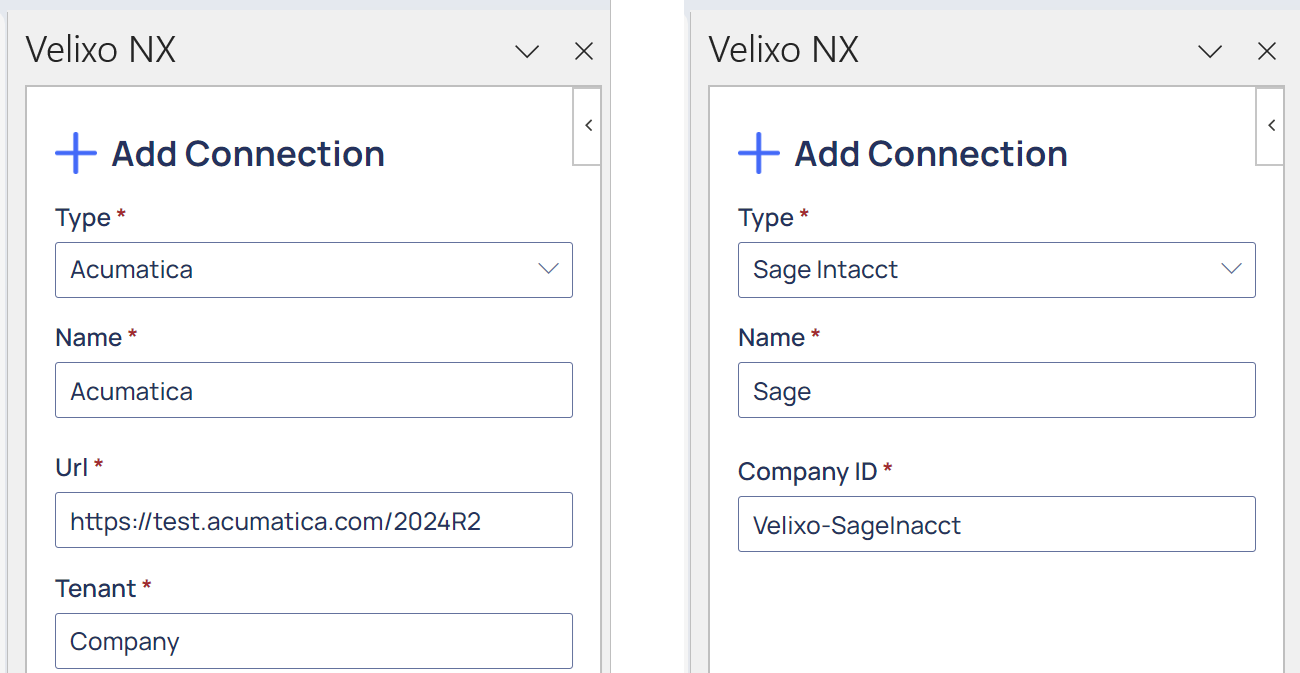
Given these connections as defined within Velixo:
Example 1 - All connection parts
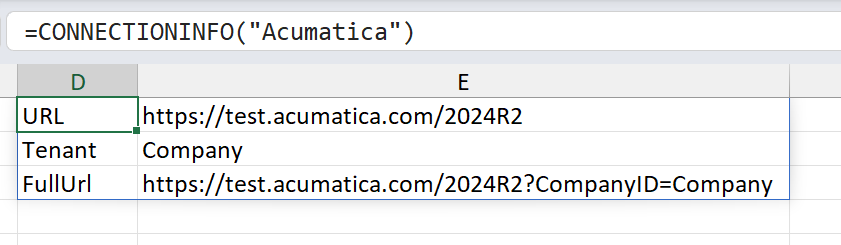
Acumatica
=CONNECTIONINFO(
    "Acumatica"
)
Description
Returns and Excel array containing all connection part titles and their values for the Acumatica connection
Result
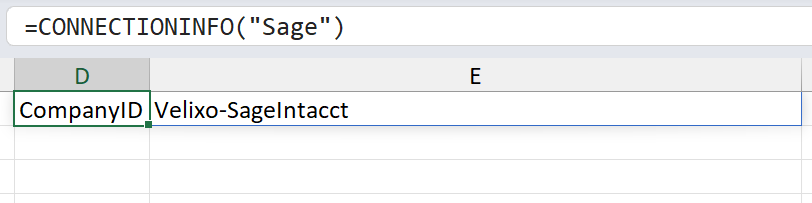
Sage Intacct
=CONNECTIONINFO(
    "Sage"
)
Description
Returns an Excel array containing the CompanyID title and the company ID for the Sage Intacct connection
Result
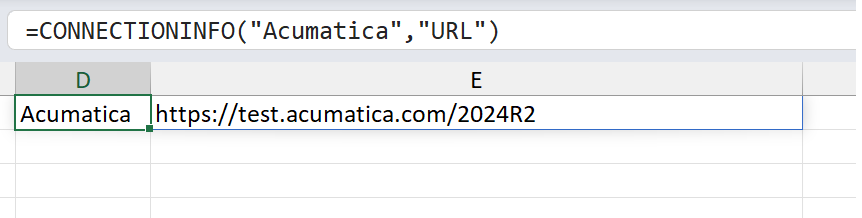
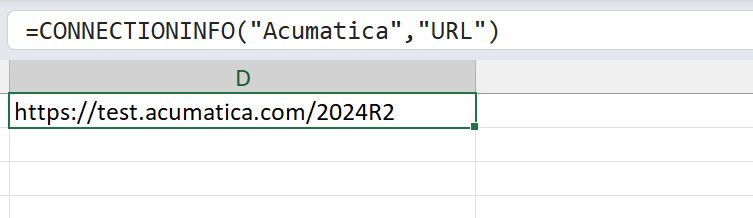
Example 2 - Acumatica base URL
=CONNECTIONINFO(
    "Acumatica",
    "URL"
)
Description
Returns the base URL for the Acumatica connection
Result
Example 3 - Tenant or Company
Acumatica
=CONNECTIONINFO(
    "Acumatica",
    "Tenant"
)
Description
Returns the name of the Tenant for the Acumatica connection
Result
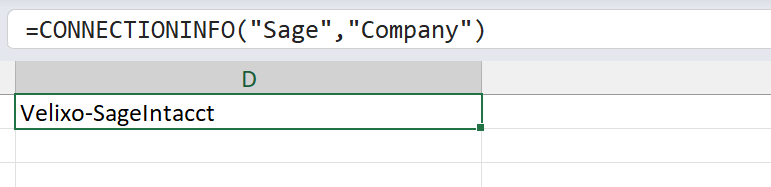
Sage Intacct
=CONNECTIONINFO(
    "Sage",
    "Company"
)
Description
Returns the Company ID for the Sage Intacct connection
Result
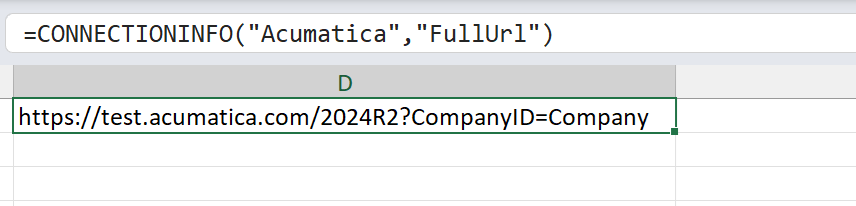
Example 4 - Full Acumatica URL
=CONNECTIONINFO(
    "Acumatica",
    "FullUrl"
)
Description
Returns the full URL for the Acumatica connection
Result