
Overview
When using the WRITEBACK or WRITEBACKARGUMENTS function in Excel Online on a Mac, a type of "401 Unauthorized" message may appear:
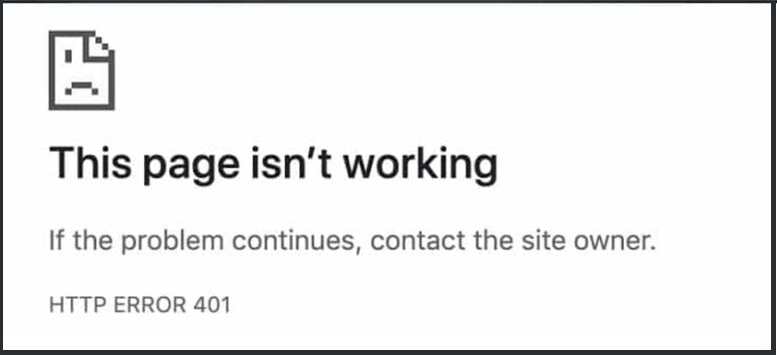
or
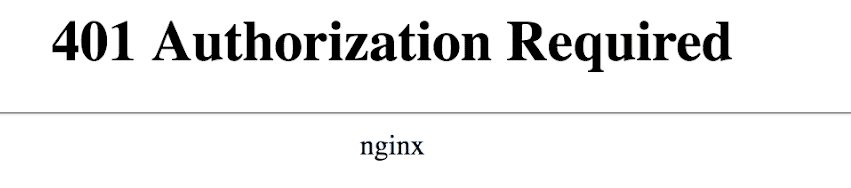
or the following message can be displayed:
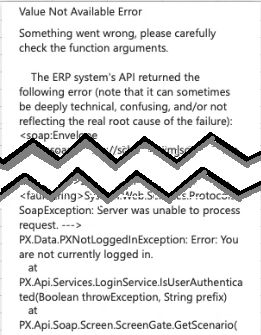
Excerpt from Message Text:
Value Not Available Error
Something went wrong, please carefully check the function arguments.
The ERP system's API returned the following error (note that it can sometimes be deeply technical, confusing, and/or not reflecting the real root cause of the failure):
Cause
Acumatica requires the use of "cookies" to authenticate Velixo during writeback operations. The Mac's Safari browser can be very strict in disabling any cross-site cookies.
We are in contact with Acumatica to development techniques to avoid this issue.
Workarounds
Here are three options for working around this particular issue:
-
Use Excel Desktop for Mac (instead of Excel Online)
-
Use the Chrome / Edge browser (instead of the Safari browser)
-
Uncheck the box "Prevent cross-site tracking" in Safari's Privacy Options: