
Overview
The SI.EXPANDOBJECTRANGE function returns the sorted names of objects defined with Sage Intacct.
Syntax
=SI.EXPANDOBJECTRANGE(
    ConnectionName,
    Range
)
Arguments
The SI.EXPANDOBJECTRANGE function uses the following arguments:
|
Argument |
Required/Optional |
Description |
|
|
Optional |
Provide one of the following values:
OR Omit the argument to return results for all compatible connections with default aggregation settings. |
|
|
Optional |
A range filter specifying the Object names to be displayed. |
Examples
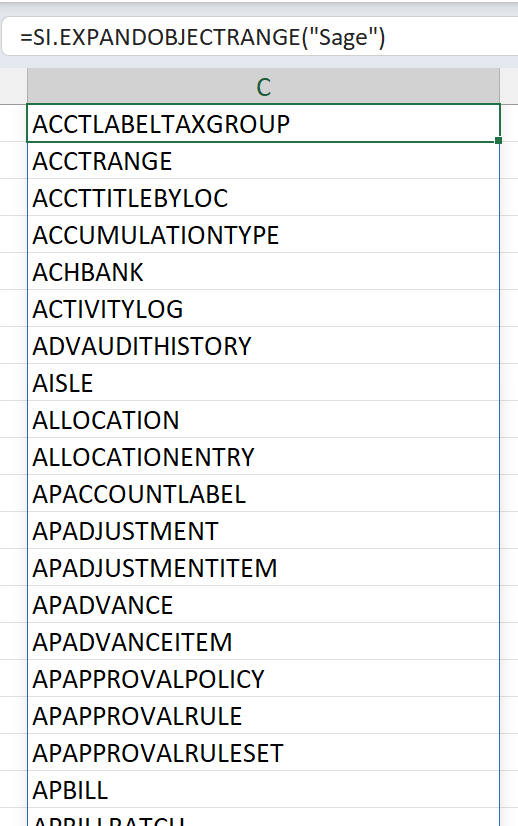
Example 1 - all objects
=SI.EXPANDOBJECTRANGE(
    "Sage"
)
Description:
Returns all object names defined within Sage Intacct
Result:
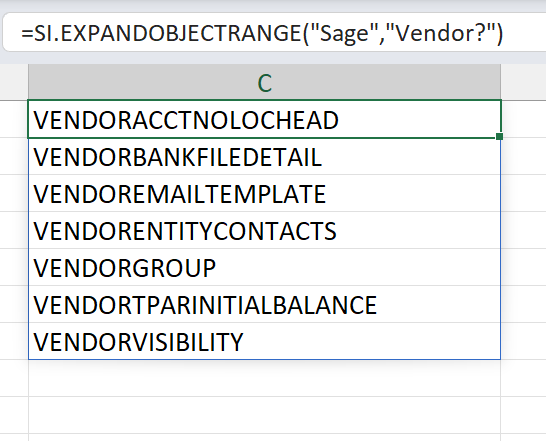
Example 2 - objects staring with a particular name
=SI.EXPANDOBJECTRANGE(
    "Sage",
    "VENDOR?"
)
Description:
Returns all object names beginning with the word "Vendor" (not case sensitive)
Result:
Example 3 - objects starting with certain letters
=SI.EXPANDOBJECTRANGE(
    "Sage",
    "F?;J?"
)
Description:
Returns all object names beginning with either the letter F or the letter J
Result:
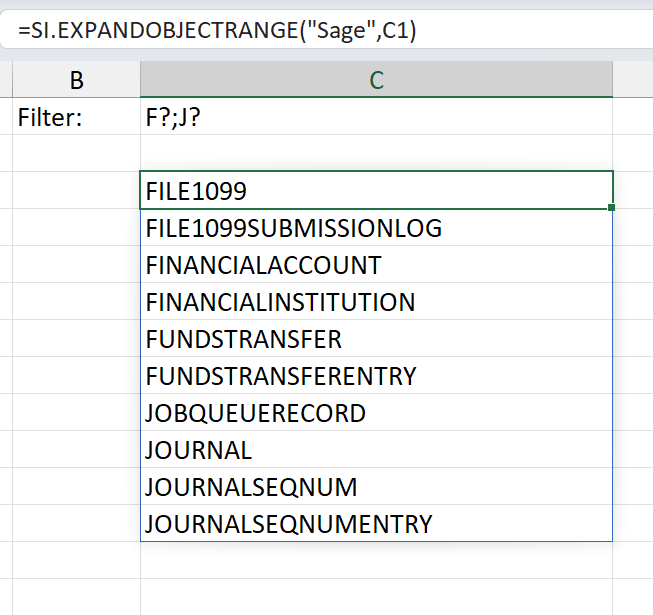
(a cell reference has been used for a parameter in this example)