Overview
The Velixo NX Distribution List feature provides the ability to create PDF versions of a report, modify the report's parameter(s), attach the results to a Microsoft Outlook email, and (optionally) attach additional files from the computer system to the email.
There are times when it would be convenient for the PDF file to include attachments that exist within Sage Intacct instead of on the local computer system.
Downloading Sage Intacct files
Two Velixo NX functions are available to download files from in Sage Intacct and include those files within your distributed PDF report.
One or more of the SI.GETATTACHMENTS and SI.GETATTACHMENTSBYID functions can be included in your report.
SI.GETATTACHMENTSBYID - displays the text "Attachment(s) will be processed during report distribution" before the distribution is performed.

SI.GETATTACHMENTS - returns a Sage Intacct URL and displays it in your report before the distribution is performed.
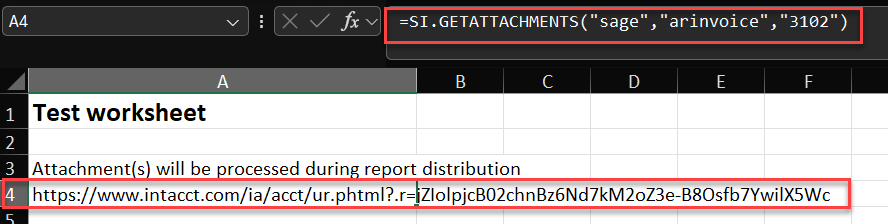
Due to Sage Intacct platform limitations, the URL returned does not directly link to the attachment but (rather) to the Sage Intacct object (e.g. an AP Bill) that contains the attachment. If desired, the URL can be used to open the Sage Intacct website and, from there, manually navigate to download the actual attachment.
e.g.
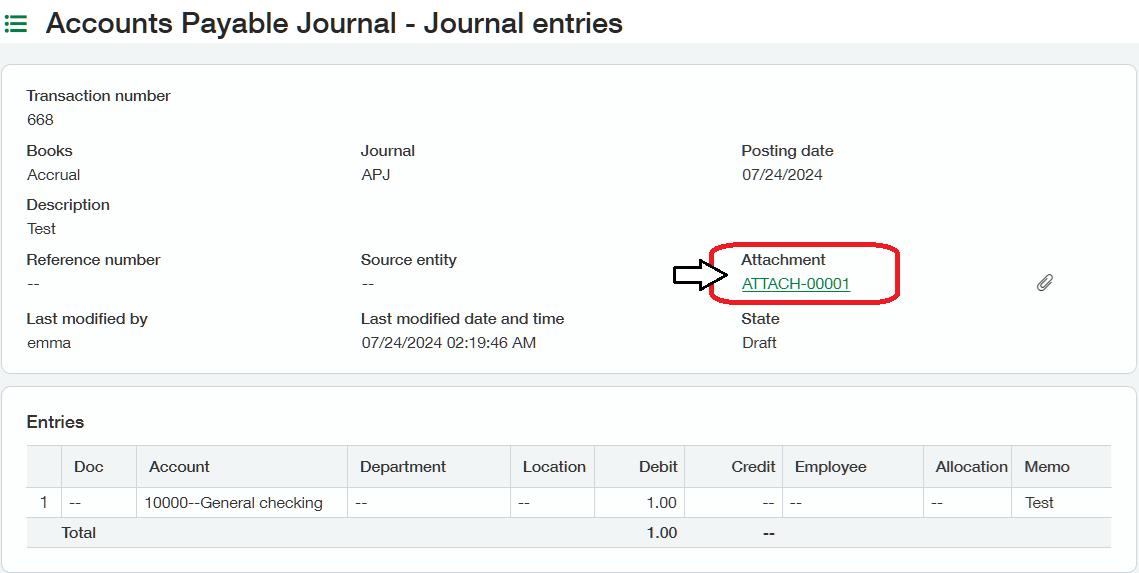
During the Distribution process, the functions will retrieve a specified file from Sage Intacct.
After running the Distribution, both functions will display the names of the processed attachments:
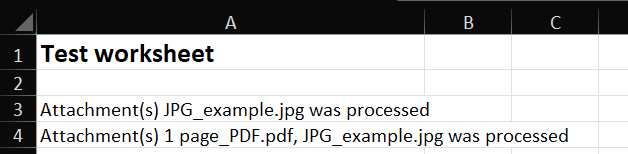
The distributed report and the processed attachments will all be included in the PDF file attached to the email.
Supported attachment types are: JPEG, PDF, GIF, and PNG
If you attempt to attach multiple copies of the same file, only one copy will be included in the resulting PDF file.
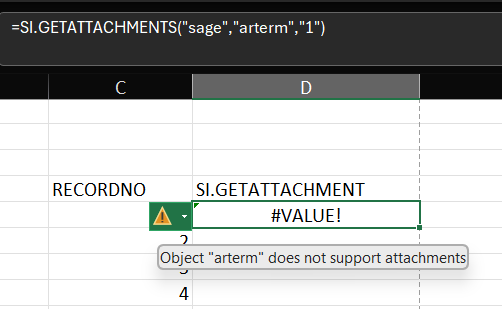
Not all Sage Intacct objects support attachments. If you attempt to retrieve an attachment from such an object, the Velixo NX function will display an error: