Overview
The SI.EXPANDACCOUNTGROUPRANGE function returns the list of Name field values from the Account Groups form in Sage Intacct.
Syntax
=SI.EXPANDACCOUNTGROUPRANGE(
    ConnectionName,
    AccountGroup,
    AccountGroupType
)
Arguments
The SI. EXPANDACCOUNTGROUPRANGE function uses the following arguments:
|
Argument |
Required/ Optional |
Description |
|
|
Optional |
Provide one of the following values:
OR Omit the argument to return results for all compatible connections with default aggregation settings. |
|
|
Optional |
The range of account groups to include in the results. Supports Velixo filtering techniques.
Account group names that contain characters with a special meaning in Velixo range expressions can't be matched with a standard range expression. These characters include |
|
|
Optional |
Filters the results by the type of members the account group contains, as set in Sage Intacct. Enter one or more of the following letters, in any order:
The letters are not case-sensitive. Don't separate them with spaces, commas, or other characters.
|
Examples
All account groups
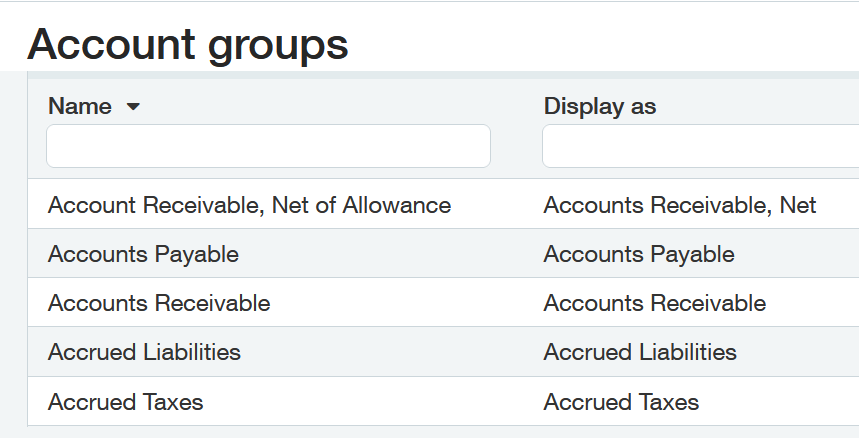
Assuming the following configuration within Sage Intacct:
=SI.EXPANDACCOUNTGROUPRANGE(
    "Sage"
)
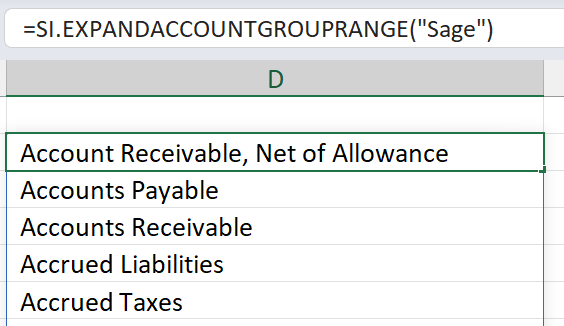
Description: Returns the names of all account groups defined in Sage Intacct:
Result:
Specified account groups
=SI.EXPANDACCOUNTGROUPRANGE(
    "Sage"
    ,
    "sx"
)
Description:
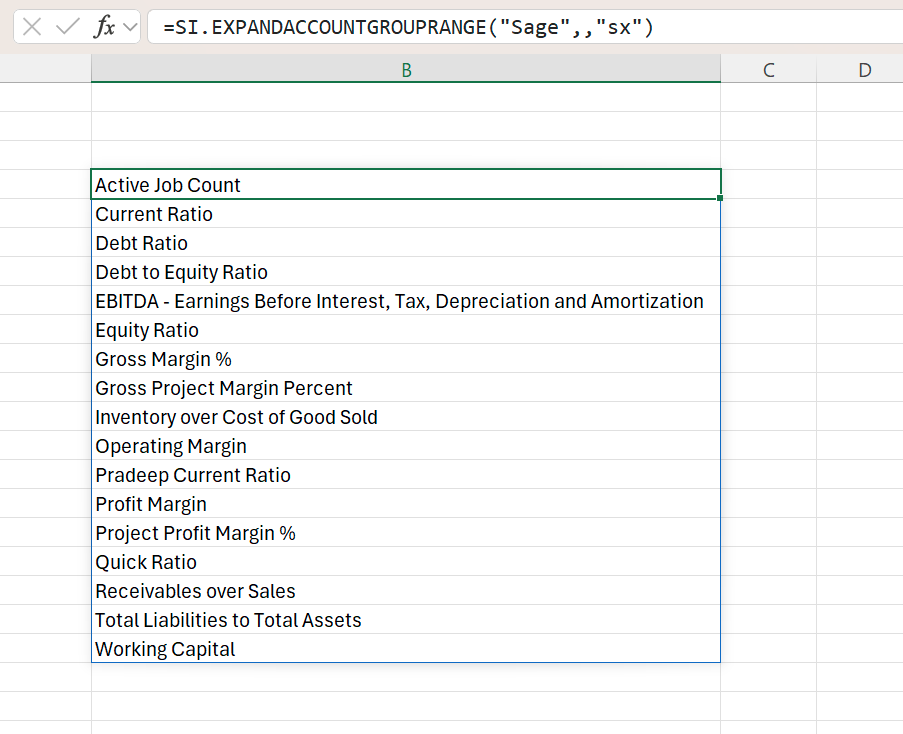
Result: Returns the names of account groups of types statistical accounts and computation defined in Sage Intacct.