
Instructions in this article require admin privileges.
Overview
When using Velixo NX to connect to your data, a triangle icon appears next to the connection name:
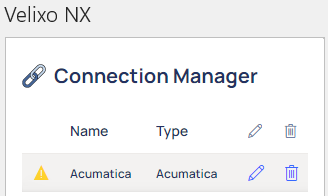
When you hover over that icon, a message such as the following appears:
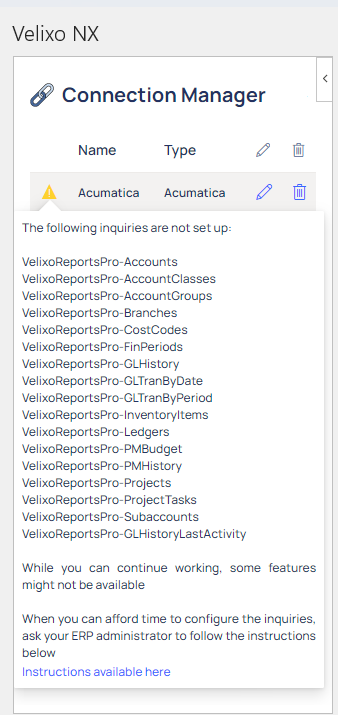
Excerpt from the Message:
The following inquiries are not set up:
While you can continue working, some features might not be available.
When you can afford the time to configure the inquiries, ask your ERP administrator to follow the instructions below.
Cause:
Velixo NX requires a series of Generic Inquiries within the ERP. Since Velixo NX cannot install these - they have to be installed separately.
Resolution
The recommended method (and the method required by ERP version 2024R1 and newer) is for an ERP administrator to Import and Publish the Acumatica Customization Package. The necessary inquiries are included in that Customization Project.