Purpose
Used to quickly insert all chart of accounts from a selected connection.
How to use Insert Chart of Accounts
First, select the cell where you want the insertion to start.
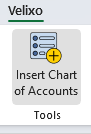
Click Insert Chart of Accounts from the Tools section of the Velixo ribbon in the Excel toolbar.
Select the connection from where the chart of accounts should be loaded (if you only have one connection defined, it will be listed by default). If you only want to include active accounts, check the Include only active accounts option.
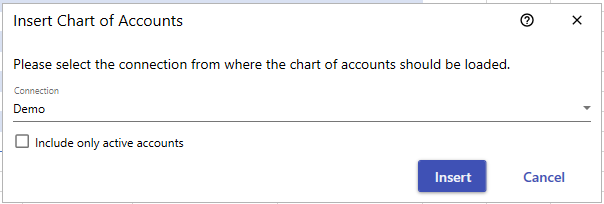
Click Insert
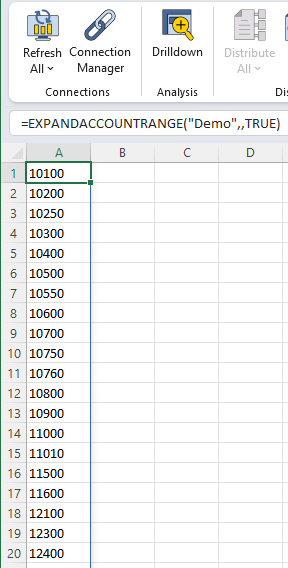
The result should be a list of the chart of accounts similar to this: