
Symptom
When defining a connection to a tenant in Acumatica, CEGID, Haufe x360, JAMIS Prime, or MYOB Acumatica, one of the following error messages is displayed:
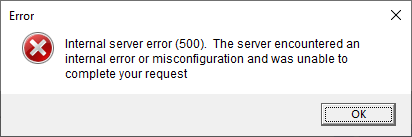
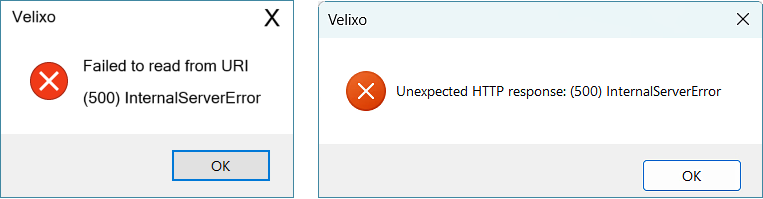
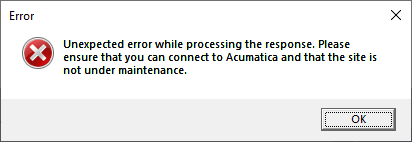
Text from the Error Message:
Internal server error (500). The server encountered an
internal error or misconfiguration and was unable to
complete your request.
or
Failed to read from URI
(500) InternalServerError
or
Unexpected HTTP response: (500) InternalServerError
or
Unexpected error while processing the response. Please
ensure that you can connect to Acumatica and that the site is
not under maintenance.
Potential Causes
Tenant Name
Newer versions of the ERP, disallow Tenant names from containing "special" or "reserved" characters such as & < > * % : ; \ / ?
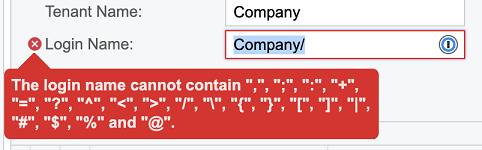
However, certain older versions do allow those characters. When attempting to define a Velixo connection to a tenant which contains one or more of those characters, an error results (due to problems when accessing the data through the ERP's OData feed).
Generic Inquiry Names
It is also possible to use those special characters when naming Generic Inquiries in the ERP.
For example, here we see a generic inquiry whose name ends in a period:
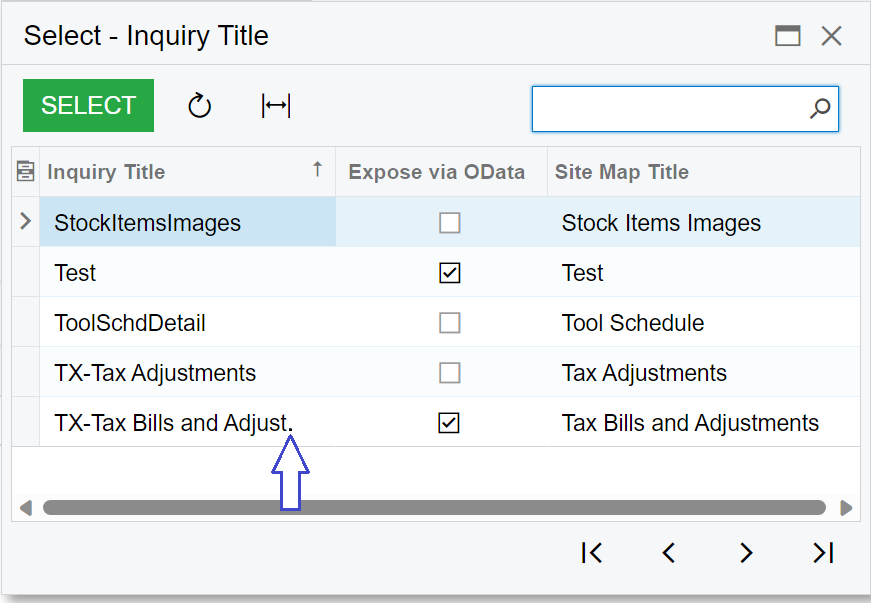
Just the presence of such an inquiry can make it impossible for Velixo to establish a connection to the ERP.
Cached OData Metadata Corrupted
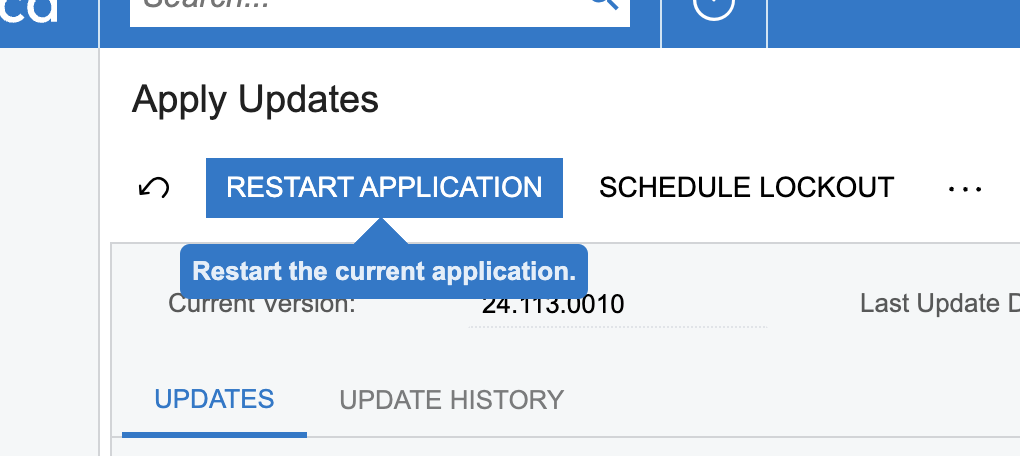
Another possibility is that the OData metadata cached by the system has become corrupted. Having a system administrator restart the application from the Apply Updates screen should allow the metadata to be refreshed.
The ERP is currently unavailable
It is possible that the ERP server is experiencing an outage.
Resolution
Naming Issue
Within the ERP, rename any such tenant or generic inquiry so that it does not include any special characters.
examples:
|
Current |
Renamed |
|
Lewis & Clark |
Lewis and Clark |
|
Yippie! |
Yippie |
|
i*Computers |
iComputers |
|
TX-Tax Bills and Adjust. |
TX-Tax Bills and Adjustments |
Cached OData Metadata Corrupted
Restart the application from the Apply Updates page:
ERP Outage
Attempt to navigate to your ERP.
If it is not available...
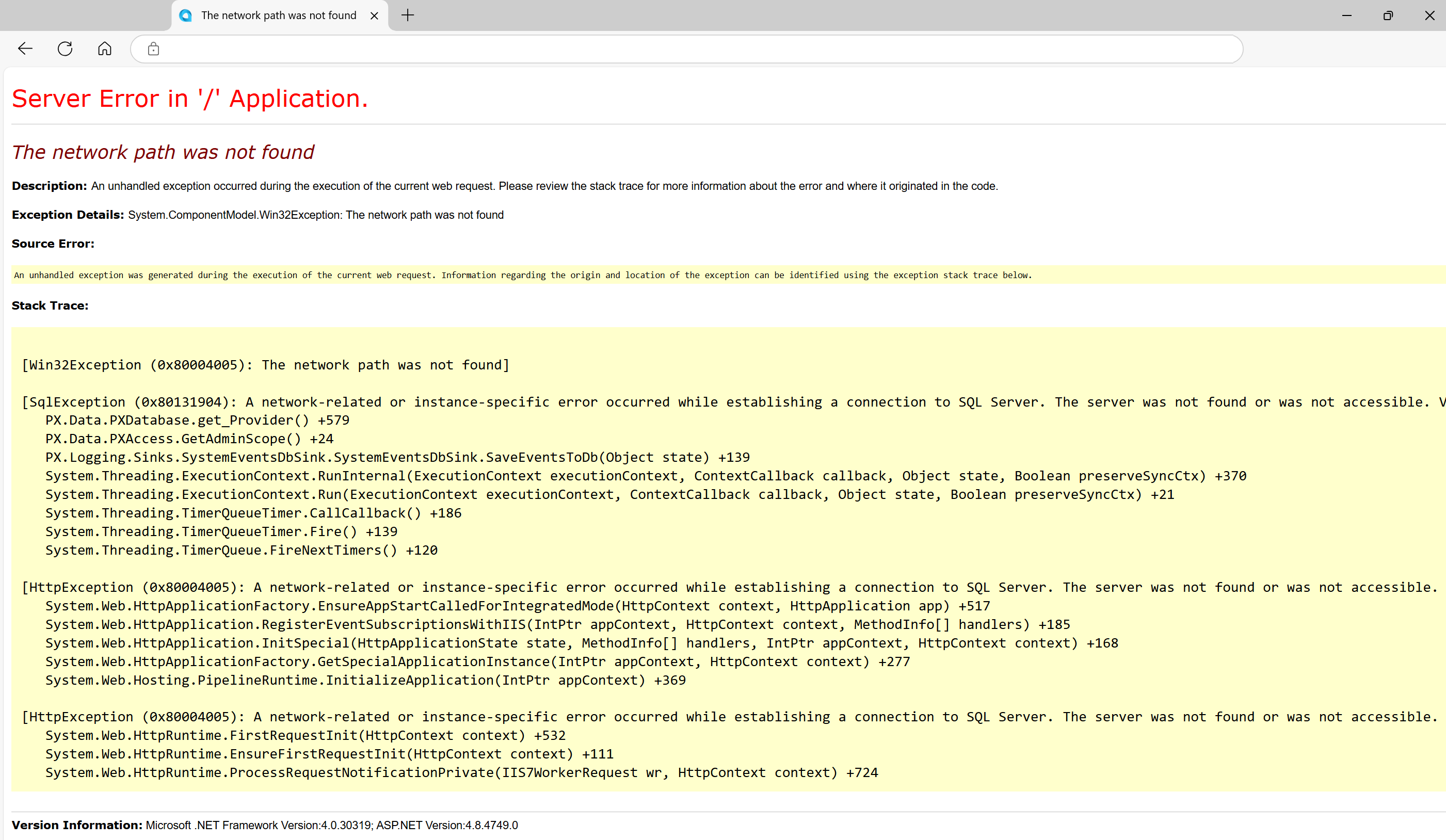
... inform your system administrator about this issue.