Overview
After using the Export to Velixo Workbook button on an Acumatica list screen...
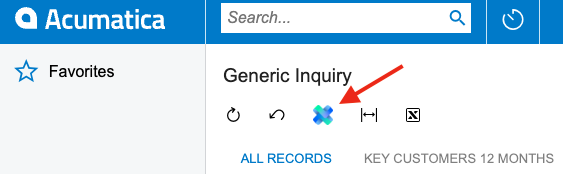
... and downloading the resulting file, the Acumatica screen gets stuck trying to refresh itself:
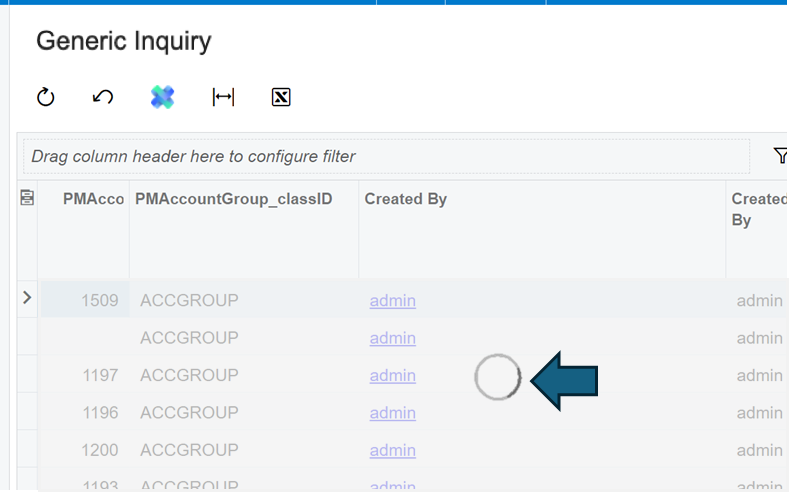
Cause
This known issue occurs with the developer preview of the new "Modern" Acumatica UI (released in Acumatica 2023R1) and has been reported to Acumatica (case #390909) and we have confirmed that this has been resolved in the beta version of Acumatica 2024R2
Workarounds
Acumatica has advised that there are two workarounds for this issue
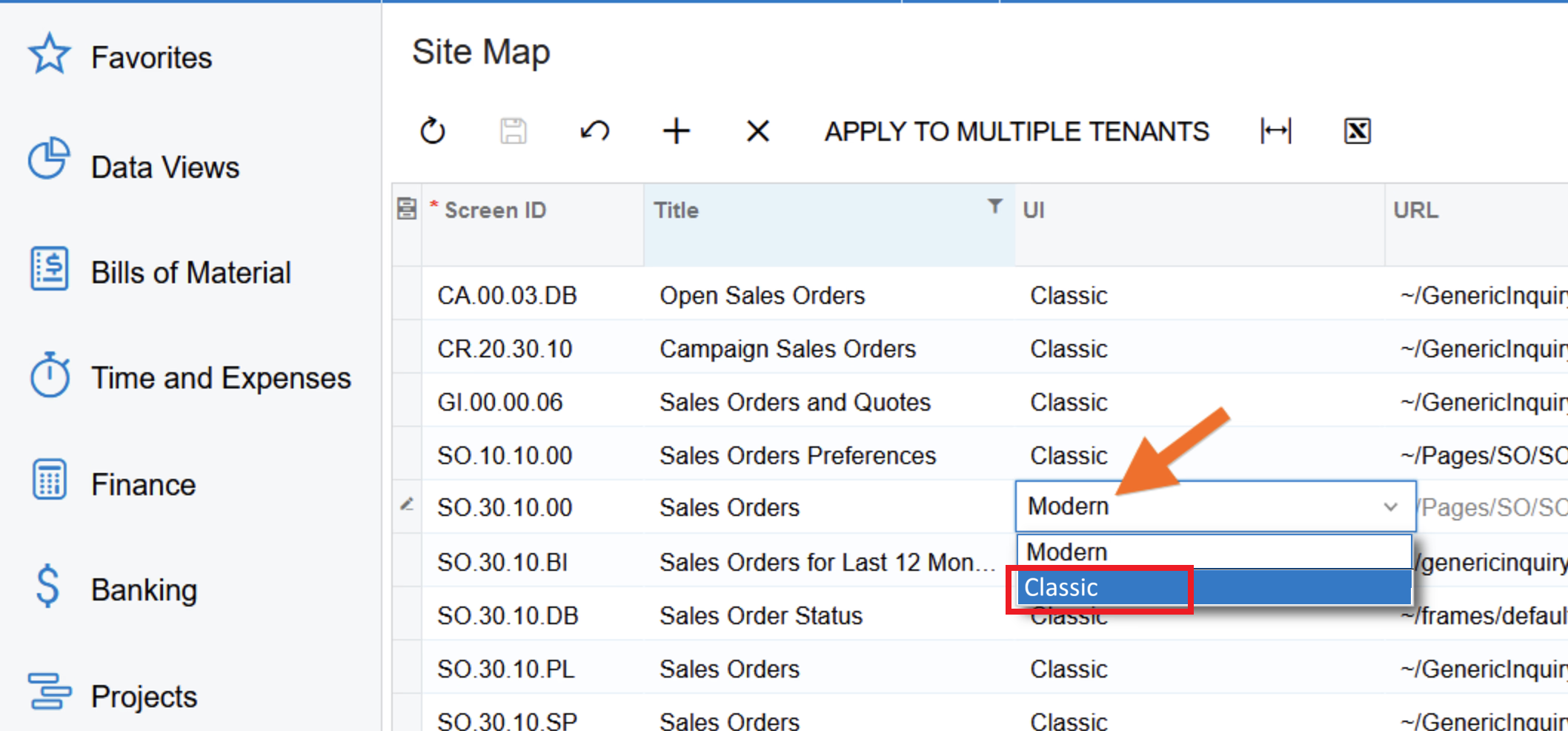
Workaround 1 - use the Classic Acumatica user interface
To avoid the issue (which is specific to the Modern UI, a system administrator can modify the ERP's Site Map by switching the particular page to the Classic UI:
Workaround 2 - manually refresh the browser screen
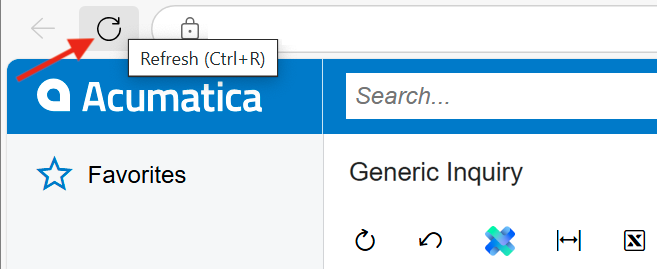
When this issue occurs, simply refresh the window using the button on your browser: