Overview
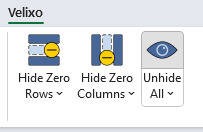
The Velixo Unhide All feature shows all rows and columns that are hidden in the active worksheet.
Use with Auto-Hide
If you have used the Velixo Auto-Hide feature...
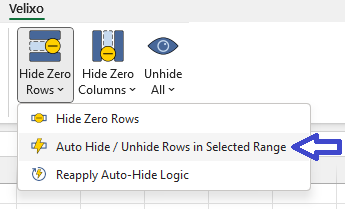
The Unhide All feature will temporarily reveal the automatically hidden rows and/or columns. When Excel recalculates the workbook, the rows/columns which match the saved criteria will again be hidden.
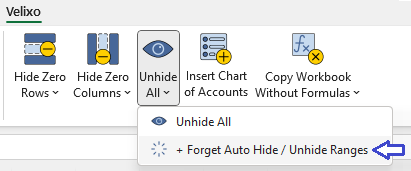
If you wish to permanently unhide all auto-hidden data, select Forget Auto Hide / Unhide Ranges from the Unhide All button's pulldown: