
Overview
This feature is used to save a copy of the currently open workbook with all Velixo function calls removed from that new workbook.
This feature allows a workbook to be distributed to non-Velixo users who may want to make adjustments and recalculate that workbook.
You also have the option to remove all Excel functions as well.
Examples
Removing the Velixo functions and formulas
Here we have a simple Velixo report. Notice that the workbook includes both Velixo functions...
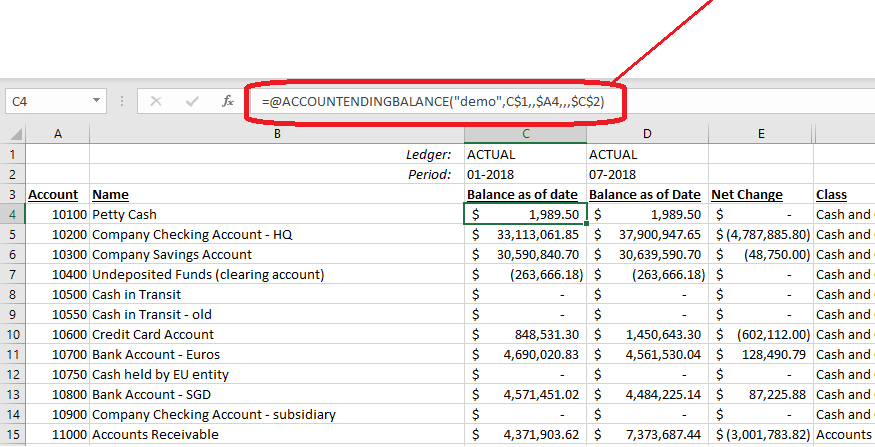
... as well as Excel calculations:
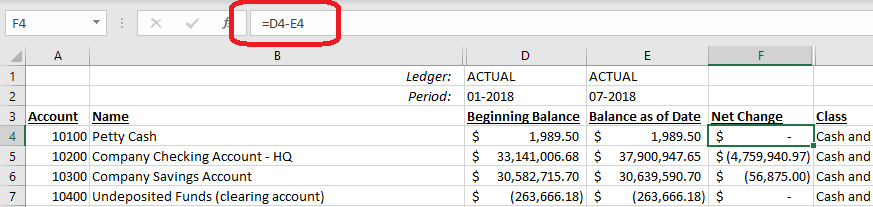
By selecting Copy Workbook Without Formulas from the Velixo ribbon...
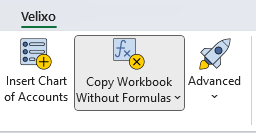
... we can save the workbook under a new name. That workbook still has all the Excel functions and calculations...
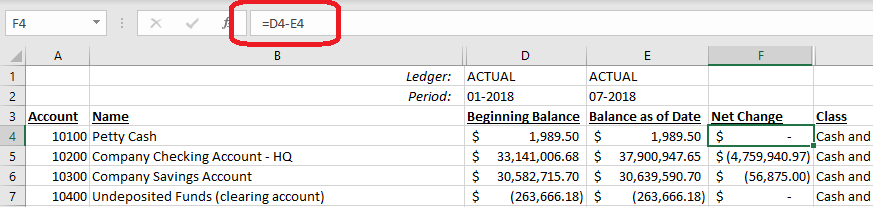
... but all the Velixo functions have been replaced with their respective values from the database:
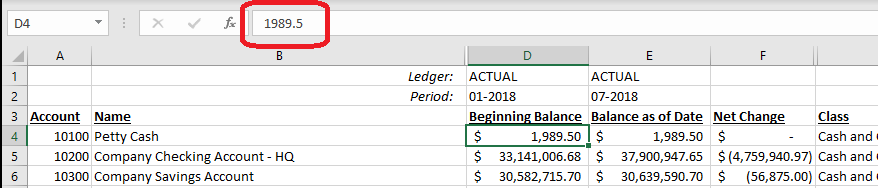
This new workbook can now be sent to non-Velixo users who may want to make changes and see how the values recalculate.
Velixo Classic supports including protected sheets in your workbook (you will be prompted for the password when you select this feature)
Removing ALL functions & formulas
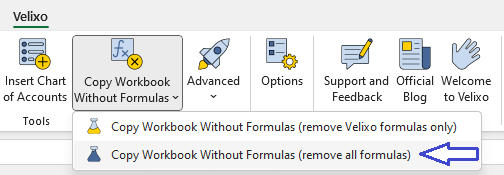
If you wish to remove all of the Excel functions and formulas, as well as the Velixo functions and formula... use the pulldown arrow on the Copy Workbook Without Formulas button and...
In Velixo Classic, select to remove all formulas:
Copying Workbooks with AutoFilters Enabled
When using Excel's AutoFilter feature:
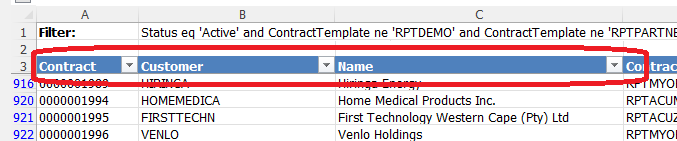
The Copy Workbook without Formulas feature will make every effort to maintain those settings.
However, some AutoFilter settings cannot be preserved during the copy process. When that is the case, Velixo will remove the AutoFilters entirely, so as to avoid errors in your resulting file.