
Overview
When defining a connection to the ERP, this is done with a secure, fully qualified domain name (FQDN):
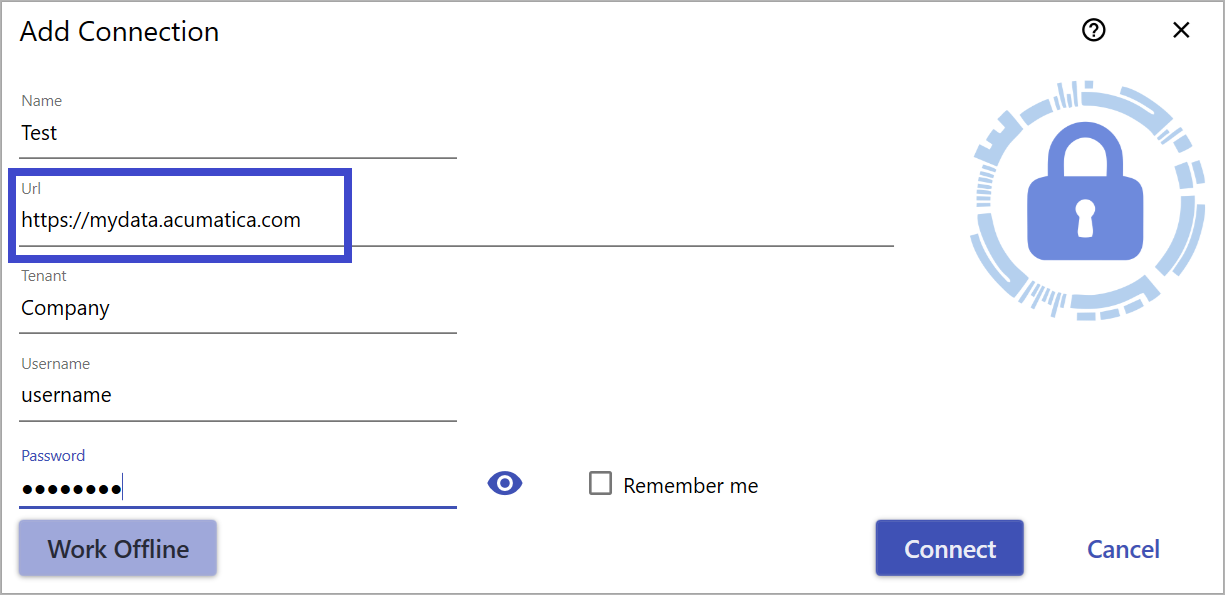
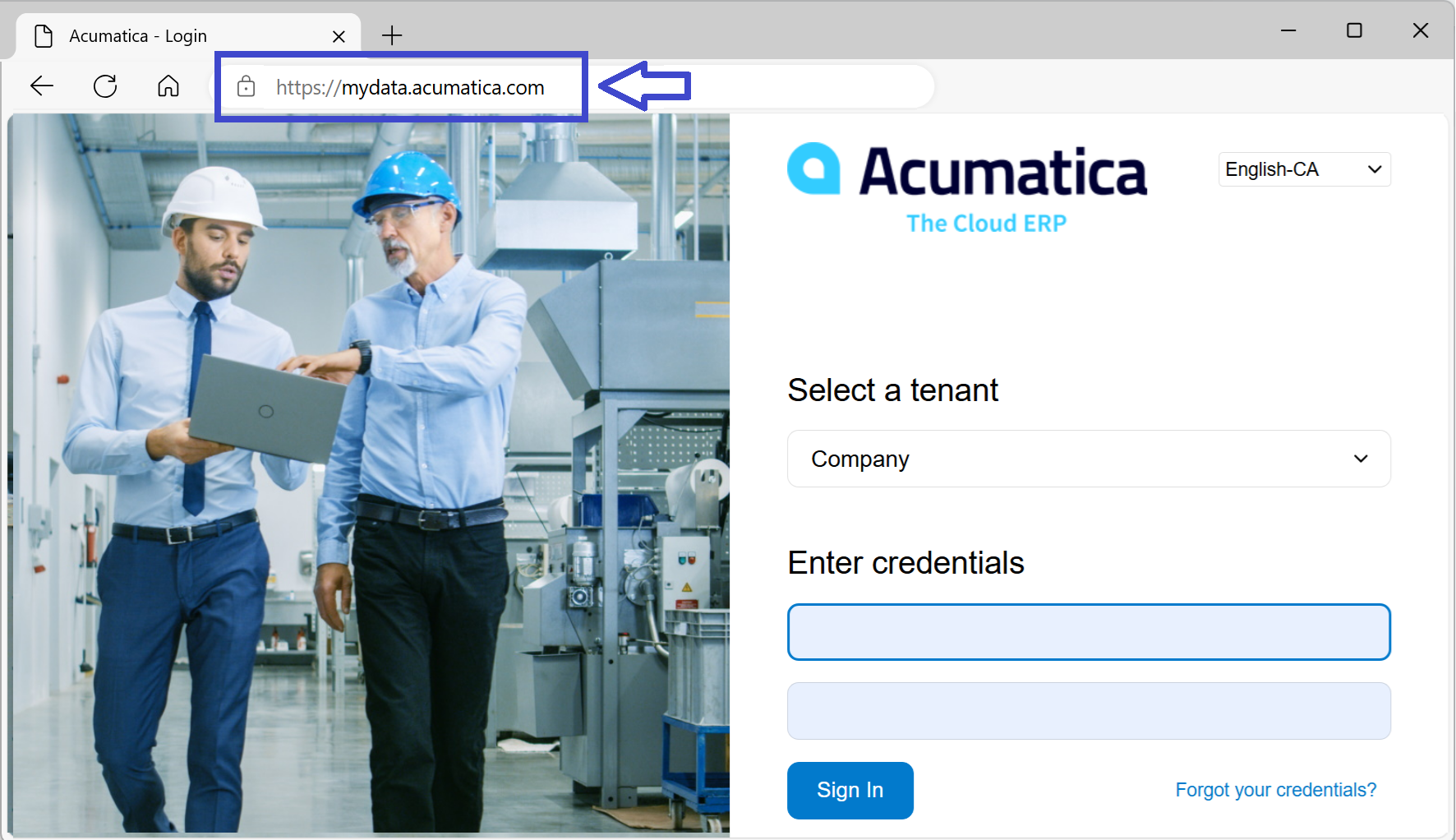
Typically, this information can be found by copying the URL used to access the ERP:
However, if the ERP is hosted on a local server, the URL may not appear in the browser as a FQDN:
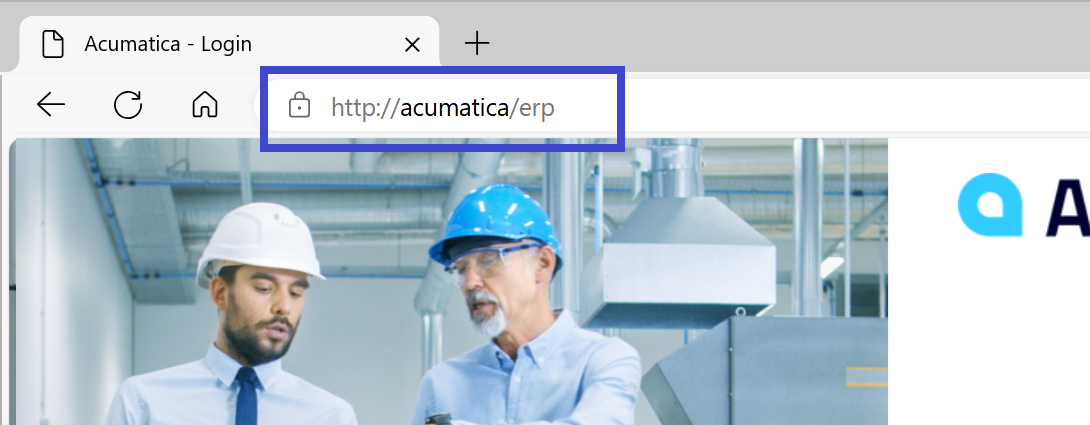
This abbreviated name cannot be used with a Velixo license. We need to find the corresponding fully qualified domain name.
Finding the Fully Qualified Domain Name
Even when running the ERP locally, it will still have a local domain name that we can find and use (instructions for finding this information with can be found here: https://gkaccess.com/whats-my-computers-domain-name)
In the following example, after following the instructions in the link, we can see that the domain is cc.local:
|
Windows 10 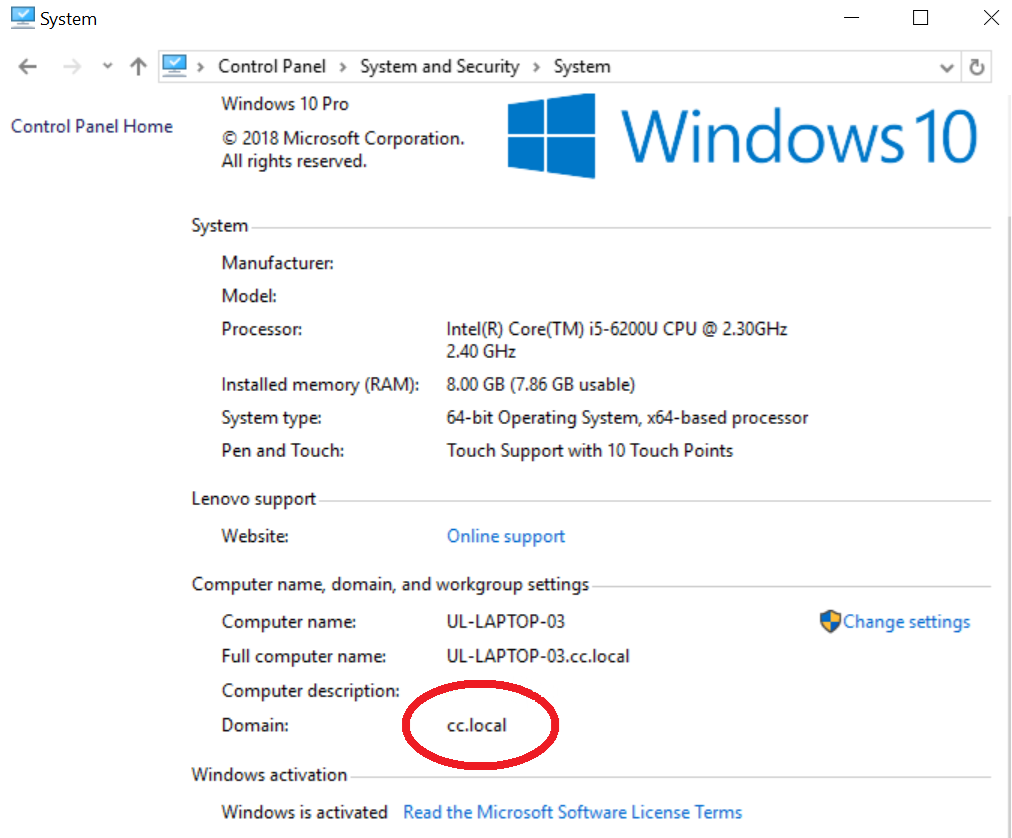
|
Windows 11 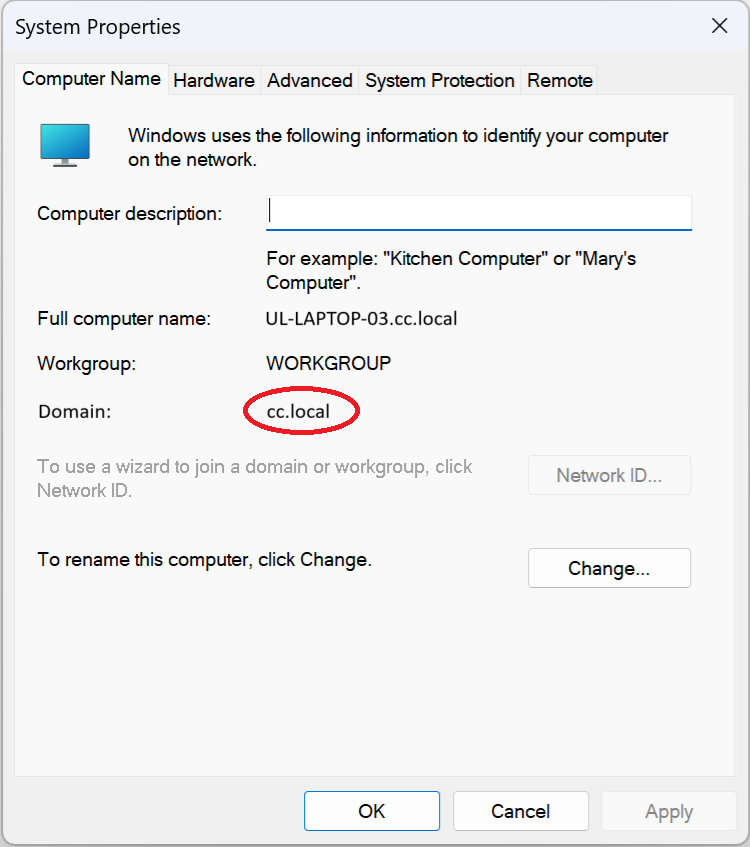
|
With the server named acumatica (as shown in the browser), it would be accessible using acumatica.cc.local as well.
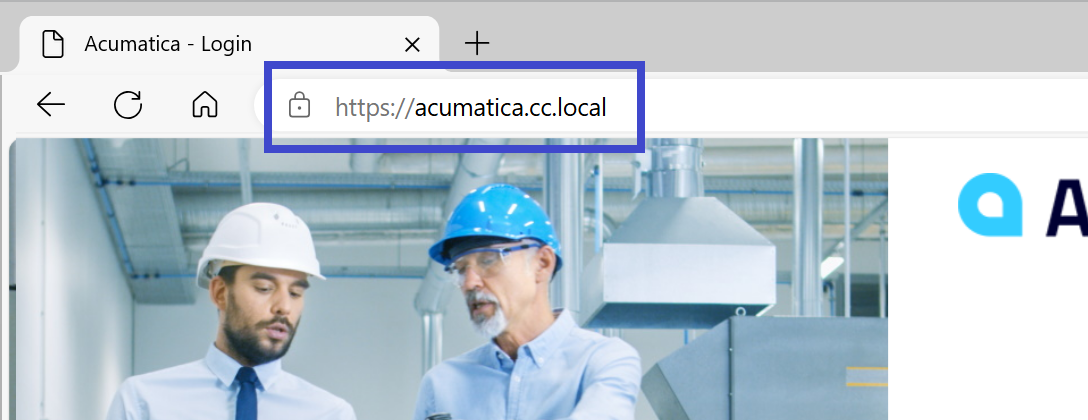
Assuming that the FQDN is accessible through secure connection (a requirement for a Velixo connection), this FQDN can be added to a Velixo license and then be used with the Velixo Connection Manager.