
Overview
At the most basic level, Velixo is governed by the same access rights as Acumatica. So, if you want to control access to various Velixo features, you can do so by controlling access to the screens used for those elements in Acumatica:
-
Drilldown - Account Details and Project Transaction Details
-
GL Writeback - Journal Transactions
-
Budget Writeback - Budget
First-time use
The first time you connect to a tenant, the system will prompt you to create the generic inquiries that are necessary to support Velixo.
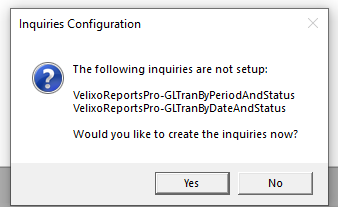
To do that, you need access to the Generic Inquiries page within Acumatica (or MYOB Acumatica). At a minimum, a user would require DELETE access to that page.
If you do not have sufficient access to the Generic Inquiries page, an error will be displayed.
Day-to-day use
Once the inquiries have been created, you only need to have Read access to the VelixoReportsPro-*** inquiries (from the Hidden or Data Views section of the site map) to be able to use Velixo.
Under typical circumstances, all Acumatica (or MYOB/CEGID/etc.) users have access to all of the VelixoReportsPro-*** inquiries.
Confirming Access to Generic Inquiries
To verify the permissions, open Acumatica's Access Rights by Screen page (SM.20.10.20).
Depending on when you first configured Velixo, the generic inquiries and screens are in the Hidden, Data Views, or Velixo sections of the site map.
Within that folder, scroll down to the data views that begin with VelixoReportPro-
All the inquiries that Velixo uses have the prefix VelixoReportsPro-.
You may have other, custom Velixo inquiries. These will typically have the prefix Velixo.
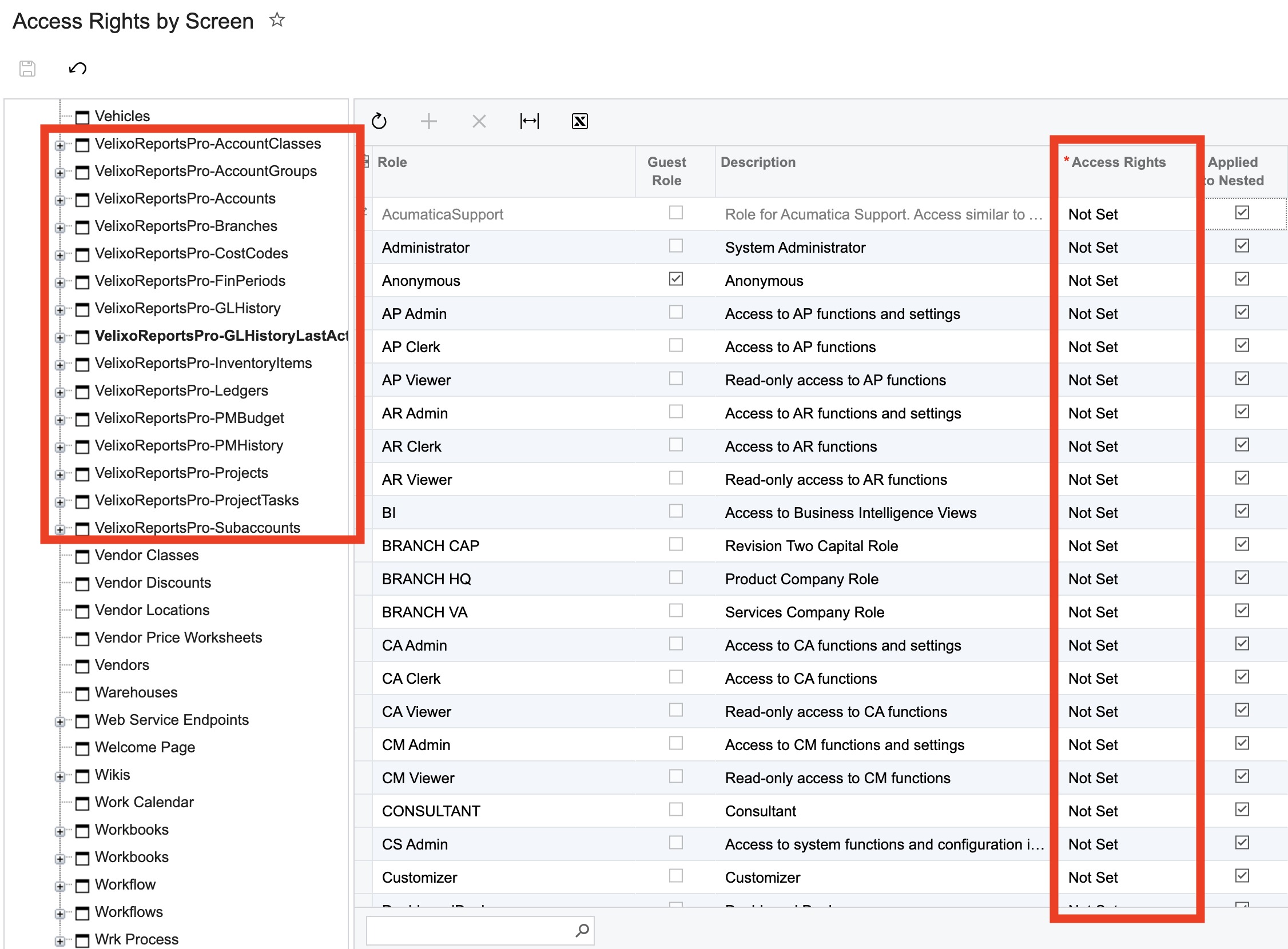
When Not Set is assigned to all roles (as shown above), Acumatica will ALLOW every role to have access to the inquiry.
However, any change can affect all users.
As soon as access rights are directly set for ANY role...
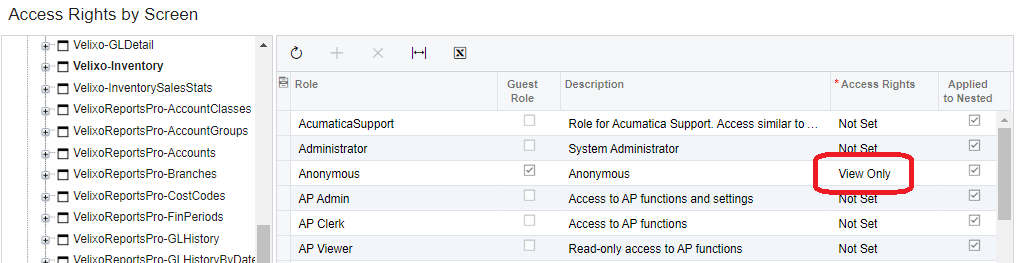
... Acumatica will DENY access to the inquiry for every other role which is configured for Not Set. (i.e., does not have an access right which has been explicitly configured).
In this situation, one of the following access rights MUST be set for any roles which require access to Velixo: View Only, Edit, Insert, or Delete.
Restriction Groups (aka 'Row-Level Security')
As the name suggests, Restriction Groups provide the ability to restrict accounts, subaccounts projects, etc. on a user-by-user basis. Velixo supports the use of Restriction Groups. More information about configuring this type of security can be found in the Acumatica Documentation.
It should be noted that, after changing the restriction groups configuration, you should always do a Full Refresh in Velixo to synchronize your local cache.