
Background
If you have Acumatica's Project Forecasting feature enabled, you can view the Project Budget Forecast within Acumatica and see any of the project forecast revisions for the specific project:
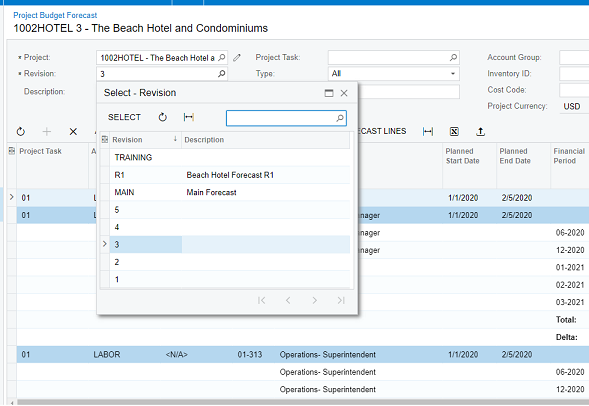
Acumatica provides the ability to take any revision and make it the budget for the project:
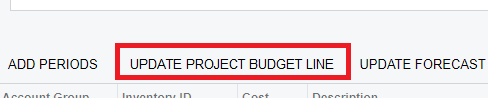
Purpose
The Velixo Project Forecast Writeback feature provides a powerful and flexible method of entering project forecast data.
To help with this, we can use the Project Forecast Builder Excel file:
Project Forecast Builder
and two custom Acumatica Generic Inquiries:
Velixo-ProjectBudget and Velixo-Projects
(you may need to right-click on each of the files and select Save Link as)
Once downloaded, the custom inquiries can be imported into Acumatica by a system administrator:
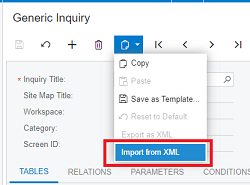
The Excel file is linked to the sample database for the Acumatica Construction Edition but can be edited to work with any Acumatica database.
Example
Watch the video below where Gabriel walks you through the process:
Using Project Forecast Writeback with your ERP's multi-factor authentication requires that the ERP's single sign-on ("OAuth2") feature also be enabled.
Enabling OAuth2 does *not* require an SSO/Advanced Authentication License with Acumatica.