
Velixo NX Menu
This Velixo NX Excel menu provides access to several Velixo NX features.
If you cannot see the Velixo NX menu in Excel (and Velixo Classic is not installed), navigate to the Home ribbon and click the Velixo icon.
Connections
The Connections section is used to configure connections to your ERP, and offers several options to refresh Velixo data in the workbook.

For more information about these functionalities, navigate to:
Analysis
This section includes buttons for exploring data in your Velixo report. You can drill down to underlying transactions in Excel and in your ERP from a single cell using the Drilldown functionality. This section also includes the Status button to monitor current activities running by the Velixo worksheet, such as a Refresh or a Writeback operation.

For more information about those buttons, please navigate to:
Distribution
This section includes options available for distributing Velixo reports to users by e-mail.

For more information about those buttons, please navigate to: Distribution Lists.
Writeback
This section includes options related to Writeback. You can open template Writeback sheets for Journal Transaction, Budget, Project Forecast or Generic Inquiry, and Perform Writeback, i.e., send data from Excel to your ERP.
The behavior of some of the features varies across ERPs. Please refer to the appropriate ERP sections of this Help Center for information tailored to your specific ERP.

For in-depth information regarding Velixo Writeback features, please see:
Insert
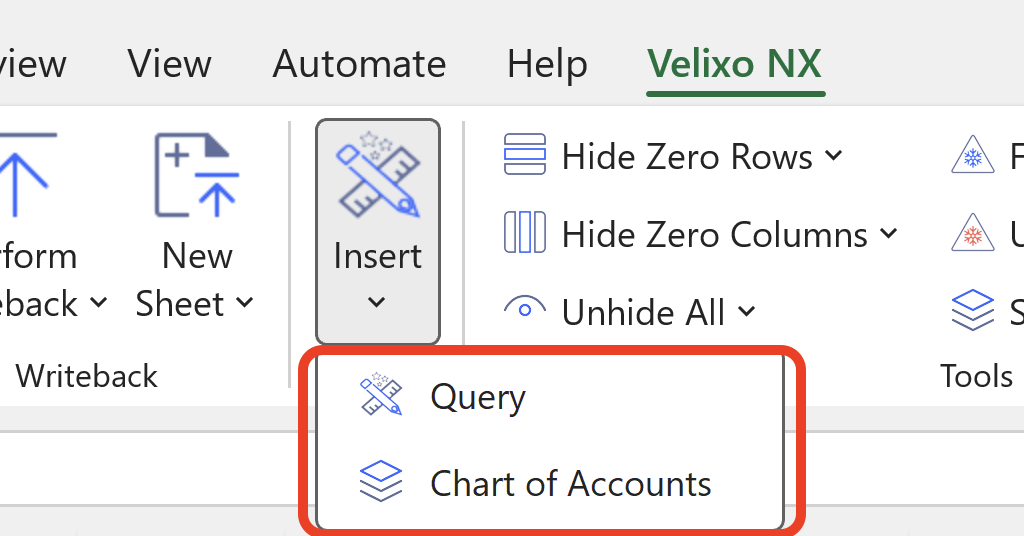
This section lets you insert the chart of accounts from your ERP and build a Query (coming soon to Velixo for Business Central).
Tools
The Tools section includes useful options such as: Hide Zero Rows or Columns, Copy Workbook Without Formulas or use the Slice feature.

For more information about those buttons, please navigate to:
-
Hide Zero Rows (also covers the Hide Zero Columns and Unhide All buttons)
Velixo Intelligence

A digital reporting assistant is coming soon to Velixo!
Options
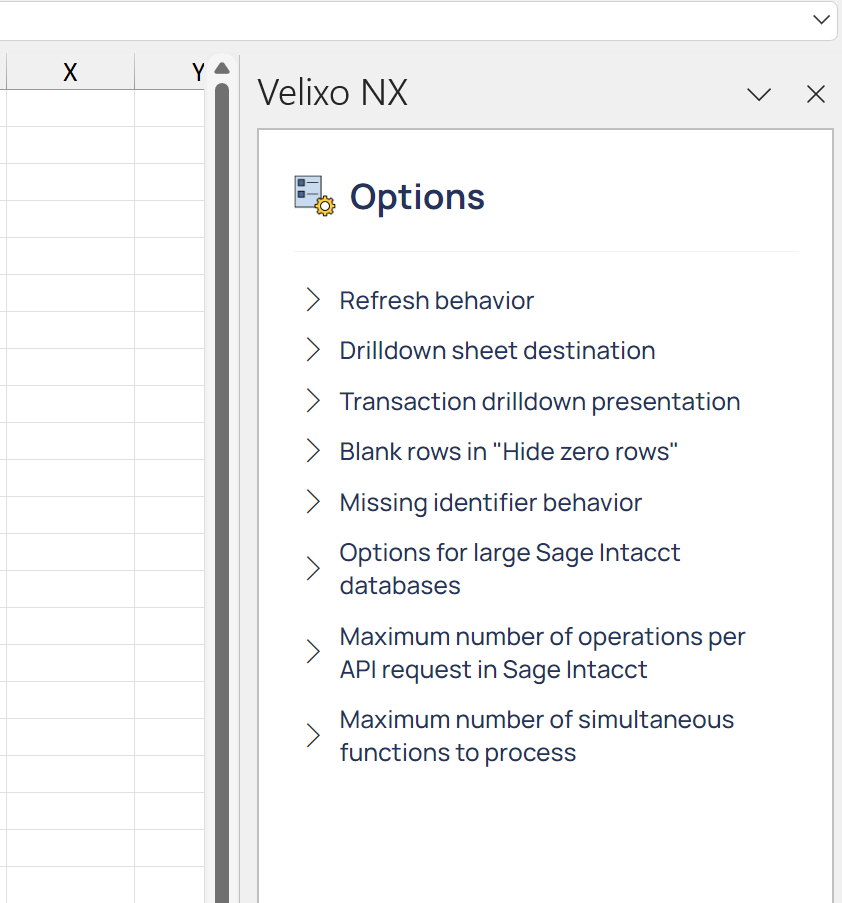
Several options are available to control certain features or behaviors in Velixo NX, including:
-
the refresh behavior,
-
the sign of some accounts' balance,
-
the destination behavior of drilldown sheets,
-
how blank rows are handled,
-
various options to control the behavior of General Inquiries or Queries.

For more information, navigate to: Options.
Help

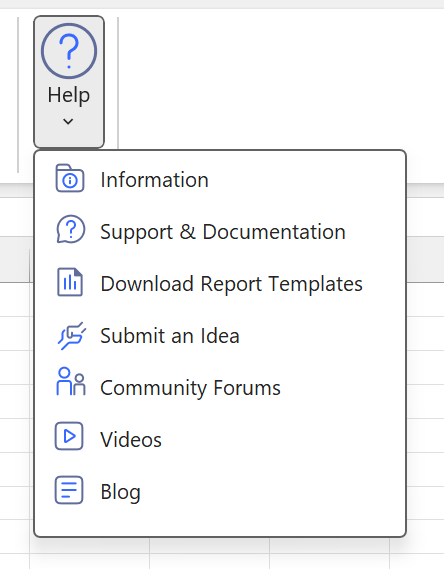
The Help section includes several support, community and knowledge base options, for scenarios such as:
-
displaying product information
-
browsing product documentation
-
reporting a product issue directly to Velixo Support, through a ticket
-
Accessing Velixo report templates on the Velixo Help Center
-
navigating to community forums for creating new product ideas, contributing to community articles, helping or exchanging ideas with peers
-
navigating to the Velixo YouTube channel
-
getting the latest news about Velixo from the Velixo blog
Velixo NX side panel
Some of the Velixo options open additional menus in the Velixo NX side panel. This panel is a standard Excel panel that can be moved, resized or closed.
Velixo Classic concurrent installation
For environments where both Velixo Classic and Velixo NX are installed within a single instance of Excel, Velixo NX will automatically defer all functionality to Velixo Classic, and neither the Velixo NX ribbon nor the Velixo NX button will be displayed.