
The Velixo NX ribbon includes a button for Status:
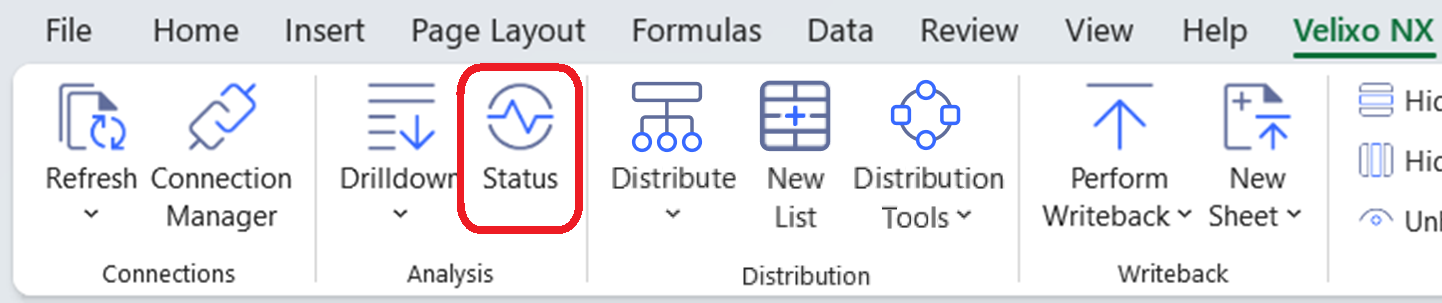
By clicking this button, we can display the Velixo NX Status window in the Velixo NX side panel:
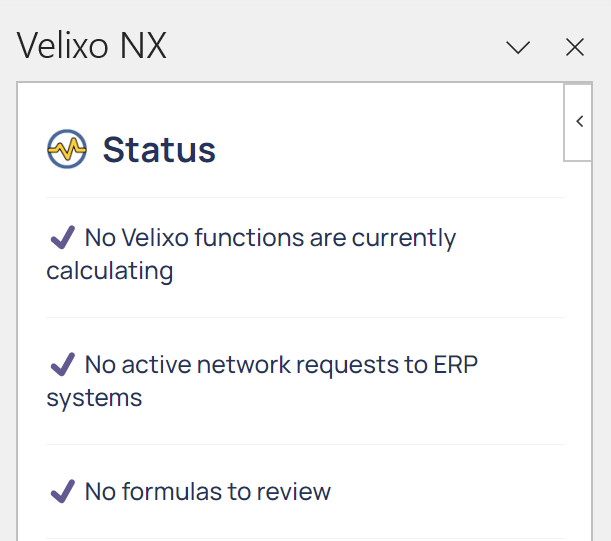
The Velixo NX Status panel provides us with information about any functions that are currently being calculated, any active requests that have been sent to the ERP, and any issues that Velixo/Excel encounters while refreshing your report.
For example:
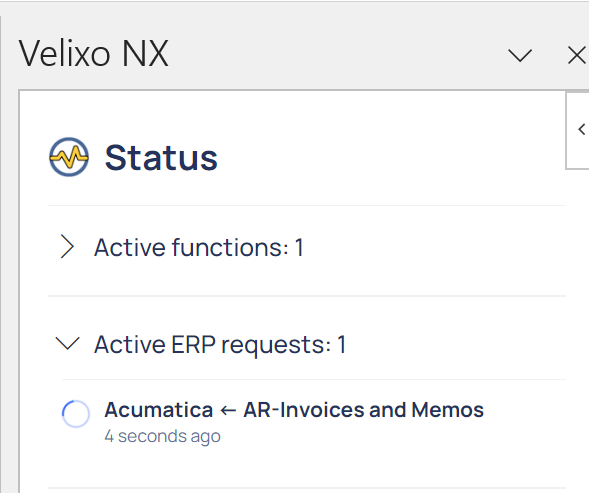
or
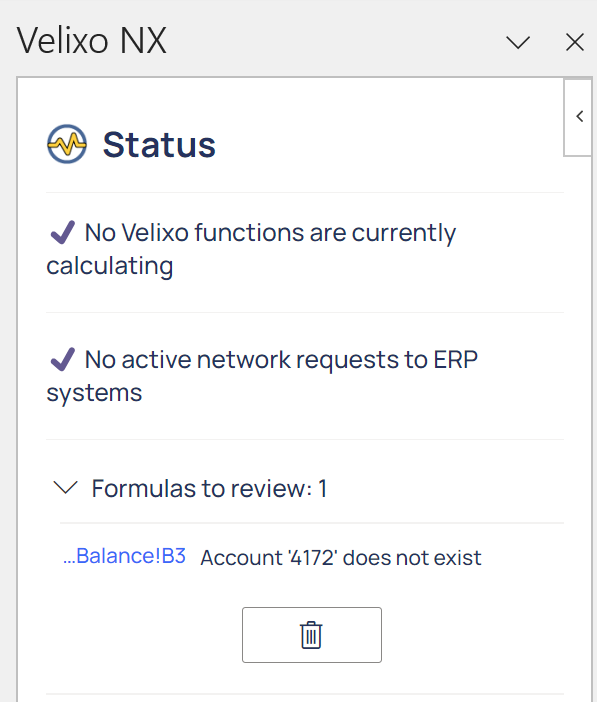
In addition to opening when the Status button is clicked, the Status panel opens automatically when one of the following operations is accessed from the Velixo NX ribbon:
-
Refresh
-
Perform Writeback
-
Drilldown
Opening an Excel file that results in an extraordinary number of formulas to review can cause Excel to become unresponsive and/or return memory errors.