
Action required: update your IP allow list
If your ERP server accepts connections only from approved IP addresses, add 13.54.83.192 to its allow list. This address replaces 13.239.34.44, which Velixo NX no longer uses. Until you update the list, Velixo NX may fail to connect for some of your users, with errors such as 504 or Load Failed.
For details, see Connecting Velixo NX to a firewalled or on-premises ERP server (IP allow-list)
Velixo Intelligence
-
VI now delivers better quality without increasing token usage as we upgraded it to use the newest models. (RD-13903)
-
When Velixo Intelligence can’t confirm a value in a formula it writes, it now uses an example value and suggests you replace it. Previously, it used placeholders, which Excel rejected when you pasted the formula. (RD-13333)
-
Troubleshooting with Velixo Intelligence now starts with the cause of the error: the cell that causes it, its invalid value, and the proposed fix. The step-by-step trace comes after, in a collapsed section. When many cells fail with the same error, the Status pane shows them as an error group, and VI treats the group as one problem and proposes fixing the input they share. (RD-14135, RD-13021)
-
Each Velixo Intelligence answer now has thumbs-up and thumbs-down buttons (thumbs down can include a comment). Velixo reviews these ratings to find answers that need improving. (RD-11166)

Velixo Portal
🚀 New
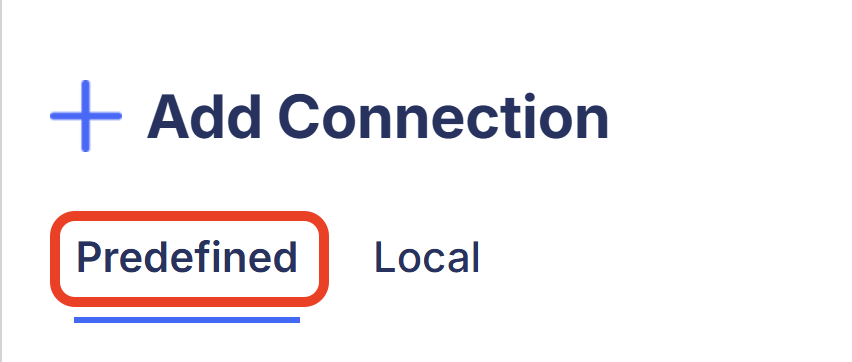
Predefined connections (feature in public preview) – Create connections once in the Velixo Portal, then share them inside your organization, either with shared or per-user credentials. They are then ready to use in the Velixo add-in.
-
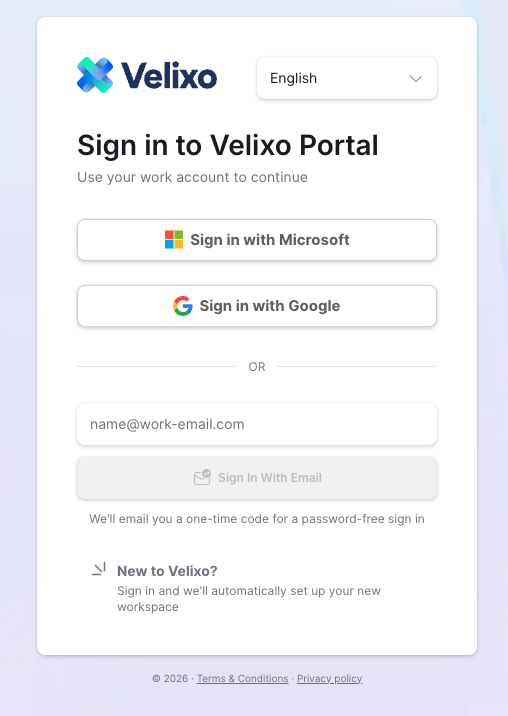
You can now sign in to the Velixo Portal with a Google account, alongside the existing Microsoft and email-code options. A first Google sign-in creates a Velixo workspace the same way the other methods do. If you use the same email address in Google and Microsoft, you can sign in with either, and you will still reach the same account. (RD-14514)
🔨 Fixed
Excel add-in
🚀 New
SI.XWRITEBACK is a new function that writes back to Sage Intacct using the same REST object and field names as SI.XQUERY. It takes the same arguments, modes, and row statuses as SI.WRITEBACK. (RD-13962)
-
SI.WRITEBACK can now upload files as attachments to the Sage Intacct documents it writes in
create,recreateandcreate-or-updatemodes. Requires Velixo Tools. (RD-9205)
-
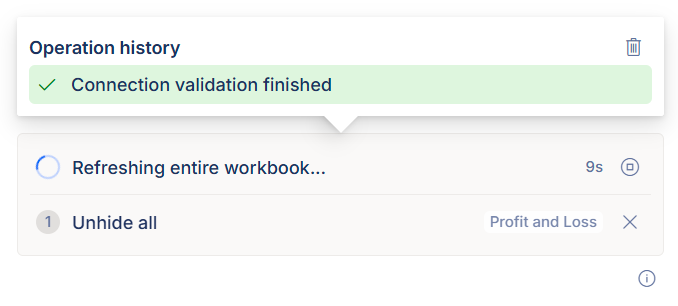
When you start an operation while another one is still running, the add-in now adds it to a queue. Previously, you saw "Please wait until the currently running operation finishes". Up to 5 operations can wait in the task pane, where you can remove each one. (RD-1978)
-
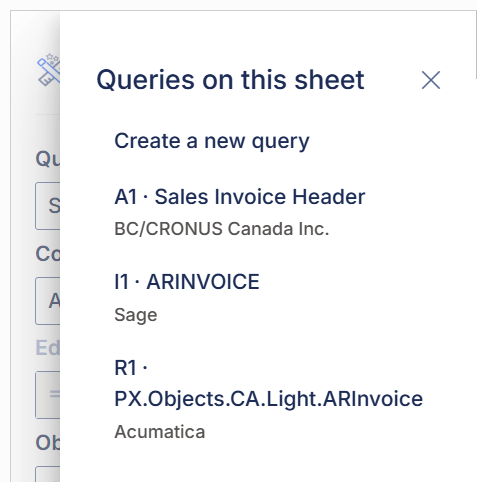
You can now switch between the queries on a sheet from a dropdown in Query Builder and edit any of them. The dropdown also has an option to start a new query. (RD-11258)
-
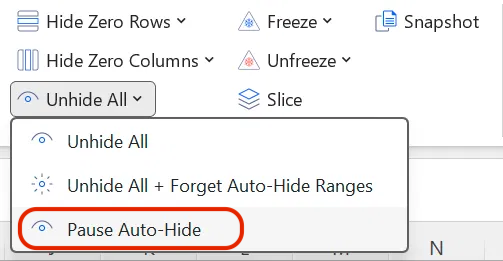
You can now pause Auto-hide while you edit a sheet. Pause Auto-hide unhides all auto-hide ranges and keeps them visible until you select Reapply auto-hide, even after you close and reopen the file. Previously, Unhide all re-hid the ranges on the next recalculation, so several edits meant unhiding them again each time. (RD-13498)
✨ Improved
🔨 Fixed
-
Ribbon buttons such as Refresh and Writeback no longer stay in the wrong state for the rest of an Excel session. A single failed ribbon update is now retried, and when Excel itself needs a restart before the ribbon can update, the add-in tells you to do so. (RD-13029, RD-13028)
-
A full refresh no longer switches Excel's calculation mode from Automatic to Manual in workbooks that contain a password-protected auto-hide worksheet. Previously, figures stopped recalculating with no warning until you set the mode back yourself. (RD-14442)
-
Slice now keeps values that start with an apostrophe as text on every sheet it creates, for example dates stored as text such as
'03-2018or numbers with leading zeros such as'00123. Previously, these parameter values lost their text formatting after Slice ran. (RD-8243) -
Pivot tables that use a large Velixo spill range as their source now keep their fields and values after a refresh when Refresh external data sources and PivotTables when refreshing this workbook is turned on. Previously, the refresh could update them while their source range was still calculating, and they lost their fields or showed only
(blank)values. (RD-14153)
-
GL functions now return values, and Drilldown links open the right company, for Business Central companies whose name contains an ampersand (&). Previously, the company name was cut off at the &, and the functions returned a 404 error. (RD-13546)