
Release date: October 31st, 2025
🚀 New
-
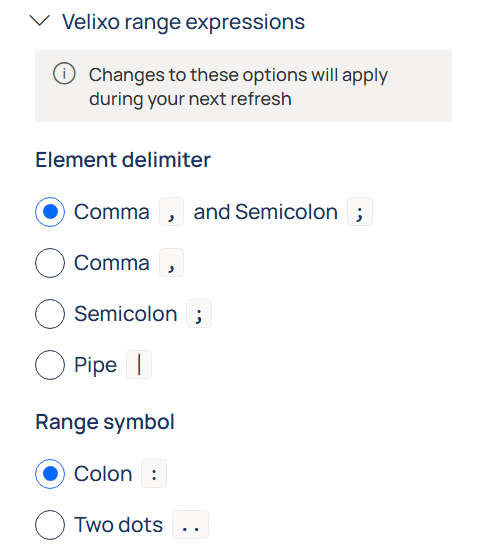
You can now customize the range/delimiter characters used in Velixo range expressions. This affects all function arguments that support it.
-
For example, you may now decide to use
10000..19999instead of10000:19999for account range expressions, or use another symbol to specify multiple dimension values:10100|10200. -
To specify which characters will be treated as a delimiter/range symbol, expand the “Velixo range expressions” section in the Options menu. (RD-5935)
-
-
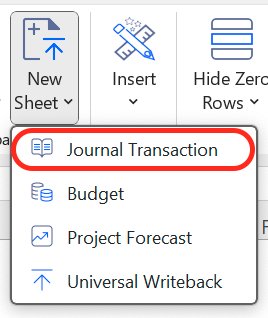
You can now insert journal writeback templates in your workbooks. (RD-1934)
✨ Improved
-
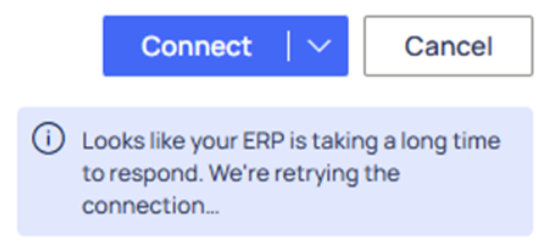
If your ERP instance is cold and slow to respond during the connection process, Velixo will show a notification badge, attempting to connect one more time before timing out. (RD-5768)
-
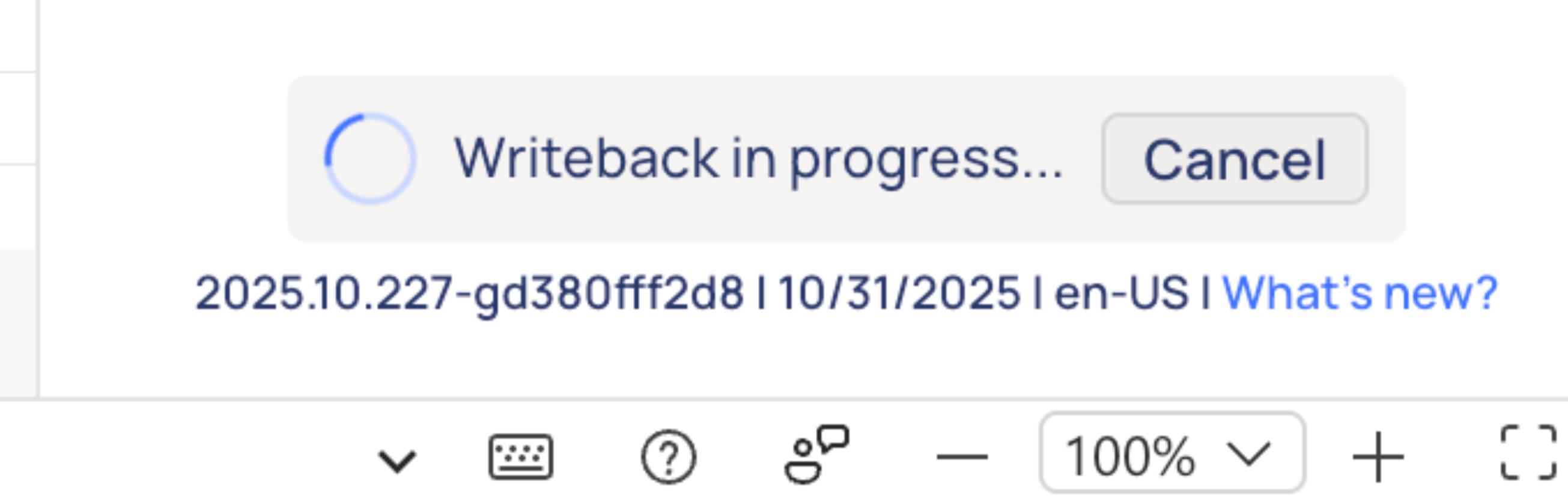
You can now cancel a Snapshot or a Writeback once you have initiated it. (RD-5818), (RD-234)
-
You can now use named Excel ranges for filtering out empty Slice results. (RD-5530)
-
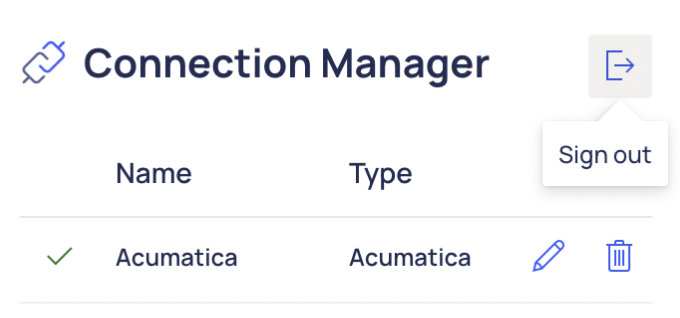
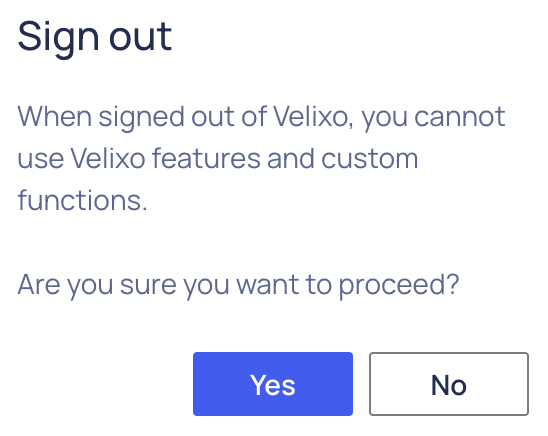
We added a sign-out confirmation dialogue window to prevent accidental sign-outs. (RD-5587)
-
The new
GlRegisterNumberOutputargument in the BC.WRITEBACKJOURNAL function lets you define a cell where the resulting GL register number is returned. (RD-5087) -
You can now customize key fields used to identify budget entries in the
BudgetUpdateModeargument of the BC.WRITEBACKBUDGET function. (RD-5805)
-
We added a warning preventing users from installing Velixo Tools while Excel is open, which could lead to faulty installation. (RD-5152)
🔨 Fixed
-
Workbooks no longer prompt you to log in as the user who originally created the file. (RD-5529)
-
Trying to log in without a valid license now displays an appropriate error instead of an infinite spinner. (RD-4979)