
Overview
The article below describes the how Excel users can try Velixo NX reporting without having to contact Velixo for a trial license.
Install
Once Velixo NX has been installed, you can access Velixo NX by clicking the button on Excel's Home ribbon:

Login
This will open the Velixo NX side panel, where you can then log in to your business Microsoft Account:
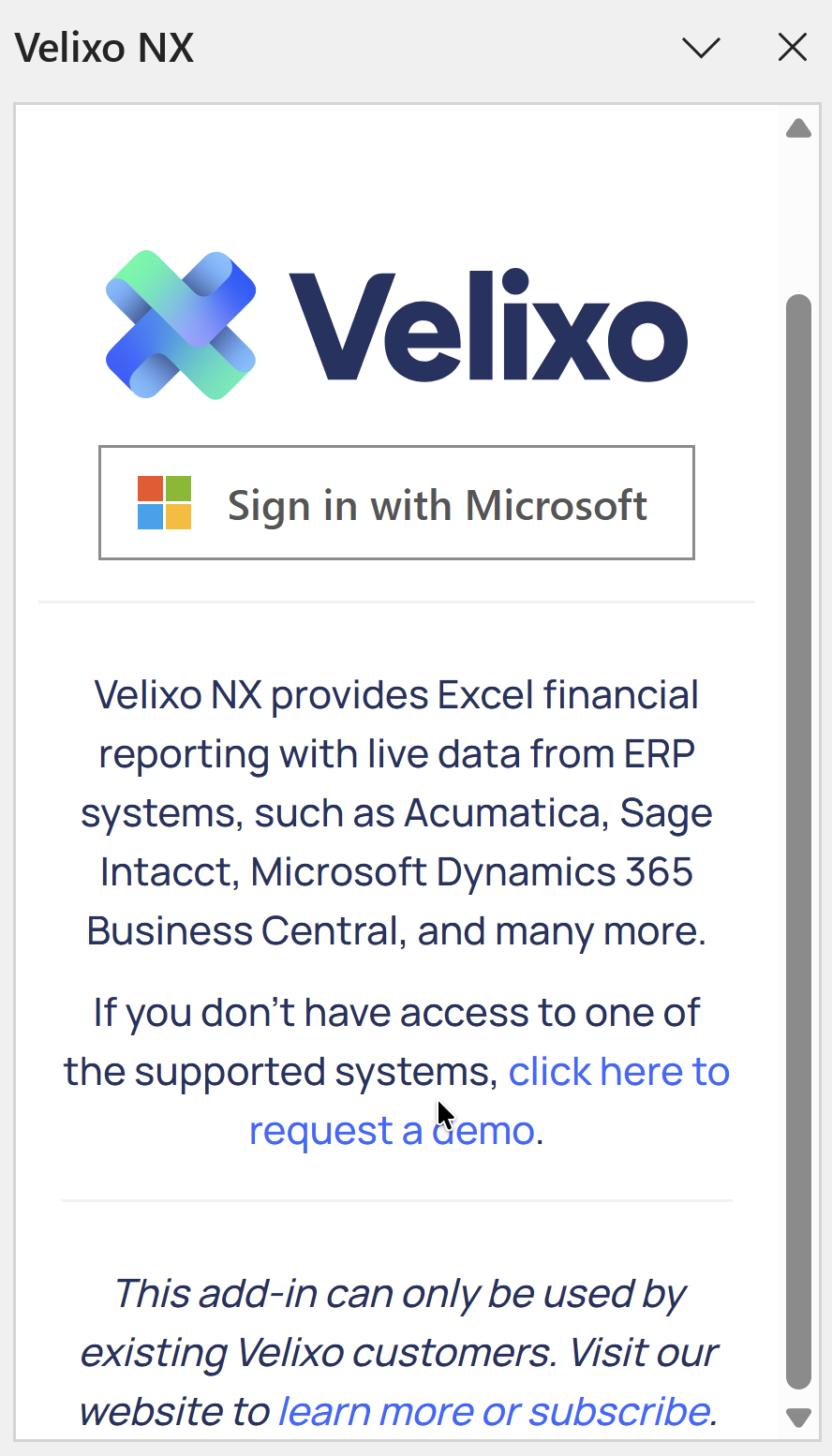
The Microsoft account must be based on a business email; email addresses from free providers (such as Gmail or Outlook.com) are not supported
Register
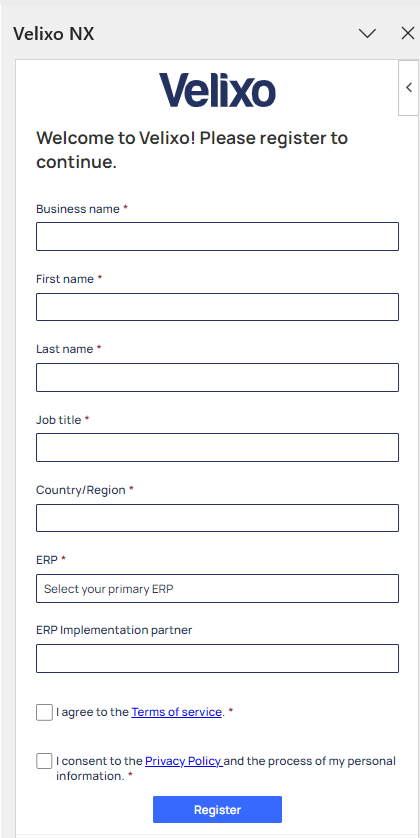
You can then fill in the registration information for starting your Velixo NX trial:
Install the Velixo Business Central extension
Make sure the Velixo Business Central extension is installed, so that you can access all of Velixo NX's functionalities. Follow the installation guide for details.
That's It
You are now ready to start using Velixo NX by defining a connection to your ERP and creating reports.
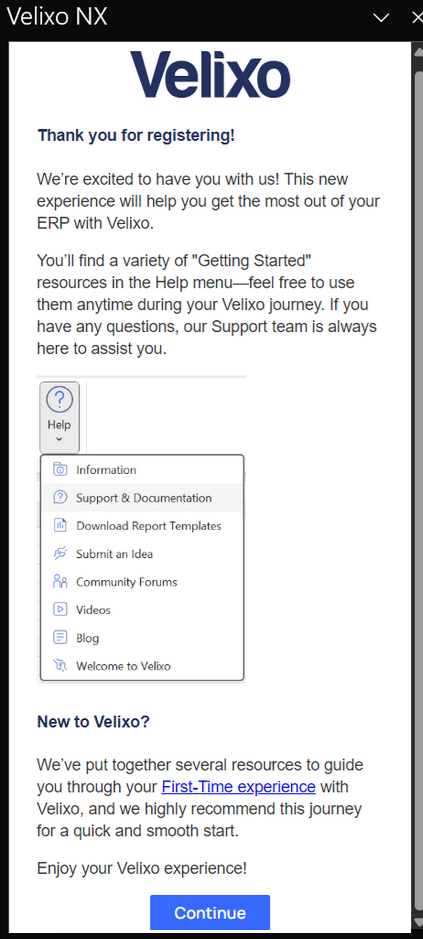
You can access the Velixo Online Help Center through the specified link under the Help button on the Velixo NX ribbon.