
Release date: August 18th, 2026
Excel add-in
🔨 Fixed
-
Fixed an issue causing SI.GETATTACHMENTSBYID to create duplicated attachments in a Distribution List file. (RD-10117)
Velixo Intelligence
Report building & Designer
-
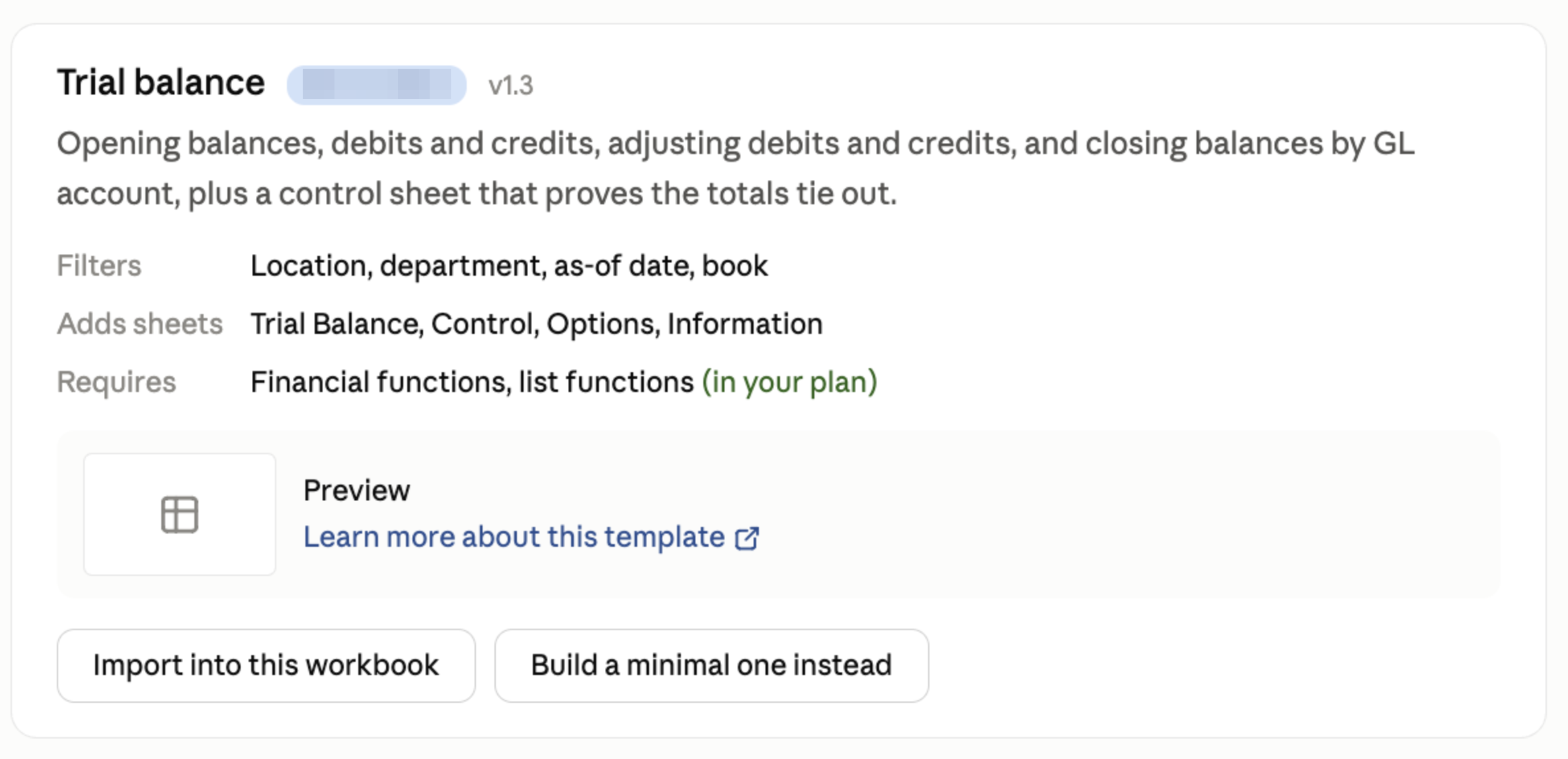
Matched report templates are now presented as a card linking to the template's documentation, so you can see what a template does before importing it, and building the report from scratch instead is offered among the follow-up suggestions. (RD-12052, RD-12438)
-
Importing Velixo report templates via VI became more reliable. (RD-11864)
-
Fixed an issue causing the
#NAME?error in formulas in templates imported in Excel Online. (RD-11865) -
When importing a template that already contains names for cells and ranges, VI now handles any potential naming conflicts. (RD-12054)
-
Reports built by the Designer no longer arrive with frozen panes, making them easier to navigate and edit as soon as they are generated. (RD-10668)
-
Dates in reports built by the Designer now consistently follow your locale's format. (RD-12330)
Agent accuracy & reliability
-
Velixo Intelligence now routes your requests to the right agent far more consistently, so you get the capability you asked for. Measured routing accuracy improved from 96.2% to 99.6%. (RD-11611, RD-9758, RD-11482)
-
Adjusting a filter on a table Velixo Intelligence created now updates that table instead of adding another one alongside it. (RD-10639)
-
Long conversations now have more headroom before reaching a request size limit, and a request that is genuinely too large produces an explanatory message rather than a generic error. (RD-12471)
UX/UI
-
When a worksheet is too large to analyse in one pass, Velixo Intelligence now says so in plain language and continues with a preliminary analysis of a smaller range. (RD-11901)
Velixo Portal
✨ Improved
-
Global settings by default show only the options that apply to your organization's centralized connections (check the Include unconfigured ERP settings to show all settings). (RD-11077)