
Newsletter
Velixo offers an email newsletter where you can get Velixo tips, tricks, and news directly in your email. There are two ways that you can subscribe to our newsletters:
-
from within the Velixo Excel add-in
-
from the Velixo website
Subscribe from Velixo in Excel
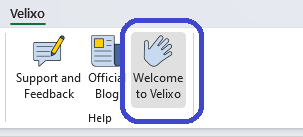
To subscribe to the newsletter, click on Welcome to Velixo in the Velixo ribbon in the Excel toolbar:
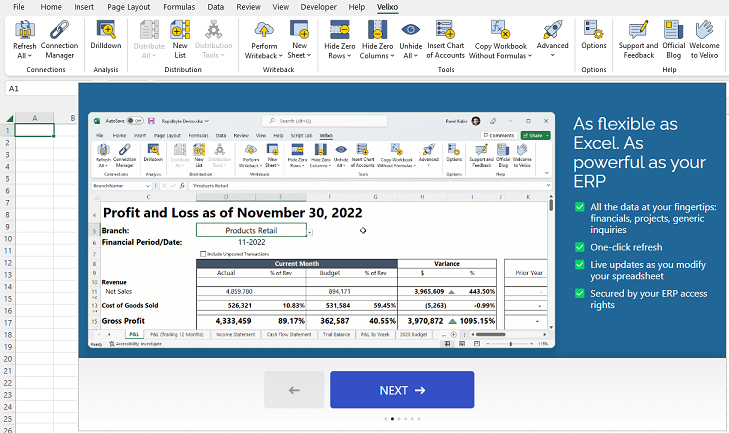
This will display the Velixo Welcome dialog:
Navigate to the last screen in the dialog:
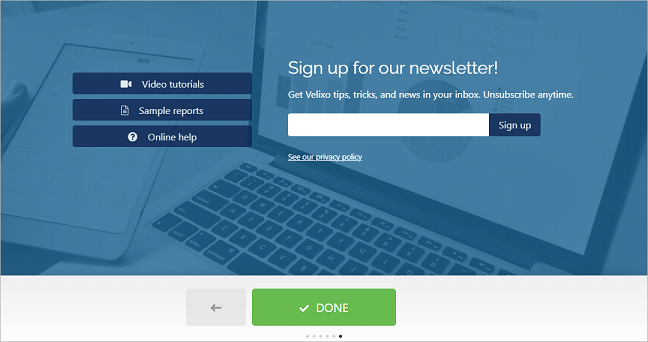
Enter your email address in the box provided and then click Sign up.
Subscribe from the Velixo website
Navigate to https://www.velixo.com and scroll down to the bottom of the main page until you can locate the Velixo Newsletter section.
From there, simply enter your organizational e-mail address and click the arrow to subscribe.
