
Overview
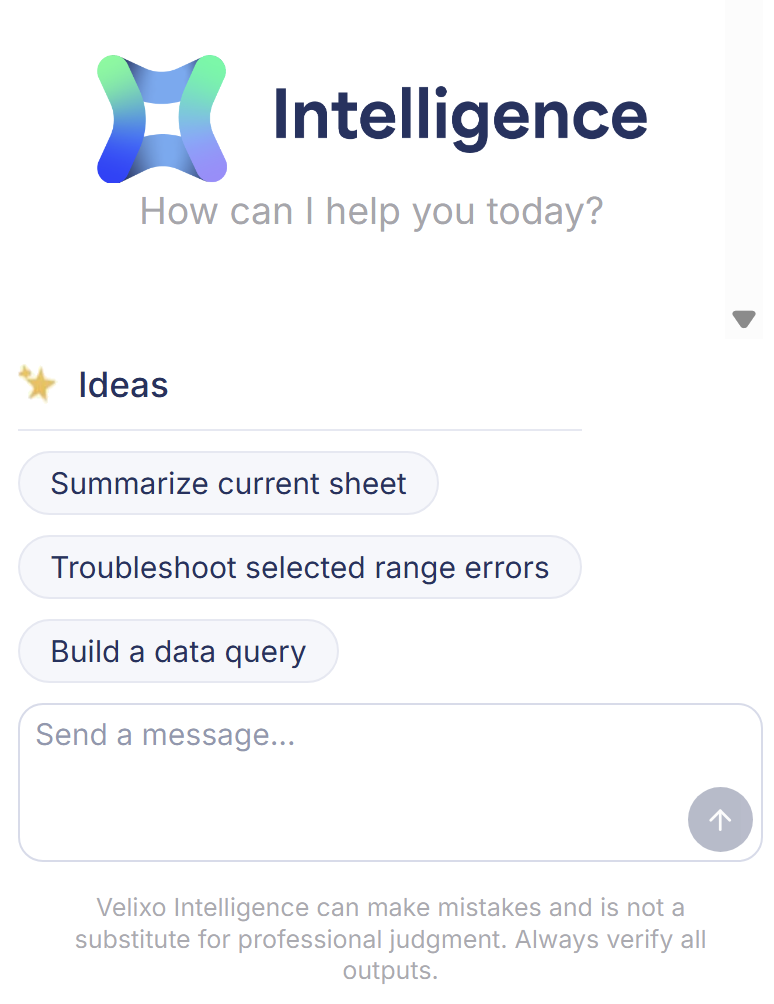
Velixo Intelligence is Velixo's AI assistant inside Excel. It works in the workbook you already have open and uses your ERP connections, so you can delegate reporting tasks without switching tools:
-
Compose Velixo formulas and ERP queries from a plain-language description,
-
Build complete, refreshable reports,
-
Analyze report figures, including variance analysis backed by drilldowns,
-
Create charts and data tables, and adjust worksheet layout,
-
Run Velixo operations such as Refresh and Writeback,
-
Troubleshoot formula errors and prepare support cases,
-
Answer how-to questions about Velixo functions and features.
Velixo Intelligence can make mistakes and is not a substitute for professional judgment. Verify all outputs before you rely on them.
To open Velixo Intelligence, click the Velixo Intelligence icon in the Velixo NX Excel ribbon. See Getting started with Velixo Intelligence for all the ways to start a conversation.
To provide a prompt and return a response (e.g. AI analysis) inside a formula rather than in the chat, use the VX.ASK function.
To disable Velixo Intelligence for your organization (admins only), refer to the dedicated article.
How Velixo Intelligence answers your requests
Velixo Intelligence answers each message with one of its specialized agents and labels every reply with the agent's name:
|
Agent |
What it does |
|---|---|
|
Guide |
Answers how-to and conceptual questions about Velixo functions, ERP syntax, and features, and composes individual formulas. |
|
Analyst |
Analyzes the data you select: trends, anomalies, variances, and commentary. |
|
Designer |
Builds reports, worksheets, and multi-cell formula structures. |
|
Query Builder |
Builds query formulas for your ERP. |
|
Support |
Answers from the Velixo documentation when no other agent fits or when your organization's credit allowance is used up. |
Velixo Intelligence picks the agent for you and keeps it across the conversation unless your topic clearly changes. To direct a request to a specific agent, start your message with @ and the agent name, for example, @Designer.
Availability
Velixo Intelligence is a preview feature. Your use of it is limited by a weekly credit allowance set for your organization. For how credits work - checking your remaining allowance, when it renews, and which operations use the most - see What to expect from Velixo Intelligence.
Data and privacy
Velixo Intelligence takes part in the Velixo Intelligence quality improvement program, which is enabled by default. Under this program, your prompts and the assistant's responses are securely sent to Velixo. Velixo uses this data only to improve the architecture of Velixo Intelligence and its prompts. Your data is never used to train the AI models.
To opt out (admins only), follow the instructions in the dedicated article.
Learn more
-
Getting started with Velixo Intelligence - opening the assistant, entry points, and managing conversations.
-
Building formulas and queries with Velixo Intelligence - composing formulas and ERP queries.
-
Creating reports with Velixo Intelligence - building complete reports with the Designer.
-
Analyzing data with Velixo Intelligence - summaries, variance analysis with drilldowns, and charts.
-
Formatting and worksheet operations with Velixo Intelligence - data tables, layout, and ribbon operations.
-
Troubleshooting formulas with Velixo Intelligence - diagnosing errors and preparing support cases.
-
What to expect from Velixo Intelligence and how to report issues - preview status, credits, getting better results, and reporting a problem.