Overview
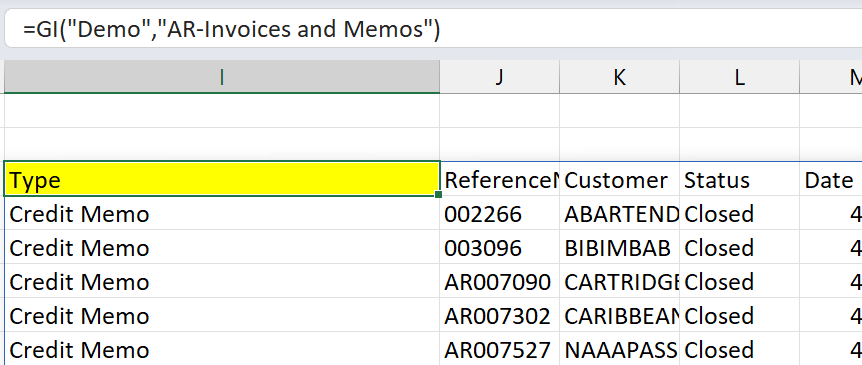
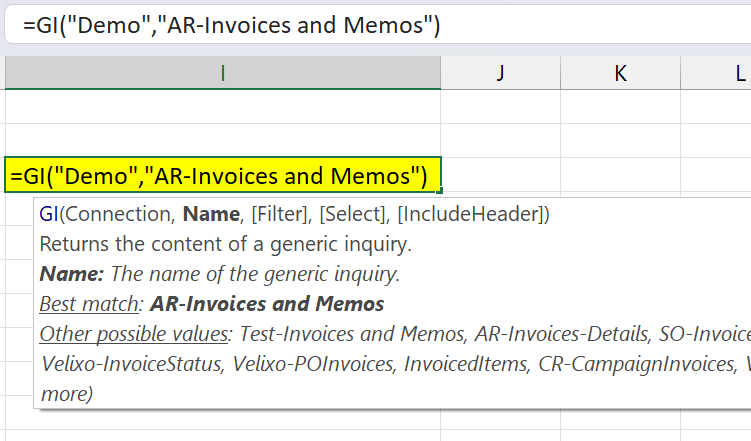
After entering a Velixo function, Excel displays the function in the cell, rather than the results of that function:
Cause
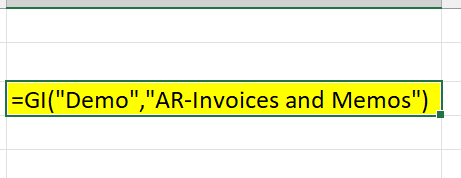
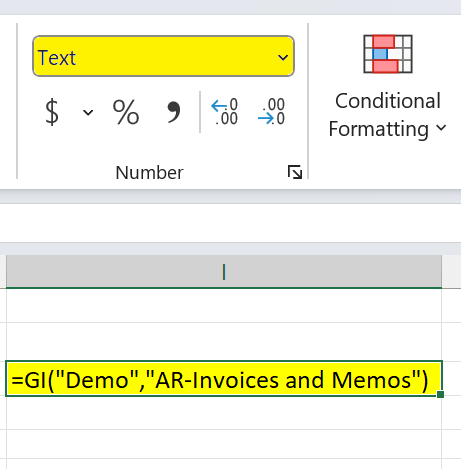
When the cell is formatted as Text, Excel will display whatever is typed in the cell - but will not evaluate it as a function or formula:
Resolution
To fix this:
1. First, format the cell as General:
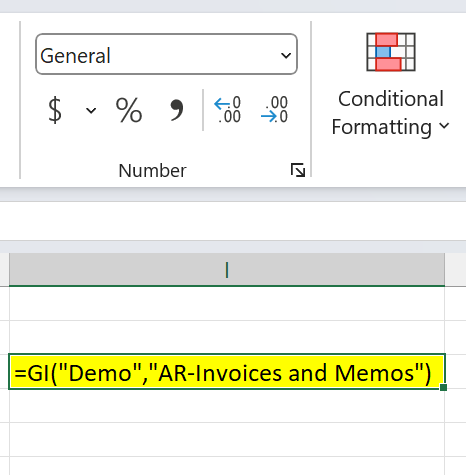
At this point, refreshing the report will not yet help - the content of the cell is still displayed as text.
2. In order to get Excel to recognize that the content of the cell is a function (and not just text), we need to enter the formula edit mode (by double-clicking the cell, or selecting it end putting focus into the formula bar), and then press Enter:
3. Excel will then recognize the function and call on Velixo to evaluate the results: